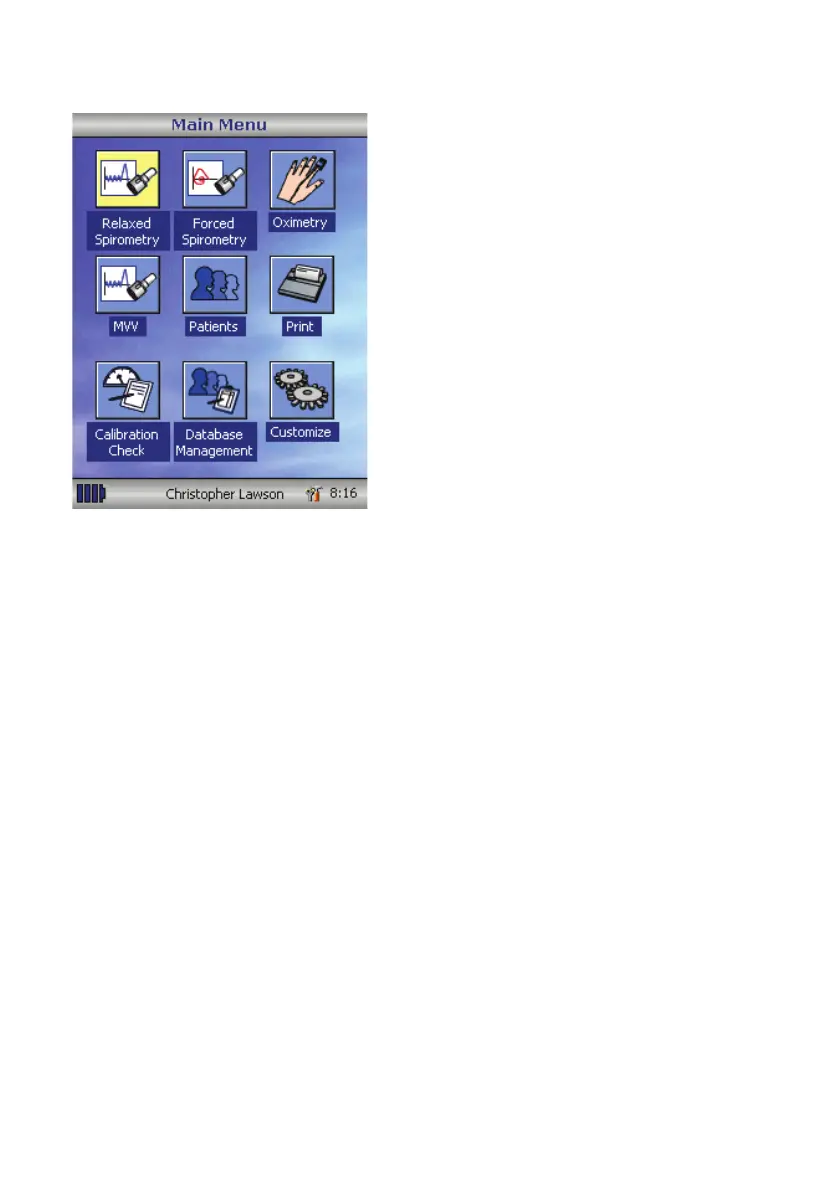
Once all the patient details are added the
patient is added to the database and the
main menu is displayed with the patient
name displayed at the bottom of the
screen.
From the main menu select the required
test, by touching the icon with the stylus.
If the displayed patient is not required for
testing then touch the patients name and
options to change or remove the current
patient will become available
65



 To Next Page