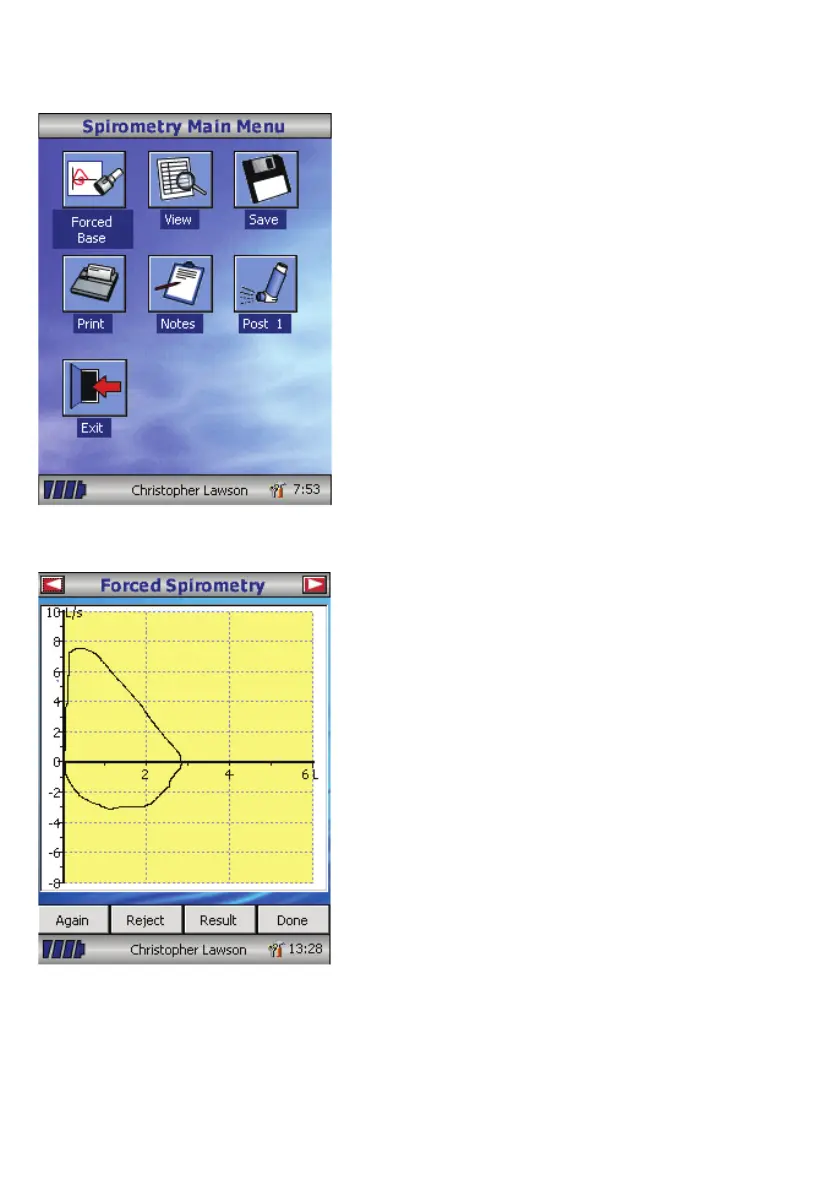
From this menu the results of the test
may be viewed, saved, or printed and
notes may be added.
It is also possible to proceed to a forced
baseline spirometry test, or a post
medication relaxed spirometry test.
Select ‘Exit’ when all the required
functions have been used.
If forced spirometry is selected the default
graph will be displayed. This may be
changed by touching the arrows at the top
of the screen. Flow/Volume, Volume/ time
or child incentive default displays may be
selected using the customize option from
the main menu.
When the spirometry maneuver has been
completed options to repeat the test,
reject the test, and view results will be
available.
At the end of the test options to view
results, save results, print results, and
to add notes will be available from the
spirometry main menu.
67



 To Next Page