33373-001 Version A
7. After downloading the VELA software update files from the Vyaire FTP site, use My Computer
or Windows Explorer to navigate to the location where the files are stored on the computer.
There are three files required for the VELA software update. It is important that these three files
be in the same folder on the computer.
VELA_Downloader.exe
Start_VELA_Download.bat
VELA_XX_XX_XX.mem (where XX_XX_XX represents the Version of the VELA software)
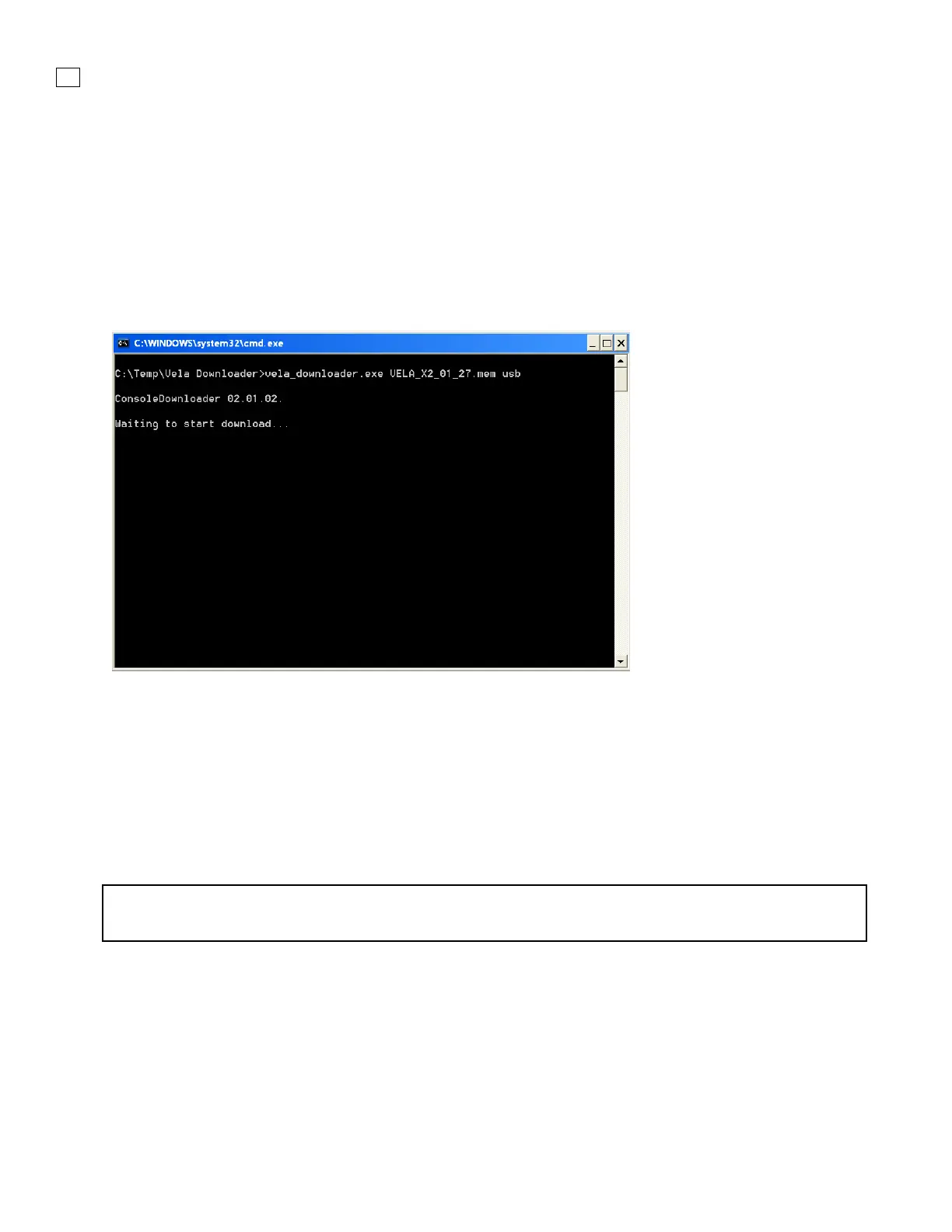
8. Double-click the file Start_VELA_Download.bat.
A window similar to the one shown below opens.
Figure 4-2. Computer Screen
9. Power ON the VELA ventilator.
10. The following messages will be added to the screen:
Load address:
Start address:
File size (# bytes):
The VELA ventilator then erases the old application software. Once this is completed, the ventilator
starts receiving and loading the new application software. This will take approximately 8–9 minutes.
NOTE
The alarm sounds continuously while the software is downloading and cannot be silenced. .
While the application is downloading, the Ventilator screen and the computer screen display
continuous dots, similar to the window shown below.



 To Next Page