33373-001 Version A
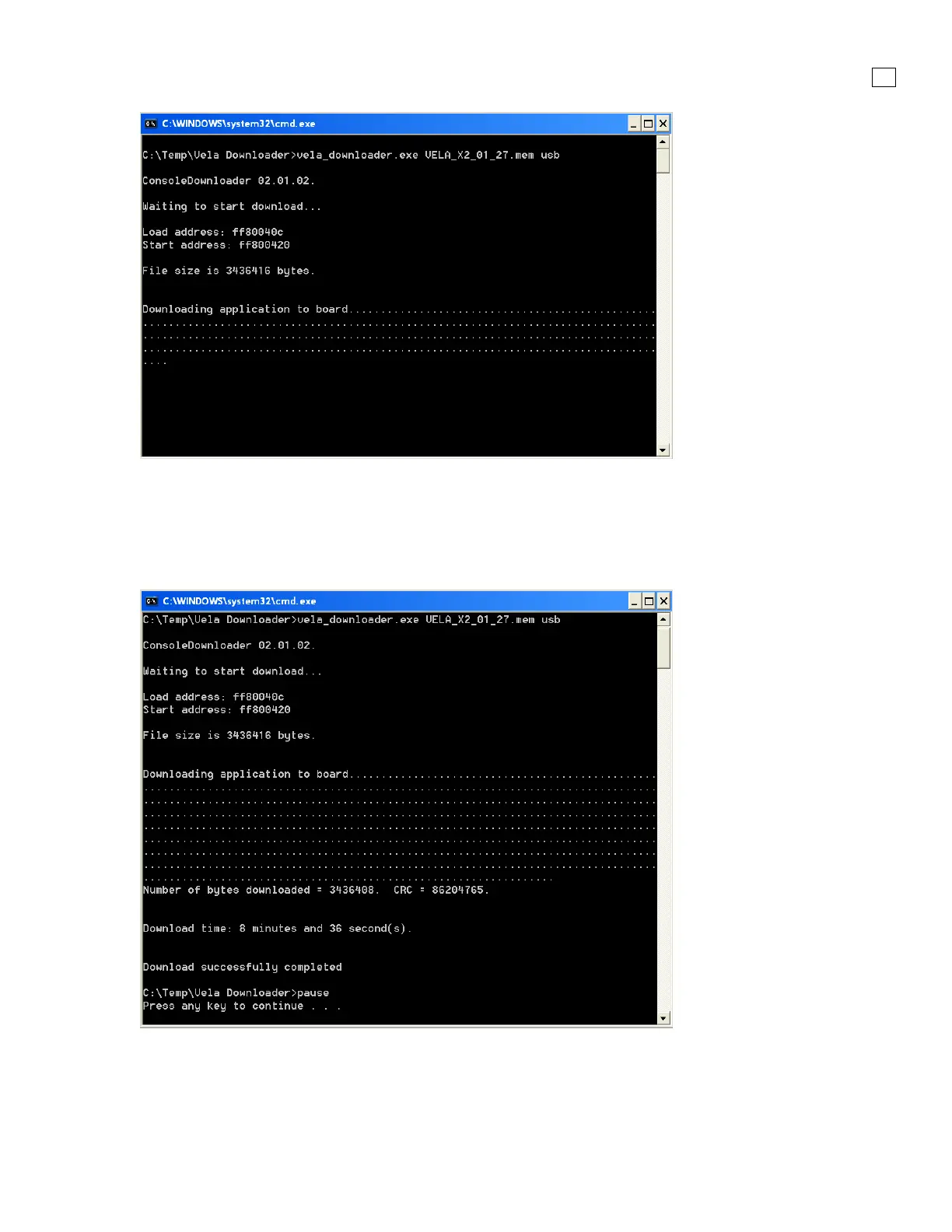
Figure 4-3. Communication between Vela and Computer
When the application is finished updating VELA ventilator, the computer screen will display the
Download time and status. The VELA ventilator will automatically reboot and return to the VELA
Splash screen and then the Patient Select screen. The alarm will be in the Patient Default alarm
mode.
Figure 4-4. Successful Download
11. Perform an OVP before using the ventilator on a patient.



 To Next Page