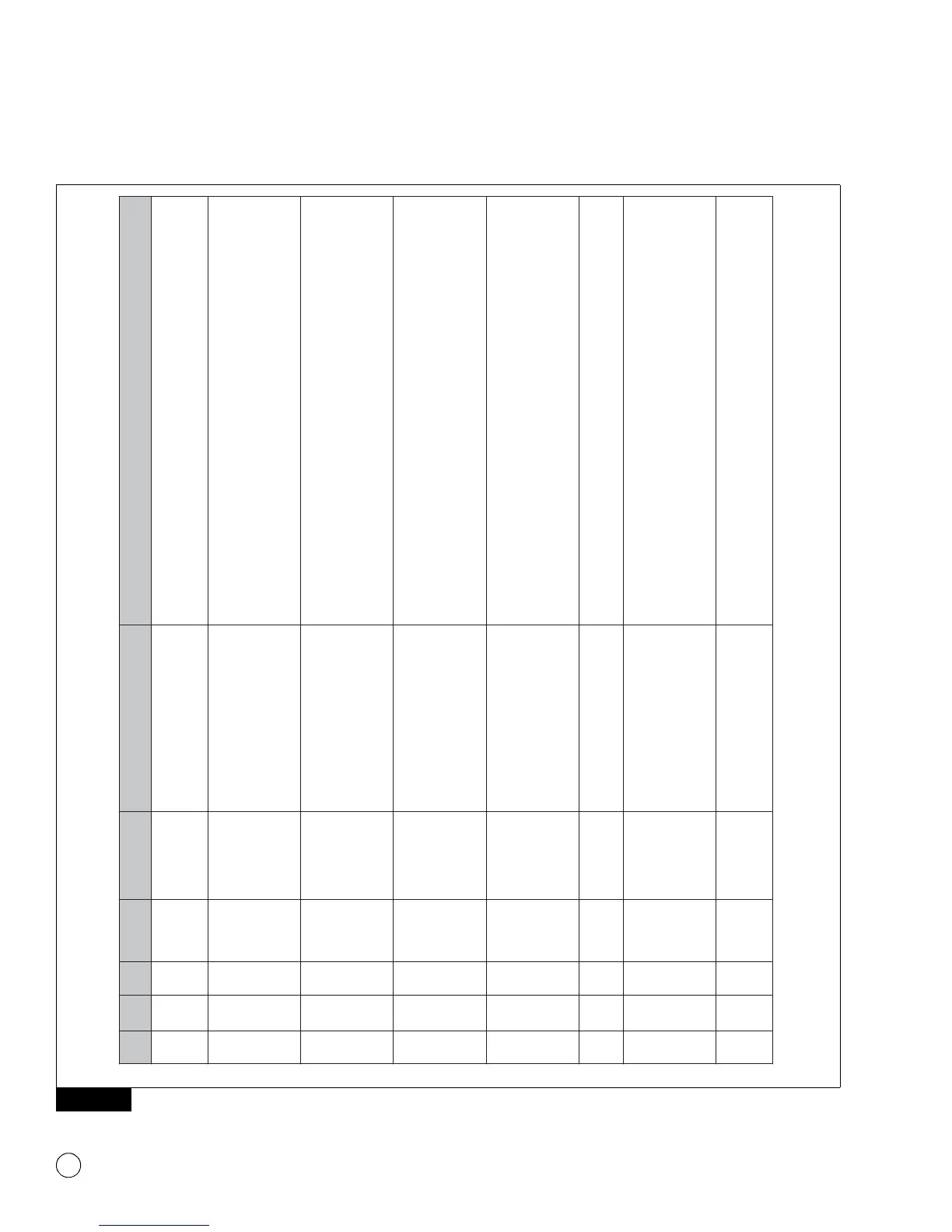
SID SPN FMI
Warning
Light
Programming
Error Code
Message
Displayed
Description/Action
253 630 2 ABS WL None None
This DTC is active for all programmable ECUs that have not been programmed with a
configuration file. Completion of the programming operation will clear this DTC. If this
code is active for a non-programmable ECU, refer to the SPN, SID, FMI Fault Codes
section in this manual.
253 630 2 ABS WL B1
Unable to connect to adapter
[Adapter Name] (Error: B1). Please
exit this window, cycle power and try
again. If the problem persists, please
contact WABCO North America
Customer Care at 855-228-3203.
The diagnostic adapter selection does not match the selection in TOOLBOX™ Software
or the diagnostic adapter is not capable of J1939 communications. Return to the
TOOLBOX™ Software main screen. Select Utilities --> Adapter Selection. Select the
diagnostic adapter being used from the list of options.
253 630 2 ABS WL B2
Unable to start diagnostic session
with ECU (Error: B2). Please exit this
window, cycle power and try again. If
the problem persists, please contact
WABCO North America Customer
Care at 855-228-3203.
This failure may occur if communication with the ECU is interrupted during the
configuration session. Close the TOOLBOX™ Software, reopen it and restart the
aftermarket programming application. If the problem persists, repeat with key on only
(Engine Off).
This failure will also occur when one or more of the following are not connected: Power,
Ground, J1939 CAN High, or J1939 CAN Low. Check for continuity.
253 630 2 ABS WL B3
Unable to read ECU Production Data
(Error: B3). Please exit this window,
cycle power and try again. If the
problem persists, please contact
WABCO North America Customer
Care at 855-228-3203.
This failure may occur if communication with the ECU is interrupted during the
configuration session. Close the TOOLBOX™ Software, reopen it and restart the
aftermarket programming application. If the problem persists, repeat with key on only
(Engine Off).
This failure will also occur when one or more of the following are not connected: Power,
Ground, J1939 CAN High, or J1939 CAN Low. Check for continuity.
253 630 2 ABS WL B4
Unable to read ECU Component ID
(Error: B4). Please exit this window,
cycle power and try again. If the
problem persists, please contact
WABCO North America Customer
Care at 855-228-3203.
This failure may occur if communication with the ECU is interrupted during the
configuration session. Close the TOOLBOX™ Software, reopen it and restart the
aftermarket programming application. If the problem persists, repeat with key on only
(Engine Off).
This failure will also occur when one or more of the following are not connected: Power,
Ground, J1939 CAN High, or J1939 CAN Low. Check for continuity.
253 630 2 ABS WL B5
Aftermarket programming
configuration file for download not
found (Error: B5).
This error will occur if the configuration file is moved or changed during a configuration
session. Close the TOOLBOX™ Software, reopen it, and restart the aftermarket
programming application. If the problem persists, repeat with key on only (Engine Off).
253 630 2 ABS WL B6
Error reading the Aftermarket
Programming configuration file
(Error: B6).
This failure may occur if communication with the ECU is interrupted during the
configuration session. Close the TOOLBOX™ Software, reopen it and restart the
aftermarket programming application. If the problem persists, repeat with key on only
(Engine Off).
This failure will also occur when one or more of the following are not connected: Power,
Ground, J1939 CAN High, or J1939 CAN Low. Check for continuity.
253 630 2 ABS WL B7
Selected file for download has been
successfully used before. Please
restart Aftermarket Programming
and select a different file (Error: B7).
This failure will occur when a user tries to use a configuration file that has already been
used to successfully configure an ECU. Purchase a new configuration file at https://
wabco-na.snapon.com.
4012092a



 To Next Page