3 Diagnostics, Troubleshooting and Testing
14
WABCO Maintenance Manual MM-0112 (Revised 07-18)
Diagnostics
NOTE: Blink code diagnostics are not compatible with E8 software
versions.
Use any of the following methods to diagnose E version ECUs:
앫 Wabco TOOLBOX™ Software, a PC-based diagnostic and
testing program that runs in Microsoft Windows
XP, Vista,
Windows 7 or Windows 8 operating system.
앫 Blink Codes. Refer to the information in this section.
앫 OEM Diagnostic Displays. Refer to the vehicle operator’s manual.
If you have any questions about system diagnostics, please contact
WABCO North America Customer Care at 855-228-3203.
TOOLBOX™ Software Diagnostics
For complete instructions for installing and using TOOLBOX™
Software, refer to the User’s Manual posted on wabco-na.com.
WABCO TOOLBOX™ Software provides computer-based diagnostic
capabilities for the complete range of WABCO vehicle control
systems. The program provides the following functions:
앫 Displays both static (e.g., ECU number) and dynamic (e.g.,
RPMs) information from the system under test.
앫 Displays both active and stored system faults, as well as the
appropriate repair instructions.
앫 Activates system components to verify system integrity, correct
component operation and installation wiring.
NOTE: For E8 software versions, TOOLBOX™ 12 or higher is
required.
To display E version ABS, RSC, ESC or HSA faults:
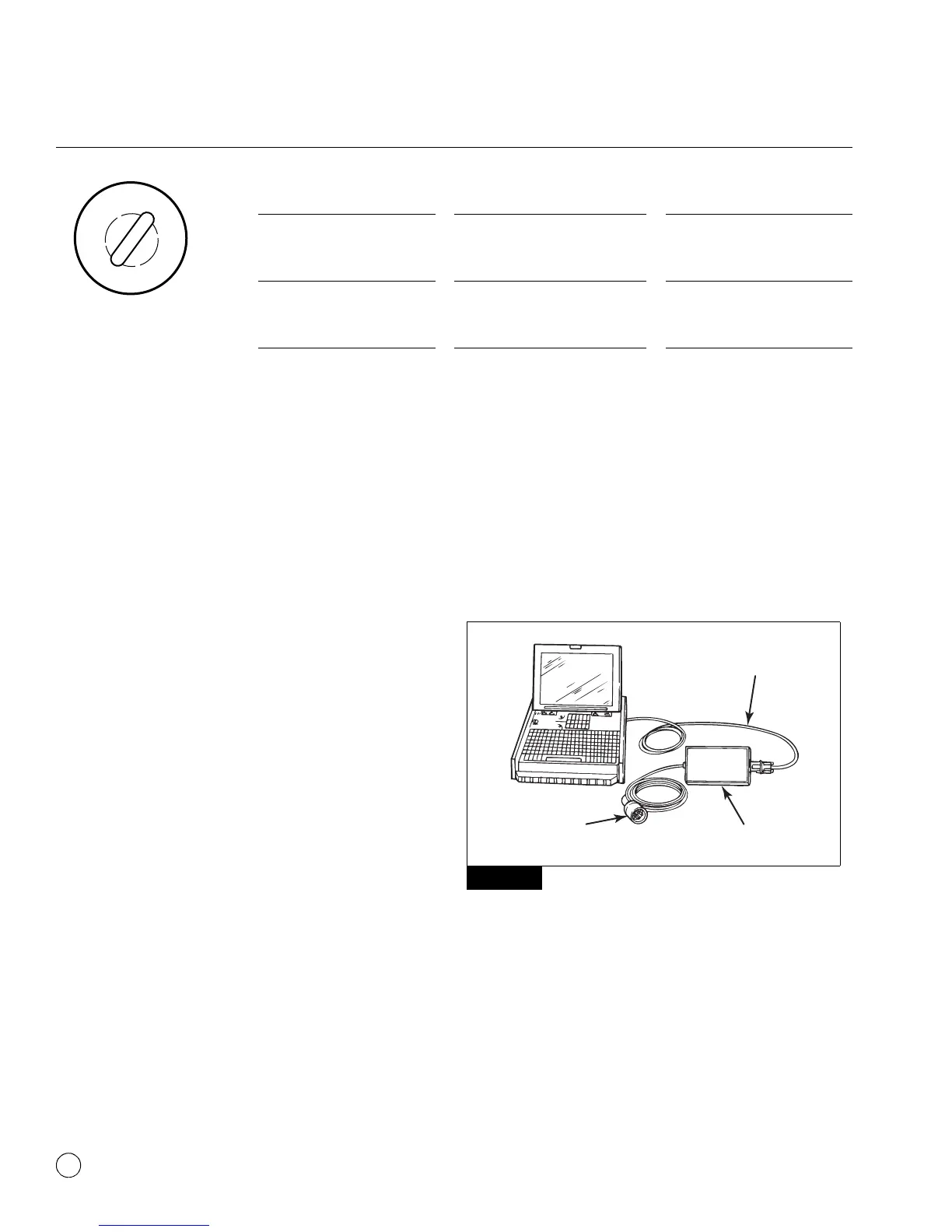
1. Connect the computer to the vehicle:
앫 Attach the USB/serial cable from your computer’s USB or
serial port to the adapter.
앫 Attach the Deutsch diagnostic cable from the adapter to the
vehicle. Figure 3.3.
Figure 3.3
2. Select the TOOLBOX™ Software icon from the desktop or from
the Windows
Start Menu to display the Main Menu.
3. Adapter Selection
Verify the TOOLBOX™ Software is set for the device and
communication protocol that will be used.
To access “Adapter Selection” for TOOLBOX™ Software 11 or
newer, click on “Utilities” from the main TOOLBOX™ page or
under “System Setup” in “J1707/PLC TOOLBOX” from the
main TOOLBOX page. Figure 3.5.
Ignition ON Normal Operation ABS lamp comes on at ignition
momentarily for a bulb check,
then goes out.
System is OK.
After servicing ABS
components
ABS lamp does not go out at
ignition.
When vehicle is driven at speeds
above 4 mph (6 km/h), lamp
goes out. System is OK.
Off-road ABS operation. Refer
to the off-road ABS information
in this section.
ABS lamp flashes during vehicle
operation.
The vehicle’s normal ABS
function is being modified due to
road conditions.
Existing fault or lamp issue ABS lamp does not go out at
ignition.
Lamp does not go out at speeds
above 4 mph (6 km/h) — a fault
may exist in the ABS system or
lamp is permanently shorted.
Figure 3.3
4010610a
TO VEHICLE
DEUTSCH
CONNECTOR
USB OR
SERIAL CABLE
ADAPTER



 To Next Page