7-16 BA ET16 de* 1.0 * et16w700.fm
7 Maintenance
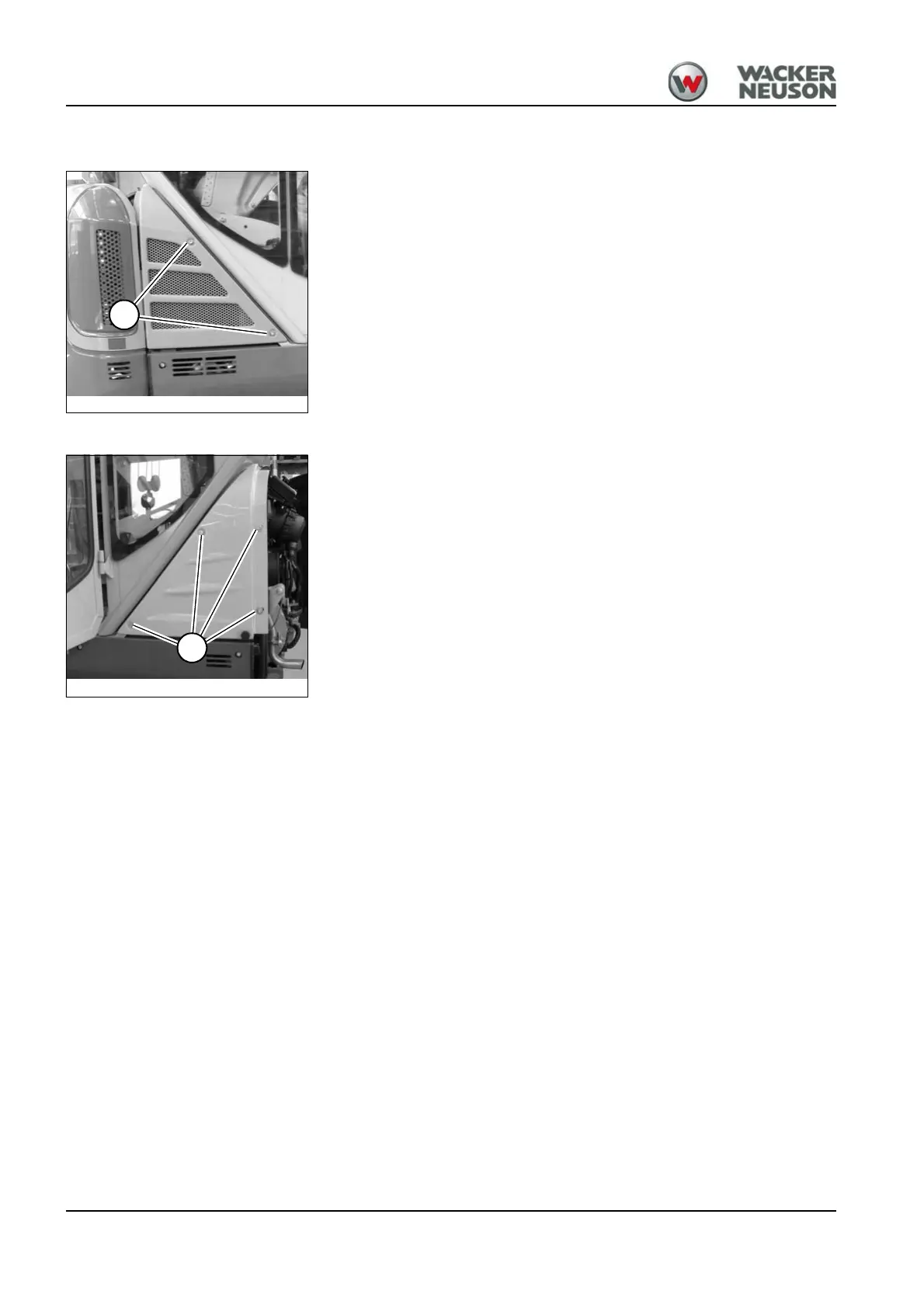
Cover on the right
Open
1. Stop and park the machine. Stop the engine. See “Preparing
lubrication”.
2. Loosen screws A and remove cover.
Close
Lock in the reverse order.
Cover on the left
Open
1. Stop and park the machine. Stop the engine. See “Preparing
lubrication”.
2. Open the engine cover.
3. Loosen screws A and remove cover.
Close
Lock in the reverse order.











 To Next Page