Work with your pen
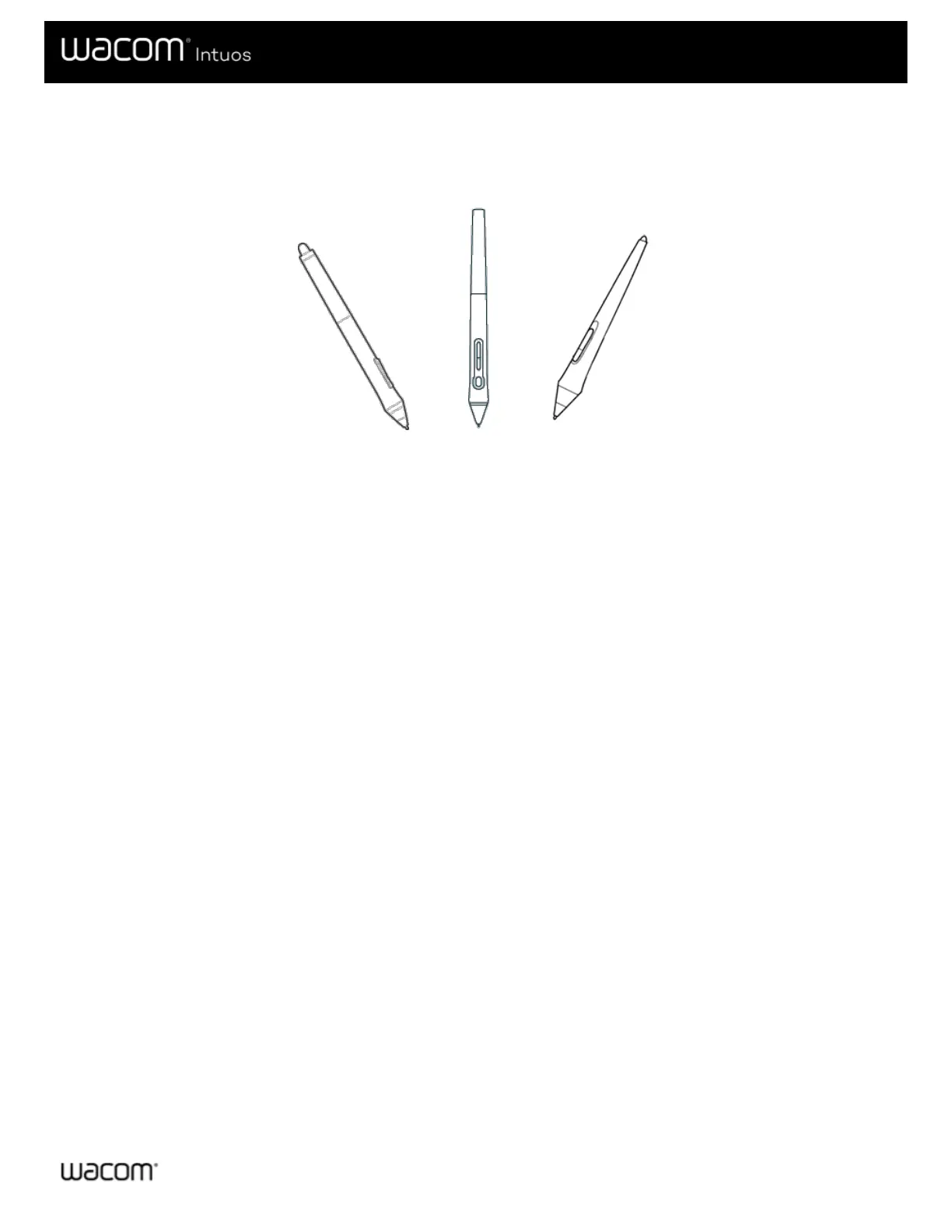
All pen tablets and pen displays include a cordless, battery-free pen that you use to interact with your device. You can hold, write,
and draw as you normally would with a pen or pencil.
Pen styles vary depending on the pen tablet or pen display that you purchased.
Personalize your pen with a color ring
If your pen includes color rings, you can use them to identify and personalize your pen.
1. Unscrew the cone near the pen tip.
2. Remove the color ring that is already on the pen and slide on your preferred color ring.
3. Replace the cone.
Specialty pens
Pens designed for more advanced work, such as the Wacom Pro Pen 3D, Art Pen, or Airbrush, can be used with many pen
tablets and pen displays.
To discover other pens and tools that can be used with your pen tablet or pen display, go to the Wacom Store.











 To Next Page