Express View
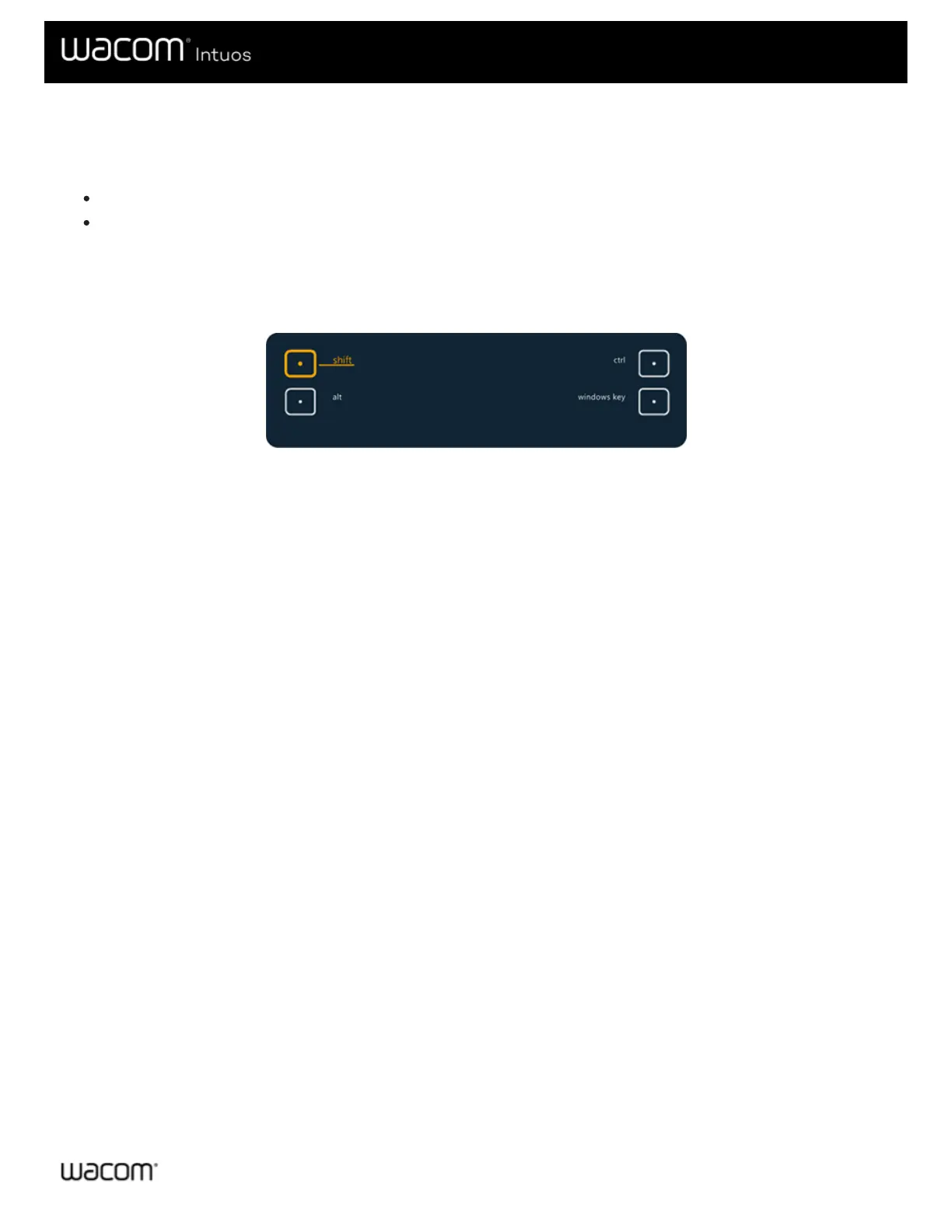
You can enable Express View to see the current settings for your ExpressKeys™ at any time.
Check the Show Express View checkbox on the ExpressKeys™ tab.
Press any ExpressKey to view the current ExpressKeys™ settings on your screen.
The display will fade out after 2 seconds on the screen. Express View may vary in appearance, depending on the Intuos model
you are using.
To disable the display, uncheck the Show Express View box.
The above screenshot is for descriptive purposes; it may not match your screen.
Important: Some applications can override and control the ExpressKey functions.











 To Next Page