Installing The Glass Holder
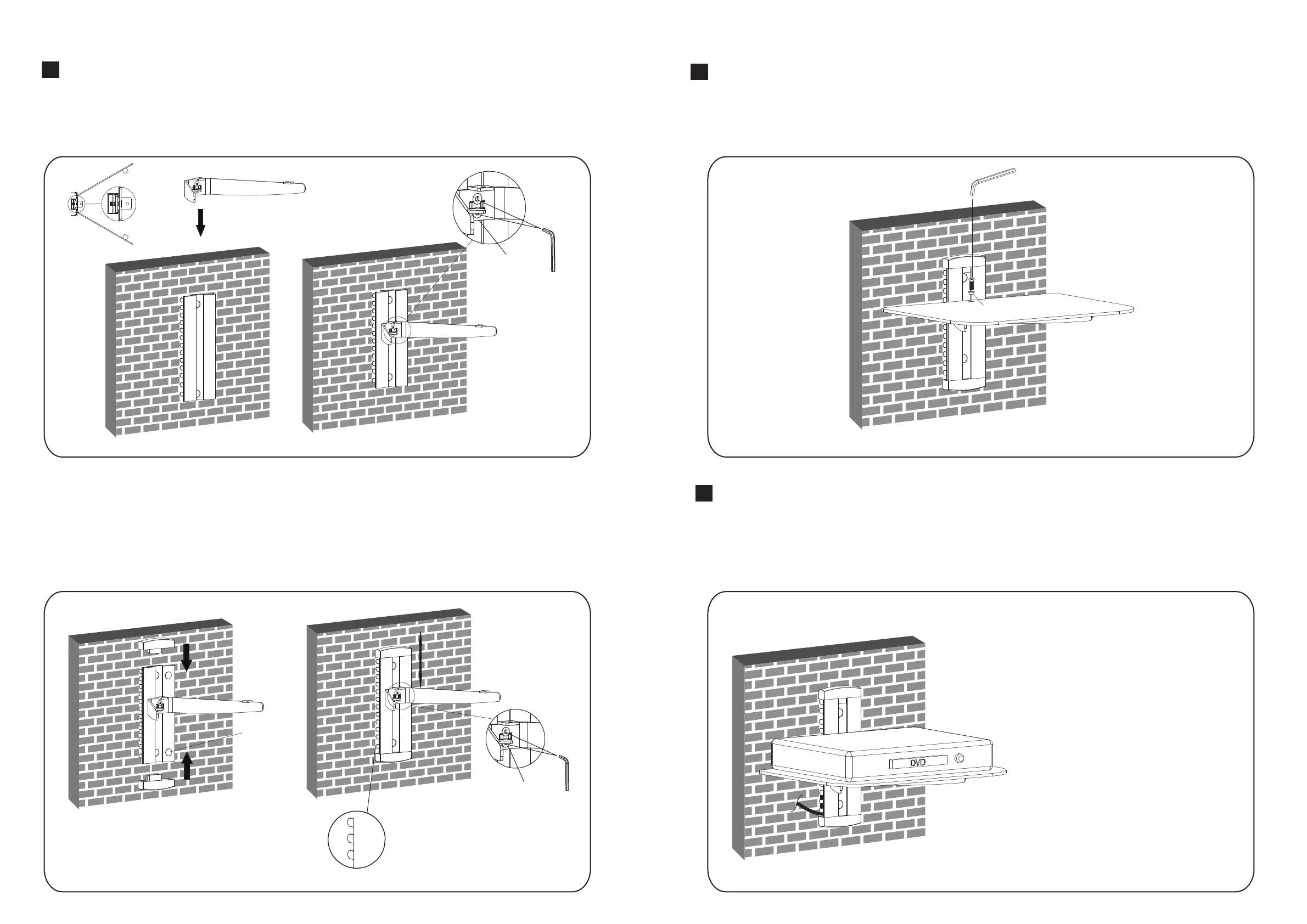
Insert the one glass holder into the wall plate along the wall plate rail at the desired height , and then tighten two
screws with a 3mm Allen key as shown in fig.3.1.
3
●Insert two decorative covers to the top and bottom of wall plate respectively and install two plastic covers
as shown in fig.3.2.
●You can adjust the height of the glass holder as needed. Loosen the screws with a 3mm Allen key(but not
remove) to adjust the glass holder at the desired height and then tighten screws with a 3mm Allen key as
shown in fig.3.2.
Installing The Glass Shelf
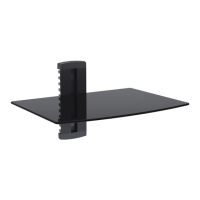
Place the one glass shelf gently on the one glass holders respectively. Attach the glass shelf to the glass
holder using screw and plastic bush, tighten screw with a 3mm Allen key but not tighten completely at this
time. Center the glass shelf over holes, securely tighten screw with a 3mm Allen key as shown in fig.4.1.
4
Cable Management
●Once you have mounted the DVD bracket,
Check that they are sufficiently secured and
safety to use. You should check whether
screws are fixed well every two months.
●If you have any doubts regarding the
installation, please consult our retailer or
service department for details.
Maintenance
After installing the DVD wall mount, place DVD gently on the mounted glass shelf. Pull out the cable clip,
insert the cable into any of the opening of the clip, with one head of the cable inserted in the clip, insert the
clip into the main pole, take out the other head of the cable from another opening of the clip, then push the
clip until the end of the main pole.
5
fig.3.1
C
F
fig.3.2
E
adjustable in height
C
F
hide cable
fig.4.1
F
C
G
fig.5.1
(DVD is not included)
④


 To Previous Page