Need help?
Do you have a question about the Wali GSDM002 and is the answer not in the manual?
Alerts users to the risk of serious injury or death from tipover and advises prevention measures.
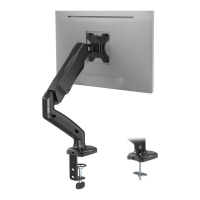
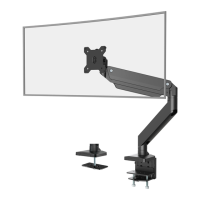
Guides the user through installing the desk mount using the C-clamp mechanism onto a desk.
Details the process of installing the mount using the grommet base through a desk hole.
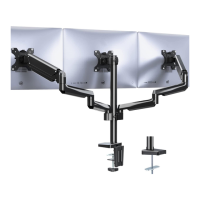
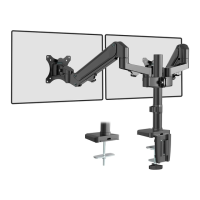
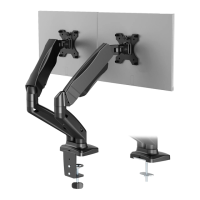
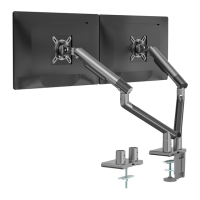
Instructions for attaching the monitor arms and tool holder to the central pole.
Steps for selecting correct screws and attaching the VESA plate to the monitor.
Guides on routing cables and securing the monitor to the arm.
Fine-tuning the arm's lift and tilt mechanisms for optimal performance.
Instructions for manually adjusting swivel, tilt, and rotation for preferred viewing.
 General
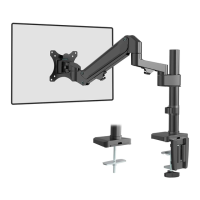
| Product Name | Wali GSDM002 |
|---|---|
| Category | Racks & Stands |
| Material | Steel |
| Color | Black |
| Adjustable Height | Yes |
| Quantity | 1 |
| Weight Capacity | 22 lbs per arm |
| Screen Size Compatibility | Up to 27 inches |
| VESA Compatibility | 75x75mm, 100x100mm |
| Adjustability | Tilt, Swivel, Rotate |
| Mounting Type | Desk Clamp, Grommet |

 To Next Page