Need help?
Do you have a question about the Wali GSDM002-P and is the answer not in the manual?
Essential safety instructions, including tipover prevention and general precautions for installation and use.
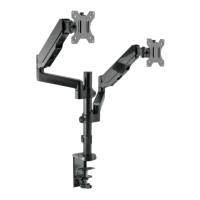
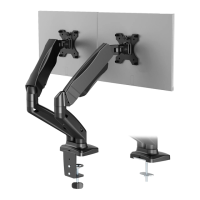
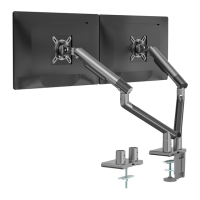
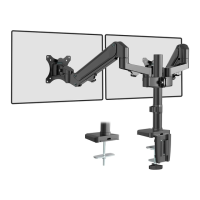
Detailed list of all parts provided in the package for the dual monitor desk mount.
Determine desk thickness for clamp or grommet installation compatibility.
Step-by-step guide for attaching the mount to the desk using the clamp.
Instructions for installing the mount through a desk grommet hole.
Connect the monitor arms to the central pole and secure them.
Select screws, attach VESA plates to monitors, and mount monitors onto arms.
Fine-tune the spring tension to balance the weight of attached monitors.
Route and secure monitor cables through the designated slots for organization.
Adjust monitor tilt, swivel, and rotation for optimal viewing positions.
 General
| Material | Steel |
|---|---|
| Weight Capacity | 22 lbs |
| Number of Shelves | 1 |
| Assembly Required | Yes |
| Tilt | No |
| Swivel | No |
| Rotation | No |
| Color | Black |
| VESA Compatibility | No |
| Mounting Options | Floor |

 To Next Page