7
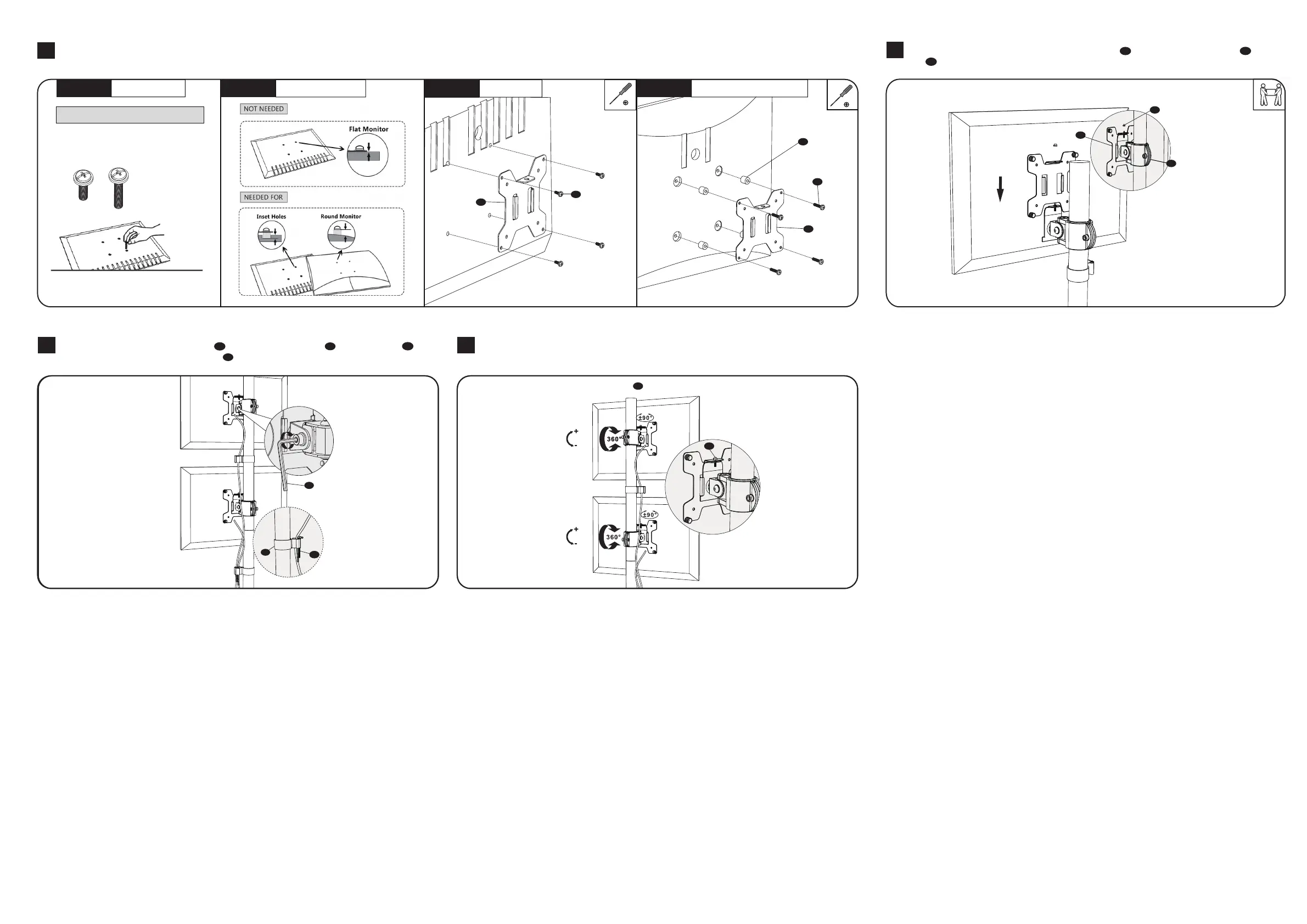
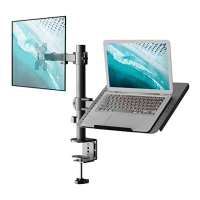
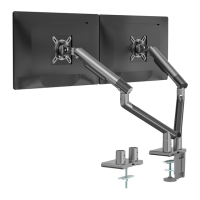
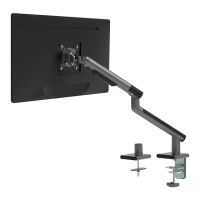
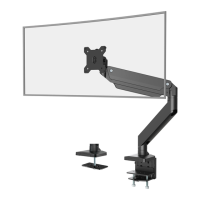
Manually swivel, tilt, and rotate the monitor for the best viewing angle.
6
Guide the cable through the Wire Clips and store the Allen Keys o in the Wire Clips k .
Adjust the tilt angle using Allen Key 5mm n .
K
K
I
I
45°
45°
45°
45°
Select bolts and spacers (if needed) according to your TV/Monitor. Attach the VESA Plate to the Monitor and tighten with a screwdriver. (Screwdriver not included)
Step 4.1
Select Monitor Screws
Step 4.3a
Flat Back Monitor
Step 4.3b
Curved or Recessed Back Monitor
D
D
G
H
F
M4x12
M4x30
4
Only one screw size fits your Monitor
Step 4.2
Select Spacers ( if needed )
Hand thread screws into the
threaded inserts on the back
of your Monitor to determine
which screw (M4x12 or M4x30)
to use.
5
Put the assembled TV/Monitor onto the Monitor Arms d and tighten the VESA Plate e with
Nut h for stability.
h
I
I
K
D
C
E
D
E
C
Notice: Please make sure the security nut is installed before you rotate the monitor.
E
E


 To Previous Page