12
EN
5. Closure of the device
Step 5.1: Reconnect the cover communication cable.
Step 5.2: Close the front cover, taking special care with the fitting and ensuring that the O-ring remains in place.
Step 5.3: Secure the cover by tightening the Torx screw.
In case it is needed to reopen the device, use only the tool (I-1) provided for this procedure
included in the Wallbox box. The use of any other tool or means may cause damage in the
charger, which wouldn’t be covered by the product warranty.
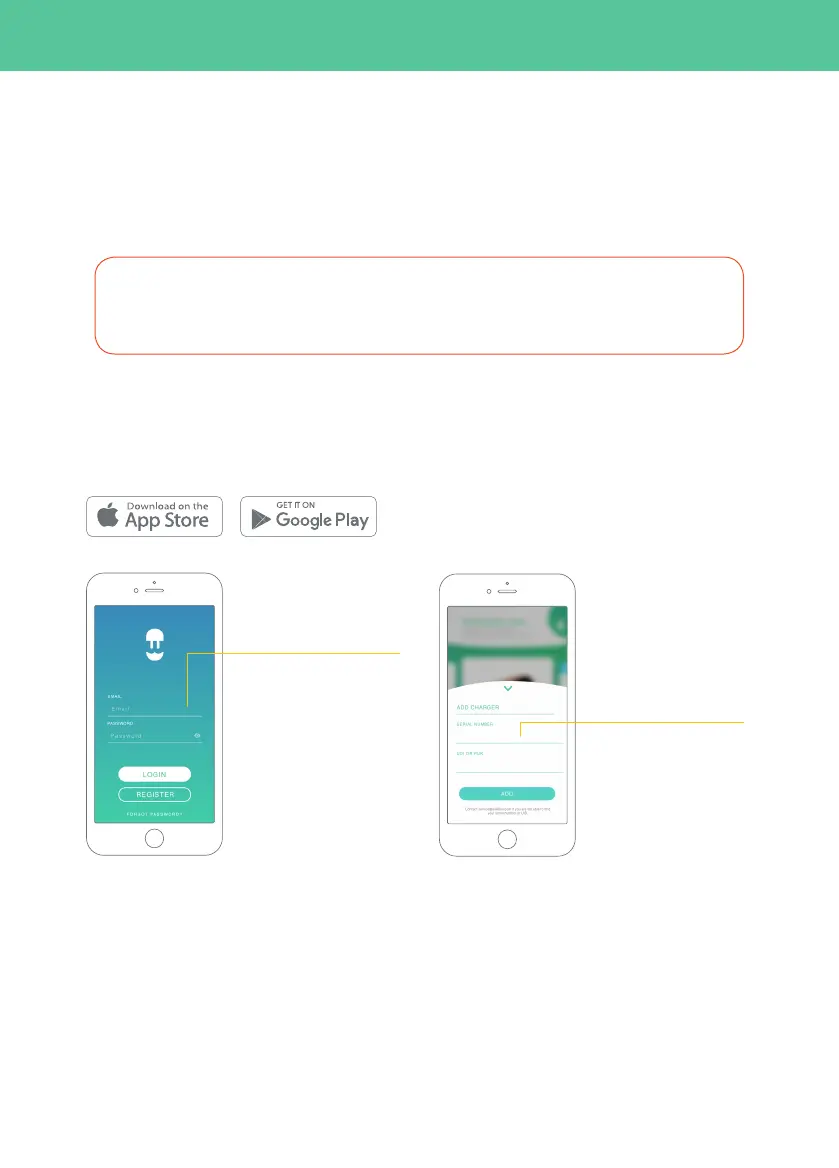
Step 6.3: Add your
charger by clicking on the
“+” button on the main
page, introduce the SN
and UID of your charger.
Step 6.2: Log-in using your
account.
At this point the Commander 2 is registered in myWallbox.
Step 6.1: Download the Wallbox App available from
Android Play Store or Apple App Store.
6.
Add charger to your myWallbox account



 To Next Page