22
myWallbox Portal
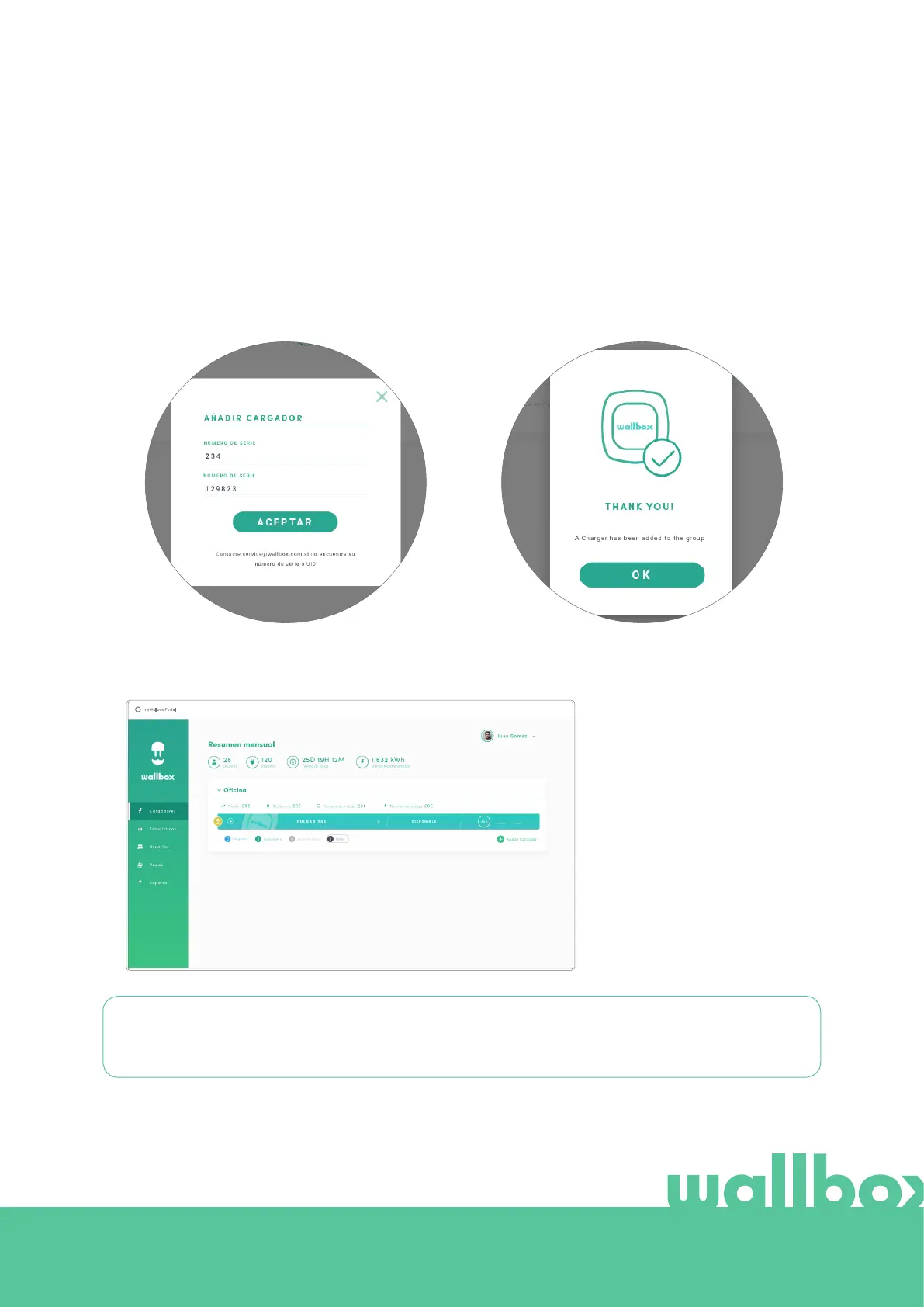
An “add charger” pop-up will appear. Enter
your Pulsar Plus’ Serial Number and UID. This
information can be found on the charger’s
installation manual and on the label/sticker that
is on the outer surface of the charger.
Then you will see a notification that the charger
has been added successfully to your account.
Then the charger appears automatically in your chargers list.
Please remember that, Wallbox Standard customers are allowed to have a maximum of five users and
two chargers. Wallbox Pro customers can add an unlimited number of users and chargers.



 To Next Page