23
myWallbox Portal
CHARGER INFO
Once the charger is linked to the account, it is possible to check the current charger info from the
myWallbox user account..
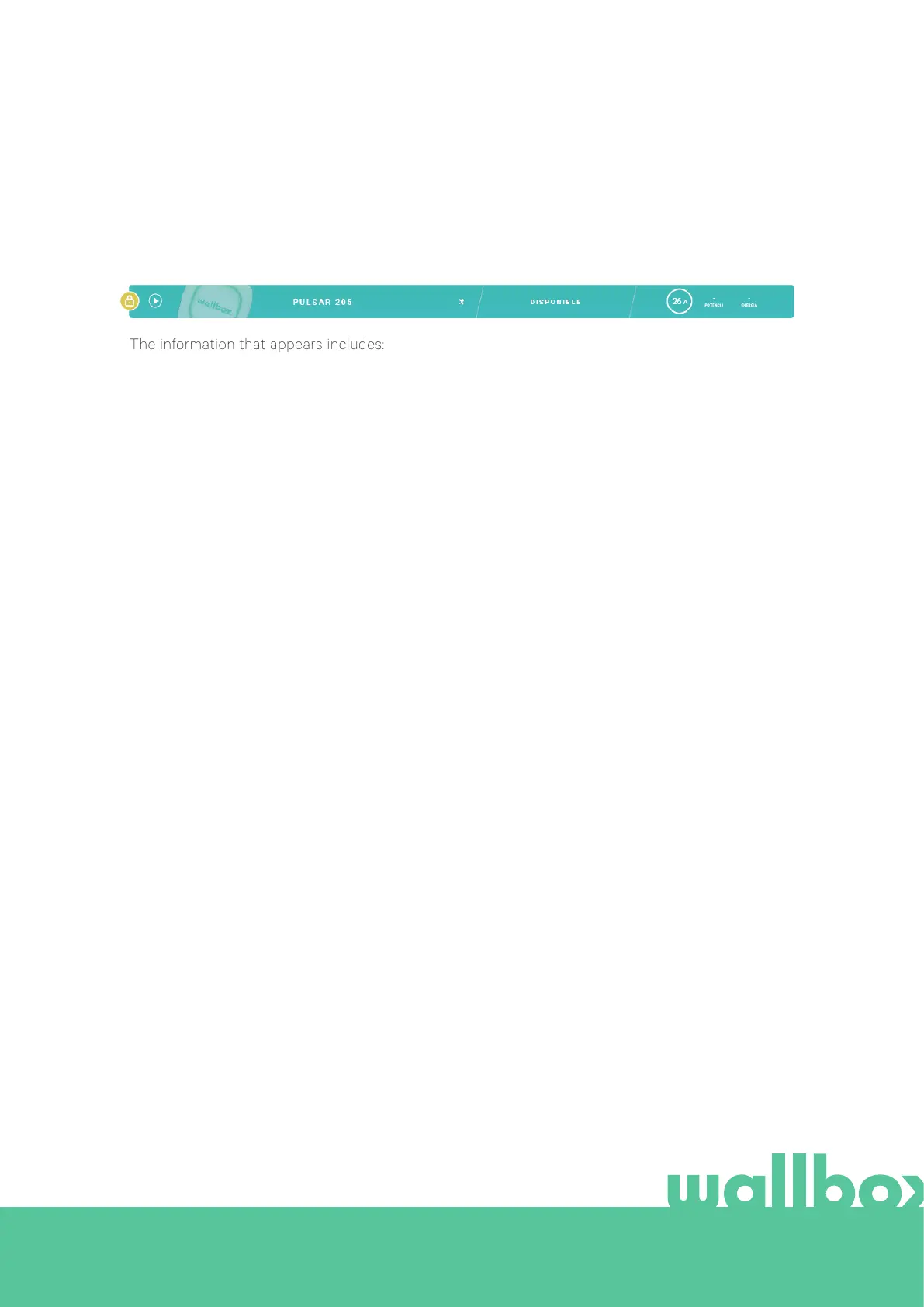
The information that appears includes:
Locking status: In yellow, the charger is locked. In green, the charger is unlocked.
Charger image.
Charger name / charger serial number. In the beginning, the charger’s Serial Number is displayed.
However, you are able to modify the name in the charger details section and then the new name will
appear instead.
Current internet connection type. An icon appears showing the connection from the first time the
charger is connected to the Internet (before the first connection, there is no icon). Connection types
displayed include: Wi-Fi. Bluetooth connection is not displayed here.
Charger status:
• Oline
• Ready
• Power Sharing: Master Unconfigured
• Connected: Waiting for next schedule
• Connected: Paused by user
• Connected: Waiting for car demand
• Connected: end of schedule
When the charger is connected: Current charge information.
For a disconnected charger: Last connection/synchronisation date.
Clicking on the information element, you are redirected to the charger’s details page.
• Charging
• Status not available
• Locked not charging
• Waiting for charger to unlock to charge
• Connected: in queue by Power Boost
• Error



 To Next Page