Controls
BXTR6438
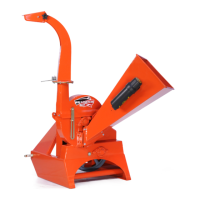
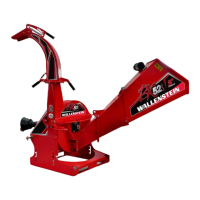
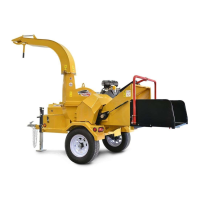
Trailer Wood Chipper
26
1
2
3
01237
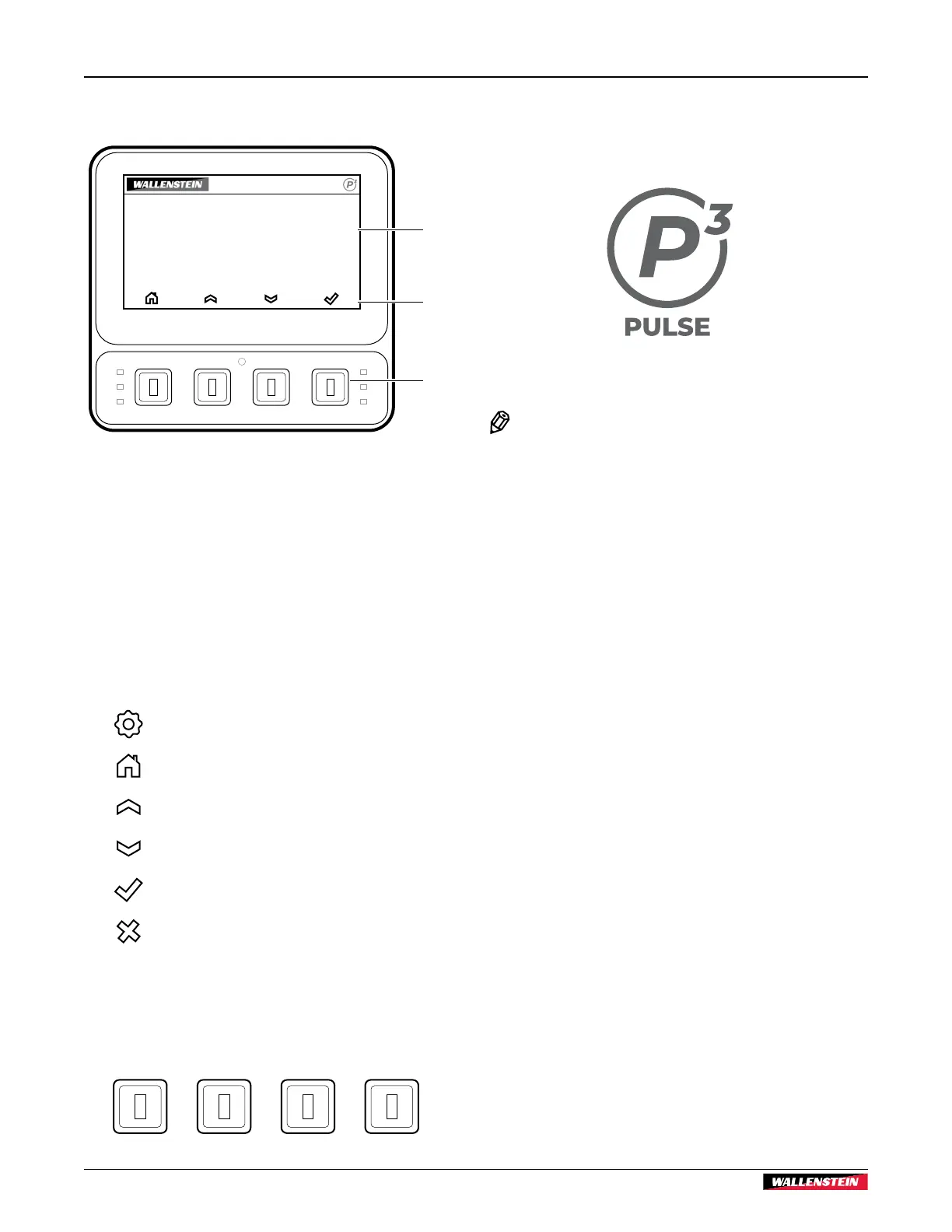
4.6 Display
1. Display Screen
The display screen is part of the P3 PULSE electronic
control system display. The screen is an anti-glare coated,
4.3 in (109 mm) color display. The machine is controlled
using the soft key navigation buttons.
2. Soft Key Icons
These icons are displayed directly above the soft key
navigation buttons. They indicate the current selection
options and are only shown when a selection is available.
Settings
Home
Up arrow
Down arrow
Select (enter)
Cancel
3. Soft Key Navigation Buttons
Use the four context-dependent soft keys located on the
front of the display to navigate through the information and
configuration screens.
Fig. 15 – P3 PULSE Display
4.7 Start-up Screen
The start-up screen briefly displays the P3 PULSE™ logo when
the key is turned ON.
NOTE:
Machine model is selected by the manufacturer
or dealer to set the default P3 PULSE operating
parameters.


 To Next Page