Troubleshooting Guide
BXTR6438
Trailer Wood Chipper
58
7. Troubleshooting Guide
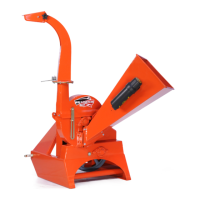
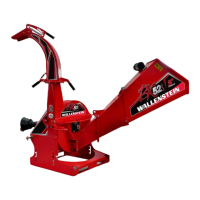
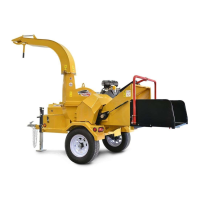
The Wallenstein Wood Chipper is designed with blades on a
rotor to cut, shear and chip wooden material. It is a simple and
reliable system that requires minimal maintenance.
The following table lists causes and solutions to problems that
could be encountered. If a problem encountered that is difficult
to solve, contact a Wallenstein distributor or dealer. Have the
chipper serial number handy.
Engine Related Issues—refer to the engine manual included
with the manual set.
Brakes/Wheel Bearing Issues—refer to the Dexter Axle manual
included with the manual set.
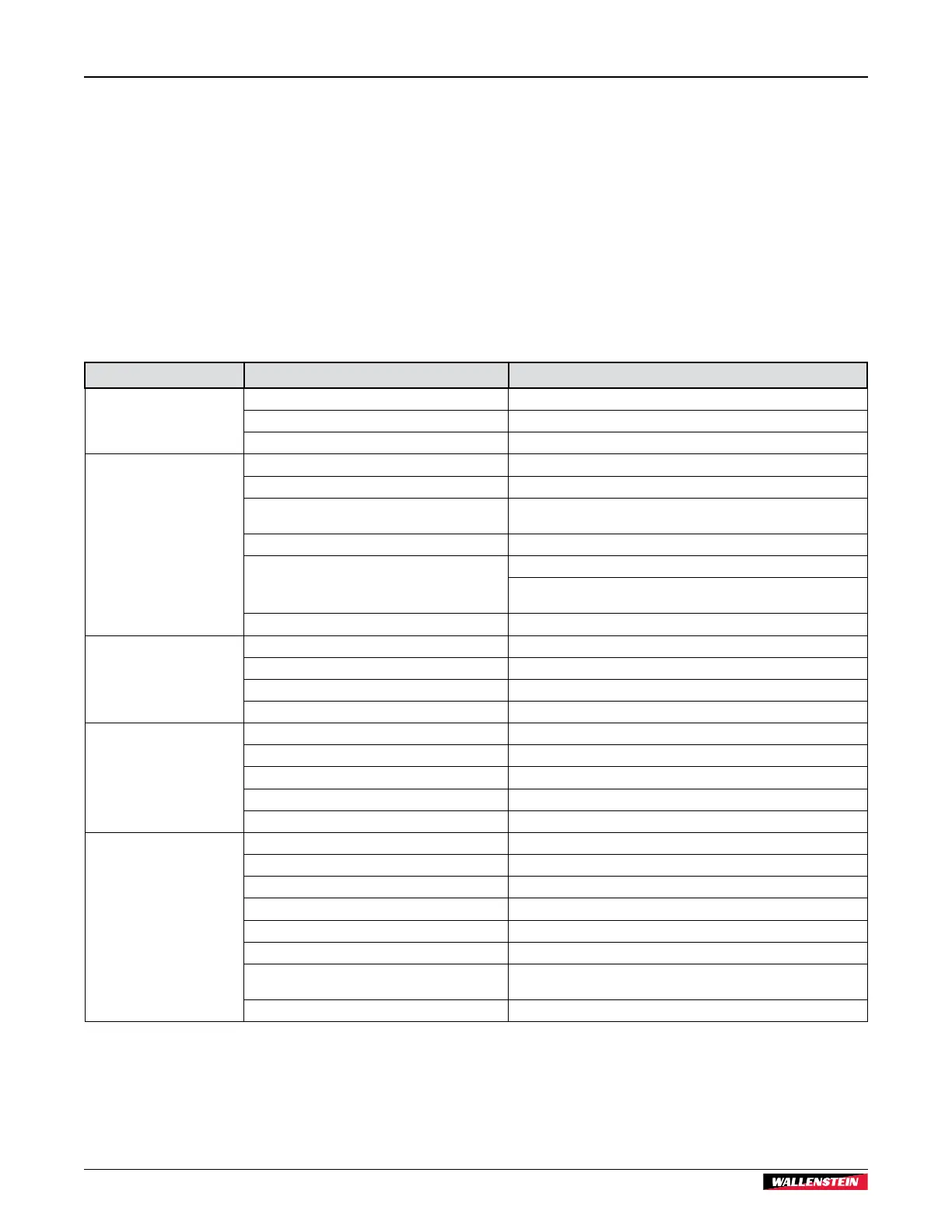
Problem Cause Solution
Rotor does not turn.
Obstructed discharge. Clear debris from discharge chute.
Rotor plugged. Inspect and clear chipper hopper lower rotor housing and rotor.
Clutch seized. Replace.
Material feeding in too slow.
Engine or rotor speed to low. Set throttle to increase rotor rpm.
Blades or knives are dull or clearance incorrect. Check rotor and ledger blades. Rotate, sharpen, or replace.
Rotor blade knife edge angle incorrect.
Re-sharpen rotor knives to specified 45° angle and check that blade is
installed properly.
P3 programing incorrect. Adjust programming. See page 25.
Slow hydraulic flow.
Dirty or plugged hydraulic filter. Change filter. See page 50.
Hydraulic oil is contaminated. Inspect oil condition for dirt or foaming.
Replace oil. See page 46.
Obstructed discharge. Clear debris from discharge chute.
Unusual machine vibration
while operating.
Broken or missing rotor blade. Replace.
Rotor may be bent. Check for rotor wobble. Replace rotor.
Rotor bearings failed. Replace.
Loose fasteners. Tighten. See torque tables page 47.
Engine does not start.
Upper rotor housing open. Close upper rotor housing. Make sure interlock cable is connected.
Interlock switch defective. Check interlock switch. Replace.
Interlock wiring harness damaged. Inspect wiring harness. Repair or replace.
Engine problem. Refer to engine manufacturer's manual.
Clutch seized. Replace.
Machine requires excessive
power or stalls.
Obstructed discharge. Clear debris from discharge chute.
Feeding in too much material. P3 PULSE programing incorrect. Adjust programming. See page 25.
Feeding material too quickly. P3 PULSE programing incorrect. Adjust programming. See page 25.
Rotor plugged. Inspect and clear chipper hopper lower rotor housing and rotor.
Green material does not discharge. Allow material to dry or alternate between dry and wet material.
Space between rotor blade and ledger knife too large. Use ledger gauge tool to check clearance. See page 56.
Dull blades.
Check rotor and ledger blades. Rotate, sharpen, or replace. See page
56.
Engine problem. Refer to engine manufacturer's manual.


 To Next Page