CURA WANHAO EDITION USER MANUEL REV.B 9 / 23
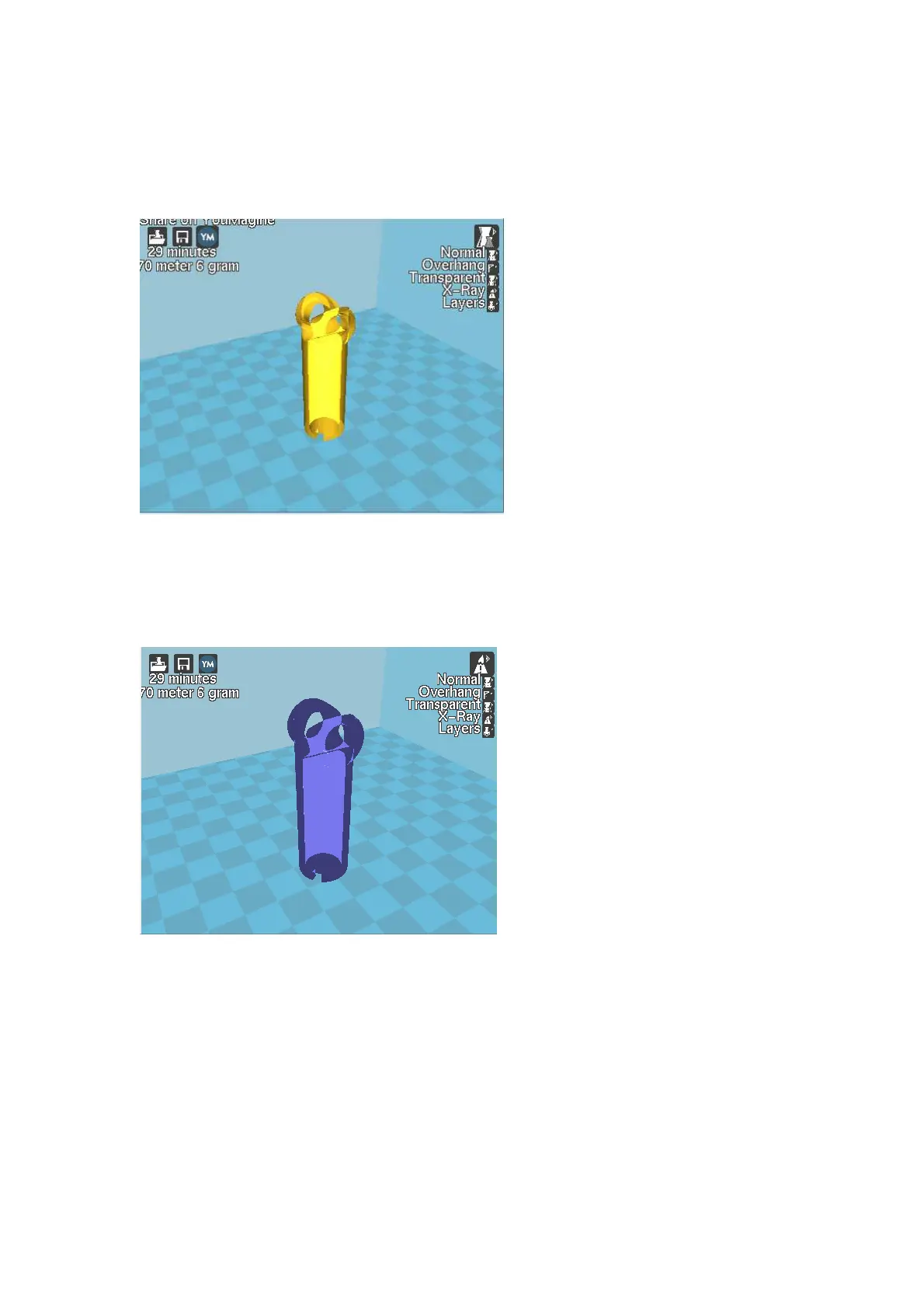
Figure 1.6: View in Overhang
Ghost
Ghost view mode makes the model translucent to allow you to see what is behind it.
Figure 1.7: View in Ghost
Xray
Xray is very similar to Ghost mode. It will allow you to see into objects, ensuring that inner details
are correct.
Figure 1.8: View in Xray
Layers
To view the tool path of your print head and to ensure no skipped layers or gaps use this option.
Use the slide bar on the right hand side of the window to move up and down through the tool
path layers.















 To Next Page