CURA WANHAO EDITION USER MANUEL REV.B 8 / 23
Figure 1.4: Scaling your Model
1.3 View Options
This mode allows you to view your model in a variety of different ways.
This can be helpful for spotting issues before the print even starts.
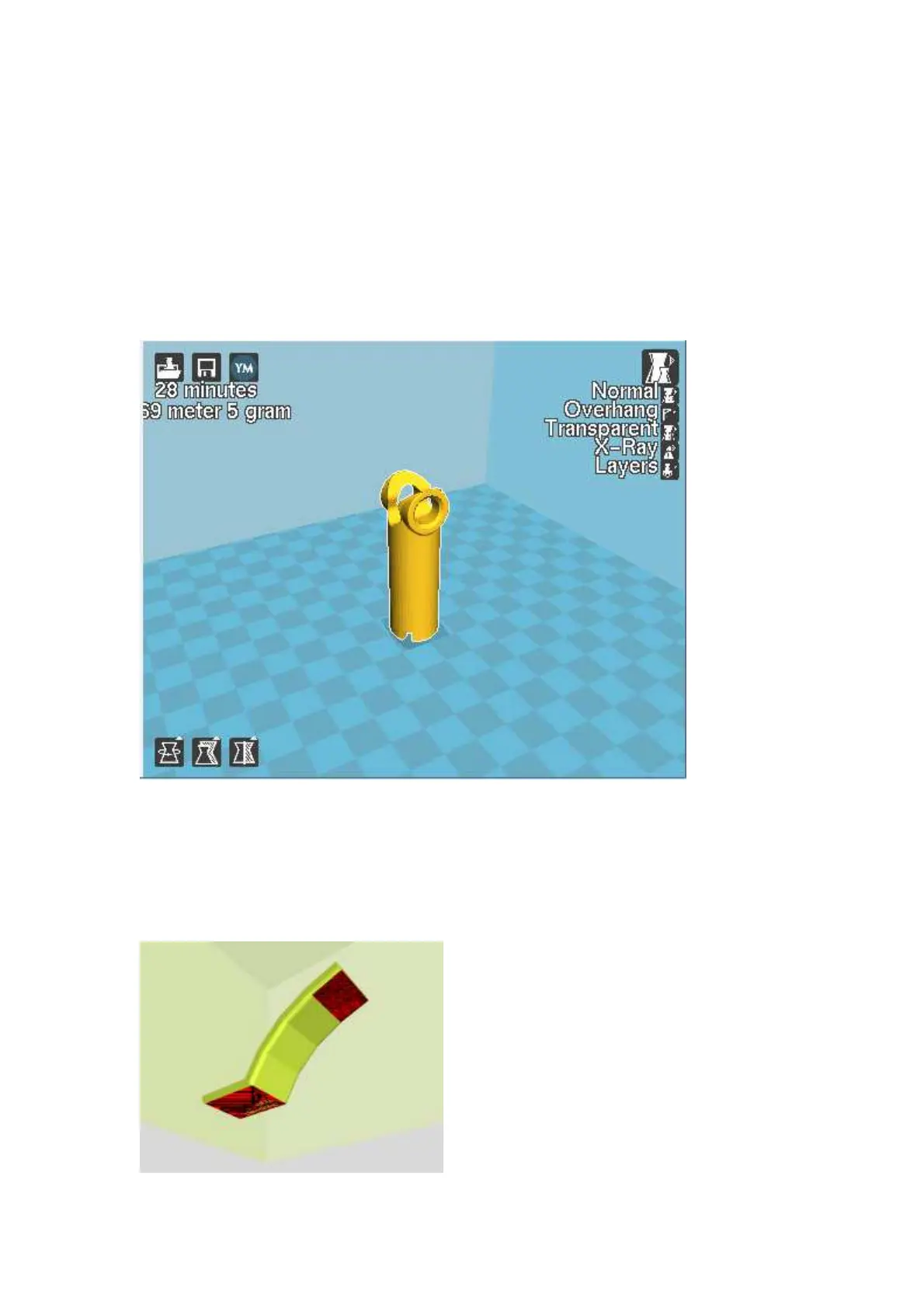
Normal
This is the standard view and shows the solid outer surfaces of the model.
(Fig. 1.5):
Figure 1.5: View in Normal Mode
Overhang
Overhang mode shows where your model may need support material. InFig. 1.6, page 16 the red
highlighted areas show overhangs and more severe angles and areas where support material is
recommended.















 To Next Page