EasyManua.ls Logo

Water Right IM-1054 - User Manual

Water Right IM-1054
32 pages
Print Icon
To Next Page IconTo Next Page
Loading...
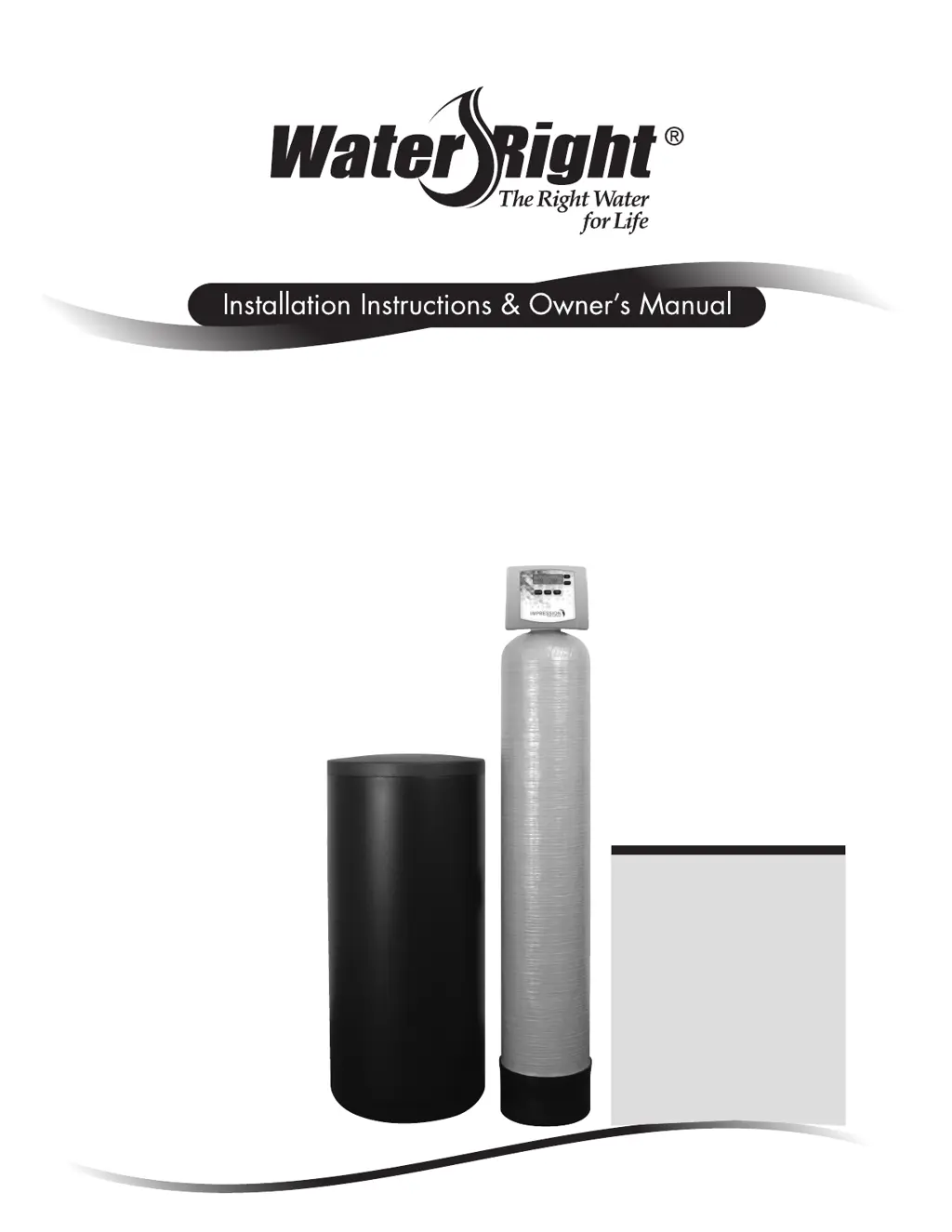
Impression Series
®
Impression RC Series
Metered Water Softeners
For Models:
• IM-844 • IMP-844
• IM-948 • IMP-948
• IM-1044 • IMP-1044
• IM-1054 • IMP-1054
• IM-1248 • IMP-1248
• IM-1354 • IMP-1354
• IMC-835 • IMPC-835
• IMC-1035 • IMPC-1035
• IMRC-1054 • IMPRC-1054
• IMRC-1354 • IMPRC-1354

Questions and Answers

  • T
    Timothy JacksonAug 22, 2025
    Why does my Water Right Water Dispenser control valve regenerate at the wrong time of day?
    • C
      Charles TuckerAug 22, 2025
      If your Water Right Water Dispenser control valve regenerates at the wrong time, it could be due to the following reasons: * A power outage may have occurred: Reset the time of day. If your PC board has a battery backup, it may be depleted. * The time of day may not be set correctly: Reset it to the correct time. * The regeneration time may be set incorrectly: Reset the regeneration time. * The control valve may be set at immediate regeneration: Check the programming setting and reset to DELAYED for a delayed regeneration time.
  • L
    Linda StephensAug 25, 2025
    What does it mean when the time of day flashes on and off on my Water Right IM-1054?
    • S
      Sharon ScottAug 25, 2025
      If the time of day is flashing on and off on your Water Right Water Dispenser, it indicates a power outage. You should reset the time of day. If the PC board has a battery back up, the battery may be depleted.
  • R
    rmillerAug 27, 2025
    Why is my Water Right IM-1054 control valve using too much regenerant?
    • A
      Amanda HarrisAug 28, 2025
      If your Water Right Water Dispenser control valve is using too much regenerant, consider the following: * Check the refill setting, as an improper setting can cause excessive regenerant use. * Improper program settings may be the cause, so ensure they are specific to the water quality and application needs. * Frequent regeneration of the control valve may indicate leaking fixtures exhausting capacity or an undersized system.
  • A
    Adam FarrellAug 29, 2025
    How to fix Water Right IM-1054 Water Dispenser when display does not indicate that water is flowing?
    • X
      xwarnerAug 29, 2025
      If the display on your Water Right Water Dispenser doesn't indicate water flow, check these potential issues: * Bypass valve position: Ensure the bypass handles are in the service position, not bypass. * Meter connection: Verify the meter is connected to the three-pin connection labeled METER on the PC board. * Meter turbine: Remove the meter and check for rotation or any foreign material that might be restricting it. * Meter wire installation: Make sure the meter cable wires are securely installed into the three-pin connector labeled METER. * Meter condition: The meter might be defective and need replacement. * PC board: The PC board might be defective and need replacement.
  • S
    Susan Pham PhDSep 2, 2025
    What does error E3 mean on my Water Right IM-1054 Water Dispenser?
    • A
      Anthony GoodSep 2, 2025
      Error E3, Err – 1003, or Err – 103 on your Water Right Water Dispenser indicates that the control valve motor ran too long and couldn't find the next cycle position. This can happen if the drive bracket isn't snapped in properly, preventing the reduction gears and drive gear from interfacing. To fix this, snap the drive bracket in properly, then press the NEXT and REGEN buttons for 3 seconds to resynchronize the software with the piston position, or disconnect the power supply from the PC board for 5 seconds and then reconnect it.
  • E
    Elizabeth SweeneySep 4, 2025
    Why Water Right IM-1054 Water Dispenser control valve does not regenerate automatically?
    • D
      David RoseSep 4, 2025
      If your Water Right Water Dispenser control valve does not regenerate automatically but does when the correct button(s) is depressed and held, it could be due to these reasons: * Bypass valve in bypass position: Turn the bypass handles to place the bypass in the service position. * Meter not connected: Connect the meter to the three-pin connection labeled METER on the PC board. * Restricted meter turbine: Remove the meter and check for rotation or foreign material. * Incorrect programming: Check for programming errors. * Meter wire not securely installed: Verify the meter cable wires are securely installed into the three-pin connector labeled METER. * Defective meter: Replace the meter. * Defective PC board: Replace the PC board.
  • K
    kaitlin11Sep 6, 2025
    What to do if Water Right IM-1054 control valve fails to draw in regenerant?
    • D
      David RichardsSep 6, 2025
      If the control valve on your Water Right Water Dispenser fails to draw in regenerant, consider these possible causes: * The injector may be plugged: Remove and replace the injector. * The regenerant piston may be faulty: Replace the regenerant piston. * There may be a leak in the regenerant line connection: Inspect the regenerant line for air leaks. * The drain line may have a restriction or debris causing excess back pressure: Inspect the drain line and remove any restrictions. * The drain line may be too long or too high: Shorten the length and/or height. * The water pressure may be low: Check the incoming water pressure, ensuring it remains at a minimum of 25 psi.
  • A
    Anthony EdwardsSep 8, 2025
    What does error E4 mean on my Water Right IM-1054 Water Dispenser?
    • B
      Brian RitterSep 8, 2025
      Error E4, Err – 1004, or Err – 104 on your Water Right Water Dispenser indicates that the control valve motor ran too long and timed out trying to reach the home position. This can be caused by: * A drive bracket that is not snapped in properly, preventing the reduction gears and drive gear from interfacing. Snap the drive bracket in properly, then press the NEXT and REGEN buttons for 3 seconds to resynchronize the software with the piston position, or disconnect the power supply from the PC board for 5 seconds and then reconnect it. * A piston not connected to the drive cap. Connect or replace the piston/drive cap if damaged.
  • N
    nhunterSep 9, 2025
    Why is water running to drain in my Water Right Water Dispenser?
    • J
      johnforbesSep 10, 2025
      If water is running to the drain in your Water Right Water Dispenser, it could be due to: * A power outage during regeneration: Upon power restoration, the control will finish the remaining regeneration time. Reset the time of day. If the PC board has a battery back up, it may be depleted. * Damaged seal/stack assembly: Replace the seal/stack assembly. * Piston assembly failure: Replace the piston assembly. * Drive cap assembly not tightened properly: Re-tighten the drive cap assembly.
  • B
    buckcathySep 15, 2025
    How to troubleshoot no display on Water Right Water Dispenser PC board?
    • C
      Christopher JonesSep 15, 2025
      If there's no display on the PC board of your Water Right Water Dispenser, here are several possible causes and solutions: * Depleted battery: See the Operating Display and Maintenance section. * Power adapter issues: Ensure the control valve power adapter is plugged into the outlet and the power cord end is connected to the PC board connection. If not, plug the power adapter into the outlet or connect the power cord end to the PC board connection. * Improper power supply: Verify the proper voltage is being delivered to the PC board. * Defective power adapter: Replace the power adapter. * Defective PC board: Replace the PC board. * No power at the electric outlet: Repair the outlet or use a working outlet.

Summary

Water Softener Installation Guide

Pre-Installation Instructions for Dealers

Essential steps and information for dealers before installing the softener.

Bypass Valve Operation

Understanding the different positions and functions of the bypass valve.

General Installation Warnings and Site Requirements

Key safety warnings, general guidelines, and site criteria for softener installation.

System Setup and Operation

Programming Procedures

Step-by-step guide for programming the water softener's settings.

Startup Instructions

Procedures for flushing the system, conditioning media, and sanitizing.

Operating Displays and Maintenance

Understanding system displays, manual regeneration, and basic maintenance.

Power Loss and Error Handling

Managing power outages, battery replacement, and error message resolution.

Troubleshooting and Parts

Troubleshooting Guide

Diagnosing and resolving common problems with the water softener.

Replacement Parts Overview

Identification and part numbers for common replacement components.

Installation Fitting Assemblies

Various fitting types and assemblies for connecting the softener.

Specifications and Warranty

Water Softener Specifications

Technical data and performance metrics for different softener models.

Water Softener Limited Warranty

Details on warranty coverage, terms, and conditions.

Quick Reference Guide

General Operation and Settings

Quick overview of displays, time setting, and programming adjustments.

Bypass and Regeneration Procedures

Summary of bypass valve operation and manual regeneration steps.

Water Right IM-1054 Specifications

General IconGeneral
BrandWater Right
ModelIM-1054
CategoryWater Dispenser
LanguageEnglish

Related product manuals