EasyManua.ls Logo

Water Right IMP-1248 - User Manual

Water Right IMP-1248
32 pages
Print Icon
To Next Page IconTo Next Page
Loading...
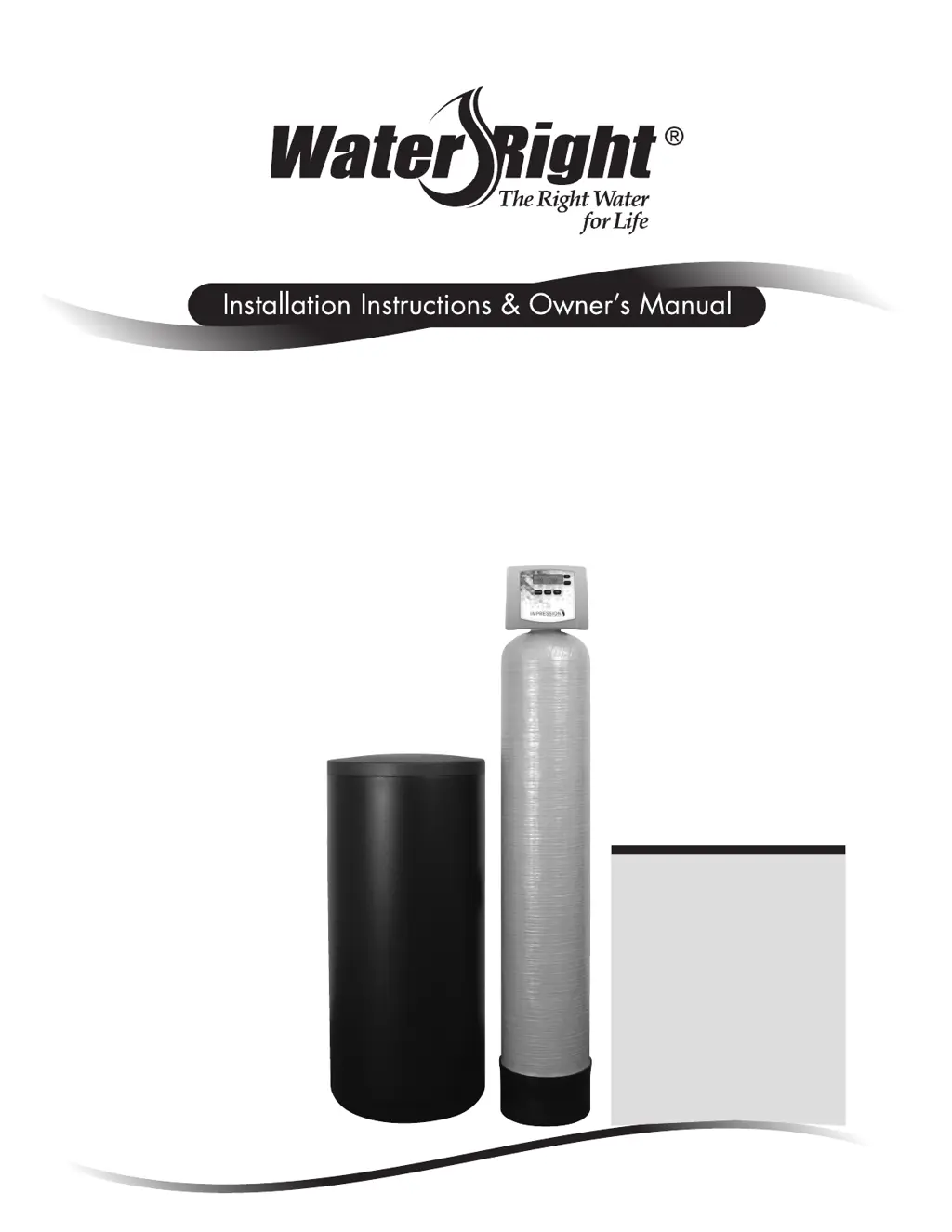
Impression Series
®
Impression RC Series
Metered Water Softeners
For Models:
• IM-844 • IMP-844
• IM-948 • IMP-948
• IM-1044 • IMP-1044
• IM-1054 • IMP-1054
• IM-1248 • IMP-1248
• IM-1354 • IMP-1354
• IMC-835 • IMPC-835
• IMC-1035 • IMPC-1035
• IMRC-1054 • IMPRC-1054
• IMRC-1354 • IMPRC-1354

Other manuals for Water Right IMP-1248

Questions and Answers

  • S
    Stephanie PearsonSep 15, 2025
    Why Water Right IMP-1248 Water Dispenser control valve doesn't regenerate automatically?
    • J
      Jerry SandersSep 15, 2025
      If your Water Right Water Dispenser's control valve only regenerates when you press and hold the button, but not automatically, consider these possibilities: * **Bypass valve position:** Ensure the bypass handles are in the service position. * **Meter connection:** Check that the meter is properly connected to the meter connection on the PC board. * **Meter turbine:** Inspect the meter for any restrictions or debris. * **Programming:** Verify that the programming is correct. * **Meter wire security:** Ensure the meter cable wires are securely installed into the three-pin connector labeled METER. * **Meter condition:** Replace the meter if it's defective. * **PC board:** Replace the PC board if it's defective.
  • V
    Valerie MaysAug 25, 2025
    What to do if Water Right IMP-1248 Water Dispenser control valve only regenerates when buttons are held?
    • E
      elizabethpierceAug 26, 2025
      If your Water Right Water Dispenser's control valve doesn't regenerate automatically unless you press and hold the correct buttons, several factors could be responsible. First, check if the bypass valve is in the bypass position and turn the bypass handles to place it in the service position. Ensure the meter is correctly connected to the meter connection on the PC board. A restricted or stalled meter turbine can also cause this issue; remove the meter and check for rotation or foreign material. Incorrect programming could be the problem, so review the settings for errors. Also, verify that the meter wire is securely installed into the three-pin connector labeled METER. If these steps don't resolve the issue, the meter or the PC board might be defective and need replacement.
  • K
    Karen FlynnAug 26, 2025
    Why does my Water Right IMP-1248 regenerate at the wrong time?
    • E
      Eric MooreAug 26, 2025
      If the control valve on your Water Right Water Dispenser regenerates at the wrong time of day, it could be due to several reasons. A power outage might have occurred; reset the time of day. If your PC board has a battery backup, it may be depleted. Also, the time of day might not be set correctly, so reset it to the correct time. The regeneration time itself might be set incorrectly, so reset that as well. Finally, the control valve might be set at immediate regeneration; check the programming and reset it to DELAYED for a delayed regeneration time.
  • S
    sperezSep 15, 2025
    Why Water Right IMP-1248 PC board displays the wrong time?
    • C
      chad94Sep 15, 2025
      If the PC board on your Water Right Water Dispenser isn't showing the correct time, here are a few things to check: * **Outlet Usage:** Make sure the power adapter is plugged into an outlet that isn't controlled by a light switch. * **Breaker/GFI:** Check and reset the breaker switch or GFI switch if it has tripped. * **Power Outage:** Reset the time of day after a power outage. If your PC board has a battery backup, it might be depleted. See the front cover and drive assembly drawing for instructions. * **Defective PC Board:** If none of the above work, the PC board might be defective and need replacement.
  • J
    Juan GuerreroSep 23, 2025
    What causes residual regenerant in Water Right IMP-1248 service water?
    • E
      Eric KiddSep 23, 2025
      If residual regenerant is being delivered to the service in your Water Right Water Dispenser, check the following: * **Water Pressure:** Ensure the incoming water pressure remains at a minimum of 25 psi. * **Injector:** The injector might be incorrect, damaged, or restricted. Replace it with the correct size for your application. * **Drain Line:** Inspect the drain line for any restrictions or debris and clean it.
  • K
    Karen HuntSep 5, 2025
    How to troubleshoot no display on Water Right Water Filtration Systems?
    • C
      Crystal LynchSep 5, 2025
      If your Water Right Water Filtration System displays no image on the PC board, it could be due to several reasons: * There's no power at the electrical outlet. Solution: Repair the outlet or use a working one. * The control valve power adapter isn't plugged in. Solution: Plug the power adapter into the outlet, or connect the power cord to the PC board connection. * There's an improper power supply. Solution: Verify the correct voltage is being supplied to the PC board. * The power adapter is defective. Solution: Replace the power adapter. * The PC board itself is defective. Solution: Replace the PC board.
  • M
    Mercedes ButlerSep 8, 2025
    Why Water Right Water Filtration Systems control valve fails to draw in regenerant?
    • P
      Paul SuttonSep 8, 2025
      If your Water Right Water Filtration System's control valve fails to draw in regenerant, it could be due to: * A plugged injector. Solution: Remove the injector and clean or replace it. * A faulty regenerant piston. Solution: Replace the regenerant piston. * A regenerant line connection leak. Solution: Inspect the regenerant line for an air leak. * A drain line restriction or debris causing excess back pressure. Solution: Inspect the drain line and clean it to correct the restriction. * A drain line that's too long or too high. Solution: Shorten the length and/or height. * Low water pressure. Solution: Check the incoming water pressure – it must remain at a minimum of 25 psi.
  • A
    Adam HayesNov 23, 2025
    Why is my Water Right Water Dispenser delivering hard water?
    • A
      April MorrisNov 23, 2025
      If your Water Right Water Dispenser is delivering hard or untreated water, consider the following potential causes. The bypass valve may be open or faulty; ensure it's fully closed or replace it. High water usage can exhaust the media; check program settings for abnormal usage. The meter might not be registering; remove it and check for rotation or obstructions. Water quality fluctuations may also be a factor; test the water and adjust program values. Additionally, check the regenerant tank for sufficient regenerant and add if necessary. If the control fails to draw in regenerant, refer to Troubleshooting Guide number 12. Also, ensure there's enough regenerant in the tank and check the refill flow control for any restrictions, replacing it if needed. Damaged seals, stack assembly, or pisto...
  • A
    Andrew MerrittAug 30, 2025
    Why is the time of day flashing on my Water Right IMP-1248?
    • P
      Patricia BarberAug 30, 2025
      If the time of day is flashing on and off on your Water Right Water Dispenser, it's likely due to a power outage. Reset the time of day. If the PC board has a battery backup, it may be depleted.
  • T
    Travis JacksonAug 31, 2025
    Why is my Water Right IMP-1248 Water Dispenser delivering residual regenerant?
    • J
      Jennifer CoffeyAug 31, 2025
      If residual regenerant is being delivered to the service in your Water Right Water Dispenser, it could be due to several reasons. Low water pressure might be the cause; check that the incoming water pressure remains at a minimum of 25 psi. The injector might be incorrect, damaged, or restricted; replace it with the correct size for your application. A restricted drain line could also be the issue; check for any obstructions and remove them.

Summary

Pre-Installation Instructions

Dealer and Installer Guidance

Instructions for dealers and installers before unit setup.

Bypass Valve Operation

Understanding Bypass Valve Positions

Explanation of normal, bypass, diagnostic, and shut-off valve positions.

Installation Procedures

General Warnings and Site Requirements

Safety warnings, site needs, and plumbing considerations for installation.

Installation Plumbing Details

Grounding and Drain Line Setup

Instructions for electrical grounding and proper drain line installation.

Installation Connections

Brine Tank and Overflow Lines

Connecting the safety brine tank and overflow line for proper function.

Programming the Water Softener

Setting Time and Regeneration Parameters

Guide to setting the current time and configuring regeneration cycles.

System Startup and Sanitization

Initial Setup and Media Conditioning

Steps for flushing, media conditioning, and unit sanitization.

Operating Displays and Maintenance

Understanding System Displays and Regeneration

Overview of operating displays, regeneration modes, and manual regeneration.

System Maintenance and Error Handling

Power Loss, Errors, and Salt Management

Procedures for power loss, error codes, brine tank care, and RC units.

Troubleshooting Guide: Display & Regeneration

Resolving Display, Time, and Regeneration Issues

Troubleshooting common problems with the control board and regeneration timing.

Troubleshooting Guide: Water & Regenerant

Addressing Water Quality and Regenerant Problems

Solutions for hard water, insufficient regenerant, and excess water in the tank.

Troubleshooting Guide: Motor & Valve Issues

Diagnosing Motor Movement and Stalling Errors

Troubleshooting errors related to motor movement, stalling, and cycle positioning.

Troubleshooting Guide: Motor Run Time

Resolving Motor Run Time and Park Position Errors

Troubleshooting errors where the motor runs too long or times out.

Troubleshooting Guide: Error Codes

Interpreting Specific Error Codes and Leaks

Resolving specific error codes (E1, E2, E3, E4) and leak detection.

Replacement Parts: Drive Assembly

Front Cover and Drive Components

List of replacement parts for the front cover and drive assembly.

Replacement Parts: Piston Assembly

Piston Assembly Components

List of replacement parts for the piston assembly.

Replacement Parts: Valve Components

Bypass, Brine Elbow, and Check Valve Parts

Replacement parts for the bypass valve, brine elbow, and check valve.

Replacement Parts: Injector & Meter

Injector Assemblies and Meter Parts

List of replacement parts for injector assemblies and water meter components.

Replacement Parts: Drain Lines

Drain Line Assembly Components

Replacement parts for 3/4" and 1" drain line assemblies.

Replacement Parts: Brine Tank

Brine Tank and Safety Float Parts

Replacement parts for the brine tank and safety float assembly.

Replacement Parts: Cabinet

Cabinet and Brine Tank Assemblies

Replacement parts for the unit's cabinet and brine tank.

Installation Fitting Assemblies

PVC and Brass Sweat Fittings

Various PVC and brass sweat fittings for system installation.

Installation Fitting Assemblies: Specialty

Shark Bite and John Guest Elbow Fittings

Specialty fittings like Shark Bite and John Guest elbows for installation.

Specifications and Usage Cycles

Model Specifications and Cycle Times

Detailed specifications and cycle usage times for water softener models.

Water Softener Limited Warranty

Quick Reference Guide

General Operation and Setup Summary

Concise guide to operation, bypass, time setting, and regeneration adjustment.

Water Right IMP-1248 Specifications

General IconGeneral
BrandWater Right
ModelIMP-1248
CategoryWater Dispenser
LanguageEnglish

Related product manuals