EasyManua.ls Logo

Water Right IMP-1035 - User Manual

Water Right IMP-1035
32 pages
Print Icon
To Next Page IconTo Next Page
Loading...
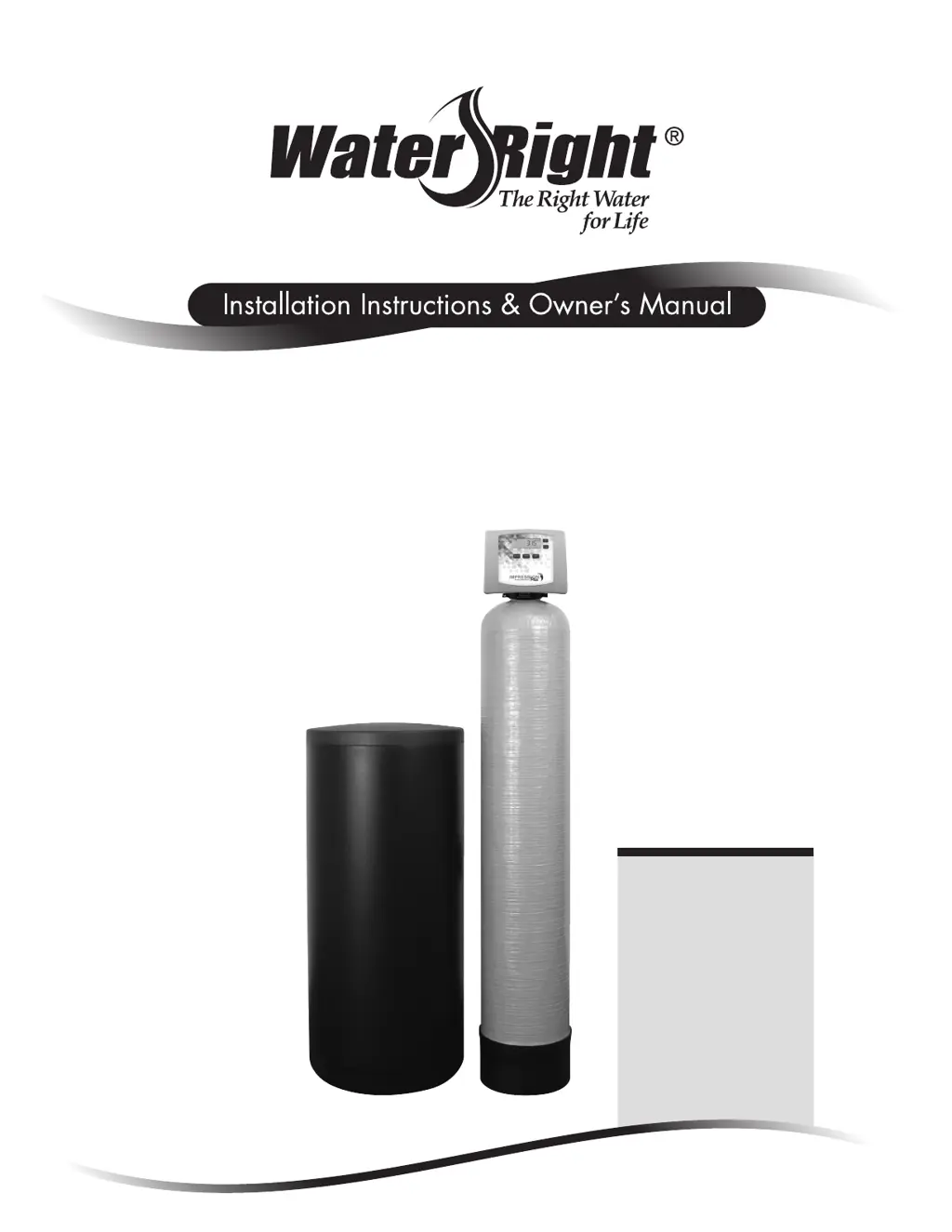
Impression Plus Series
®
Metered Water Softeners
For Certified Models:
• IMP-844
• IMP-948
• IMP-1044
• IMP-1054
• IMP-1248
• IMP-1354
Certified Cabinet
Models:
• IMPC-835
• IMPC-935
• IMPC-1035

Questions and Answers

  • T
    travis09Aug 19, 2025
    How to troubleshoot no display on Water Right IMP-1035 PC board?
    • R
      Rebecca DavisAug 19, 2025
      If there is no display on the PC board of your Water Right Water Dispenser, here's what you can check: * **No power at the outlet:** Ensure the outlet is working. If not, repair it or use a different outlet. * **Power adapter issues:** Verify the control valve power adapter is properly plugged into the outlet and connected to the PC board. * **Power supply:** Confirm the correct voltage is being supplied to the PC board. * **Defective components:** Consider replacing the power adapter or the PC board if they are defective. * **Depleted battery:** Refer to the Operating Display and Maintenance section for instructions on battery replacement.
  • U
    uprinceAug 25, 2025
    Why Water Right Water Dispenser control valve doesn't regenerate automatically?
    • A
      Angela HendersonAug 25, 2025
      If your Water Right Water Dispenser's control valve only regenerates when you press and hold the button, but not automatically, consider these possibilities: * **Bypass valve position:** Ensure the bypass handles are in the service position. * **Meter connection:** Check that the meter is properly connected to the meter connection on the PC board. * **Meter turbine:** Inspect the meter for any restrictions or debris. * **Programming:** Verify that the programming is correct. * **Meter wire security:** Ensure the meter cable wires are securely installed into the three-pin connector labeled METER. * **Meter condition:** Replace the meter if it's defective. * **PC board:** Replace the PC board if it's defective.
  • E
    Eric Robinson MDAug 26, 2025
    Why Water Right IMP-1035 Water Dispenser PC board displays the wrong time?
    • J
      Jessica WelchAug 26, 2025
      If the PC board on your Water Right Water Dispenser isn't showing the correct time, here are a few things to check: * **Outlet Usage:** Make sure the power adapter is plugged into an outlet that isn't controlled by a light switch. * **Breaker/GFI:** Check and reset the breaker switch or GFI switch if it has tripped. * **Power Outage:** Reset the time of day after a power outage. If your PC board has a battery backup, it might be depleted. See the front cover and drive assembly drawing for instructions. * **Defective PC Board:** If none of the above work, the PC board might be defective and need replacement.
  • M
    Madison DiazAug 28, 2025
    Why does Water Right IMP-1035 regenerate at the wrong time?
    • A
      aguirrecatherineAug 28, 2025
      If your Water Right Water Dispenser control valve regenerates at the wrong time, consider the following: * **Power Outage:** Reset the time of day, especially after a power outage. If your PC board has battery backup, it may be depleted. Refer to the front cover and drive assembly drawing for instructions. * **Time of Day Setting:** Make sure the time of day is set correctly. * **Regeneration Time:** Verify the regeneration time is set correctly. * **Regeneration Setting:** Ensure the control valve isn't set to 'on 0' (immediate regeneration) or 'NORMAL + on 0' (delayed and/or immediate). Reset to NORMAL for a delayed regeneration time.
  • D
    Dr. Isaac MartinSep 1, 2025
    Why does Water Right IMP-1035 use too much regenerant?
    • A
      Alexandra GriffinSep 1, 2025
      If your Water Right Water Dispenser is using too much regenerant, consider these potential causes: * **Refill Setting:** Double-check the refill setting to ensure it's properly configured. * **Program Settings:** Review the program settings to make sure they are specific to your water quality and application needs. * **Frequent Regeneration:** Look for leaking fixtures that may be exhausting capacity, or the system may be undersized for your needs.
  • M
    mandymorrisSep 3, 2025
    Why is water running to drain in Water Right IMP-1035?
    • C
      christina31Sep 3, 2025
      If water is constantly running to the drain in your Water Right Water Dispenser, here are some possible reasons: * **Power Outage:** A power outage during regeneration can cause this. Once power is restored, the control will finish the remaining regeneration time. Remember to reset the time of day. If the PC board has a battery backup, it may be depleted. Refer to the front cover and drive assembly drawing for instructions. * **Damaged Seal/Stack:** A damaged seal/stack assembly can lead to water running to the drain; consider replacing it. * **Piston Assembly Failure:** A failed piston assembly might be the culprit; replace the piston assembly. * **Loose Drive Cap:** Ensure the drive cap assembly is properly tightened.
  • E
    eugene19Sep 5, 2025
    What to do if Water Right IMP-1035 display doesn't show water flowing?
    • E
      Erica SanchezSep 5, 2025
      If the display on your Water Right Water Dispenser doesn't indicate water flow, check these items: * **Bypass Valve:** Ensure the bypass valve is not in the bypass position. Turn the bypass handles to place it in the service position. * **Meter Connection:** Verify the meter is connected to the meter connection on the PC board. * **Meter Turbine:** Remove the meter and check for rotation or any foreign material. * **Meter Wire:** Ensure the meter wire is securely installed into the three-pin connector labeled METER. * **Defective Meter:** Replace the meter if it is defective. * **Defective PC Board:** Replace the PC board if it is defective.
  • A
    Allen CrossSep 7, 2025
    Why Water Right IMP-1035 Water Dispenser control valve won't draw in regenerant?
    • M
      Matthew FisherSep 7, 2025
      If the control valve on your Water Right Water Dispenser isn't drawing in regenerant, here are some things to check: * **Injector:** The injector might be plugged. Remove it and clean or replace it. * **Regenerant Piston:** A faulty regenerant piston could be the problem. Replace it. * **Regenerant Line:** Inspect the regenerant line for any air leaks. * **Drain Line:** Check the drain line for restrictions or debris that could cause excess back pressure. Clean it to remove any obstructions. * **Drain Line Length/Height:** The drain line might be too long or too high. Shorten its length or height. * **Water Pressure:** Ensure the incoming water pressure is at least 25 psi.
  • A
    Ashley JacksonSep 9, 2025
    Why does the time of day flash on my Water Right Water Dispenser?
    • R
      Raymond DownsSep 9, 2025
      If the time of day display is flashing on and off on your Water Right Water Dispenser, here’s what to look into: * **Power Outage:** Reset the time of day, especially after a power outage. If your PC board has battery back up, it may be depleted. Refer to the front cover and drive assembly drawing for instructions. * **Drive Gear/Cap:** Check for a broken drive gear or drive cap assembly. Replace if necessary. * **Piston Rod:** A broken piston rod could be the cause. Replace it. * **PC Board:** The PC board might be defective.
  • M
    Michael RossSep 12, 2025
    What causes residual regenerant in Water Right IMP-1035 Water Dispenser service water?
    • C
      Cindy MillsSep 12, 2025
      If residual regenerant is being delivered to the service in your Water Right Water Dispenser, check the following: * **Water Pressure:** Ensure the incoming water pressure remains at a minimum of 25 psi. * **Injector:** The injector might be incorrect, damaged, or restricted. Replace it with the correct size for your application. * **Drain Line:** Inspect the drain line for any restrictions or debris and clean it.

Summary

Pre-Installation Instructions for Dealers

Bypass Valve Operation

Installation Guide

General Installation and Service Warnings

Highlights crucial safety precautions and general guidelines for installing the water softener unit.

Site Requirements

Outlines essential site conditions and specifications needed for proper installation.

Inlet;Outlet Plumbing

Guides on connecting the water lines to the softener's control valve, emphasizing proper fitting use.

Drain Line Installation

Details proper procedures for connecting the drain line, including air gaps and anti-siphon traps.

Programming Procedures

Setting the Time of Day

Instructions for setting the current time of day on the control unit, especially after power outages.

Water Hardness Setting

Details how to input the water hardness level for optimal softener performance.

Regeneration Time Setting

Guides on setting the preferred hour and minutes for the softener's regeneration cycle.

Startup Instructions

Flushing the System

Procedure for flushing debris and air from the system after installation is complete.

Adding Water and Initial Regeneration

Steps for adding water to the brine tank and initiating the first regeneration cycle.

Operating Displays and Maintenance

Manual Regeneration Process

Details how to initiate a regeneration cycle manually, either immediately or for a scheduled time.

Power Loss and Battery Replacement

Guides on handling power outages and replacing the control valve's backup battery.

Error Message Interpretation

Explains how to identify and report error messages displayed by the control valve.

Brine Tank Maintenance and Salt

Provides instructions for maintaining the brine tank and ensuring proper salt levels.

Troubleshooting Guide

No Display on PC Board

Troubleshooting steps for when the control board's display shows no information.

Failure to Regenerate Automatically

Diagnoses why the control valve may not be regenerating automatically as scheduled.

Hard or Untreated Water Delivery

Addresses the critical issue of the softener delivering hard or untreated water.

Regenerant Draw Failure

Troubleshooting steps when the control valve fails to draw regenerant from the brine tank.

Motor Movement Sensing Errors (E1, Err-1001)

Troubleshooting for control valve errors indicating inability to sense motor movement.

Motor Stalling Errors (E2, Err-1002)

Diagnoses errors where the motor stalls or fails to reach the correct cycle position.

Motor Over-run Errors (E3, Err-1003)

Troubleshooting for errors where the control valve motor runs too long.

Motor Timeout Errors (E4, Err-1004)

Diagnoses errors indicating the motor timed out trying to reach a position.

Valve Motor Short Run Errors (Err-1007)

Diagnoses errors where the valve motor runs too short or stalls during positioning.

Leak Detection Error (Err-204)

Troubleshooting for errors indicating a leak has been detected in the system.

Specifications

Quick Reference Guide

Setting Time of Day and Programming

Quick steps for setting the time and adjusting key programming parameters like hardness and regeneration time.

Water Right IMP-1035 Specifications

General IconGeneral
BrandWater Right
ModelIMP-1035
CategoryWater Dispenser
LanguageEnglish

Related product manuals