OPERATING INSTRUCTIONS
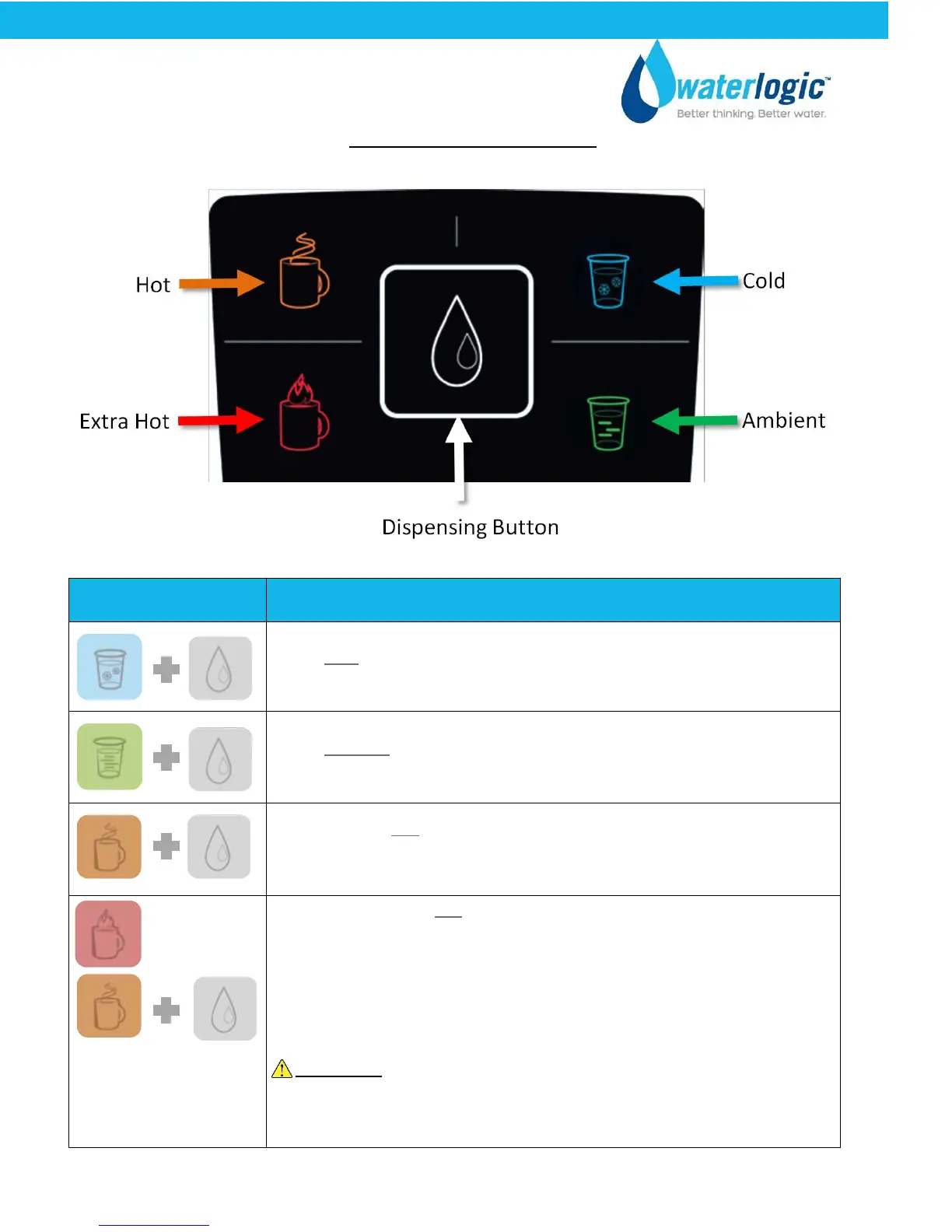
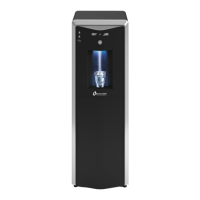
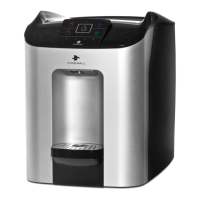
The above picture shows front LCD display and control panel for the Waterlogic CUBE .
Button Operational Use
Select Cold Water Selection + Dispensing Button to start dispensing until
desired fill.
Select Ambient Water Selection + Dispensing Button to start dispensing
until desired fill.
Press and Hold Hot Water Selection for 3 seconds, until the Hot Water
Icon is illuminated. Press dispensing button until desired fill. The delay is
a safety feature that prevents hot water from being accidently dispensed.
Hold until Extra Hot Selection
button stops flashing –
indicates the temperature has
been reached..
Press and Hold Extra Hot Water Selection. The Extra Hot Selection
Button will flash red to indicate the water is heating. When the red
flashing icon turns off, this indicates that the water is to the
temperature.
Press the Hot Water Selection Button + the Dispensing button until
desired fill.
WARNING! Unit produces Very Hot Water up to 203°F. Water above
125°F can cause severe burns or scalding. Keep unauthorized people
and children away from the unit to avoid accidental dispensing of hot
water. Children should not use without supervision.
CUBE Operating, Installation, and Service Manual Page 8 - Revision: 6-23-2015


 To Next Page