Operations
Design your protocol
Execute experiment with
Extraction+
Start the experiment and let OneLab
control your device
OneLab automatically selects your
Extraction+ and allows you to use it with each
available experiment setup, manual, semi-
automated, or fully automated operation.
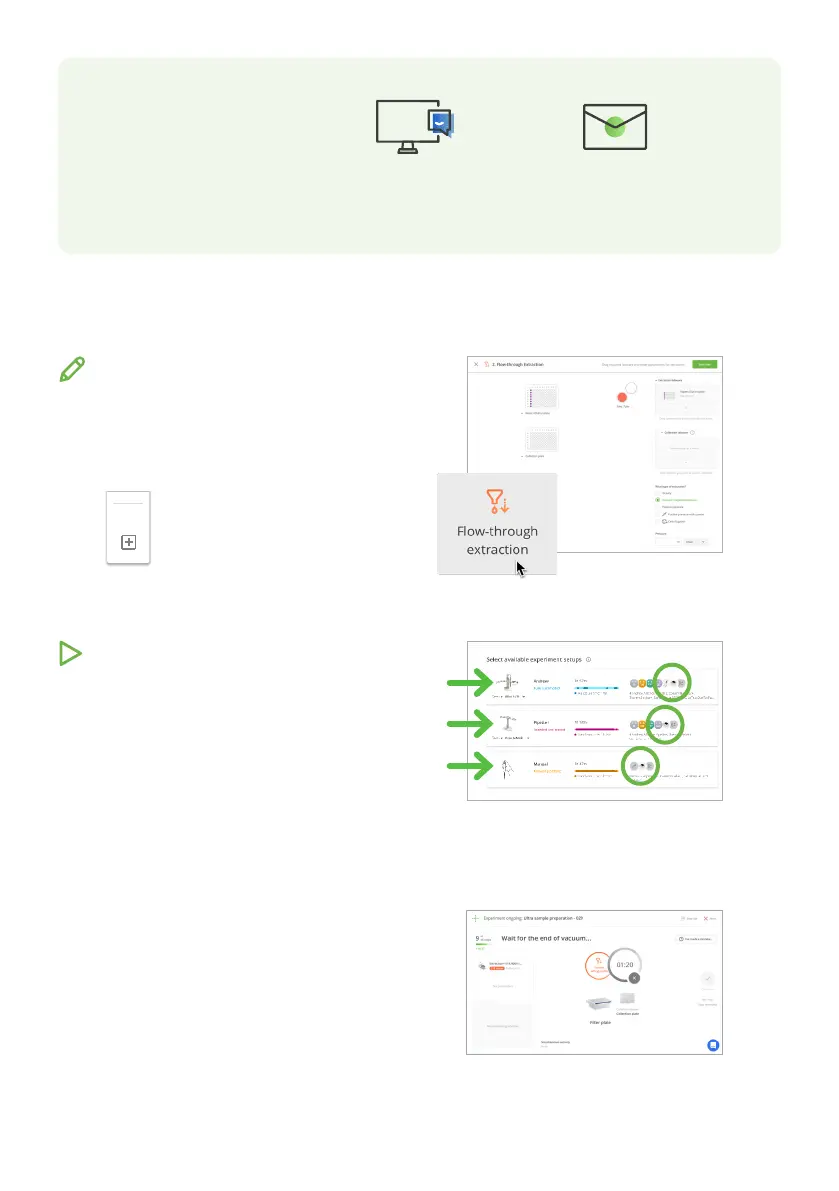
Choose your desired experiment setup, and
then prepare all the required materials.
Our drag-n-drop editor makes it easy to
design a precise and complete protocol with all
you need to run your
experiment perfectly.
Create a Flow-through extraction
action by clicking this menu, which
is located on the left side of the
screen.
Actions
Follow the visual instructions based on the
protocol you are using and you will be guided
through your experiment.
Each step of the experiment is recorded and
available in OneLab.
Feel free to contact
the Waters
support team
Send us an email at
aa_support@waters.com
Chat with our support team
directly in OneLab
We reply within one business day













 To Next Page