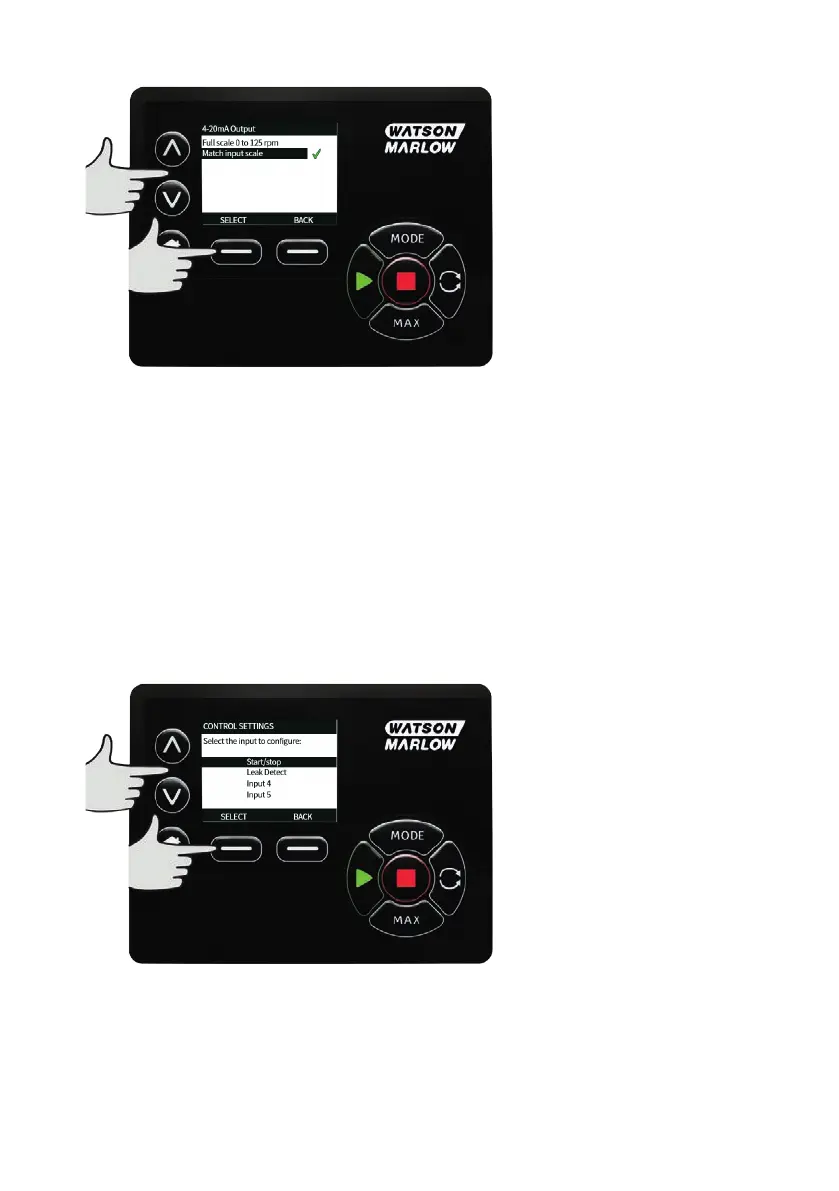
Use the ∧ /∨ keys and press SELECT to choose the required setting:
Full scale 0 to 125 rpm — The 4-20mA output will be based on the full speed range of the pump. At 0
rpm the pump will output 4mA, at 125 rpm the pump will output 20mA.
Match input scale — The 4-20mA output will be scaled to the same range as the 4-20mA input. i.e. if the
4-20mA input has been scaled to provide 4mA=0 rpm and 20mA=20 rpm, then an input of 12mA will
result in a set speed of 10 rpm and an output of 12mA.
21.5 Configure inputs
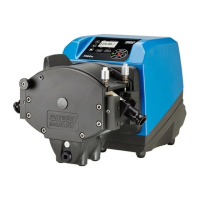
Select Configure inputs from the CONTROL SETTINGS menu.
Use the ∧ /∨ keys and press SELECT to choose which input to configure.
Use the ∧ /∨ keys and press SELECT to choose the logic state of the chosen input.
m-730un-en-08.1 101








 To Next Page