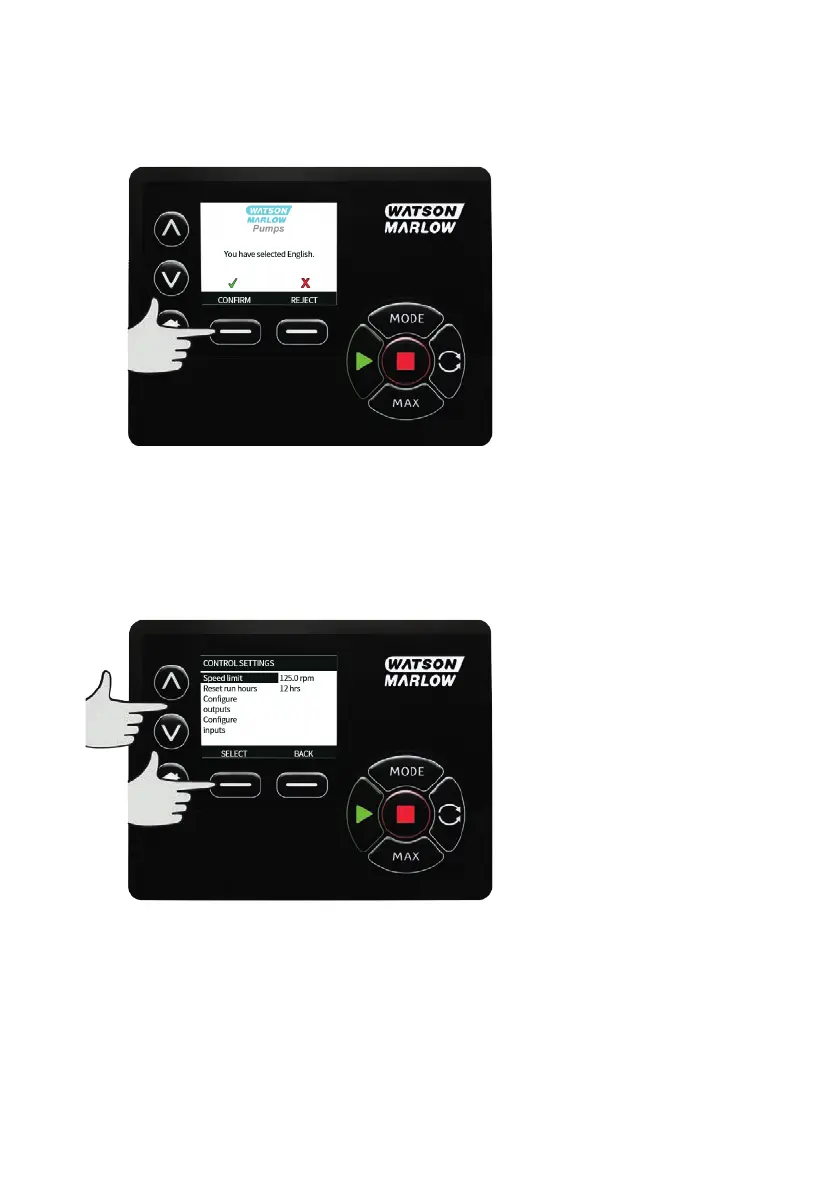
Your selected language will now be displayed on screen. Press CONFIRM to continue, all displayed text
will now appear in your chosen language.
Press REJECT to return to the language choice screen.
MODE menu
Selecting MODE menu from the main menu will navigate you to access the sub-menu shown below. This
is the same as pressing the MODE key. Please see "Mode menu" on page1 for further details.
21.3 Control settings
Select CONTROL SETTINGS from the main menu to access the sub menu shown below. Use the ∧ /∨ keys
to move the selection bar. Press SELECT to choose the required function.
Speed limit
The maximum speed the pump is capable of running at is 360rpm.
Select Speed limit from the control settings menu to define a lower maximum speed limit for the
pump.
This speed limit will be applied to all operating modes.
Use the ∧ /∨ keys to adjust the value and press SAVE to set.
m-730un-en-08.1 97








 To Next Page