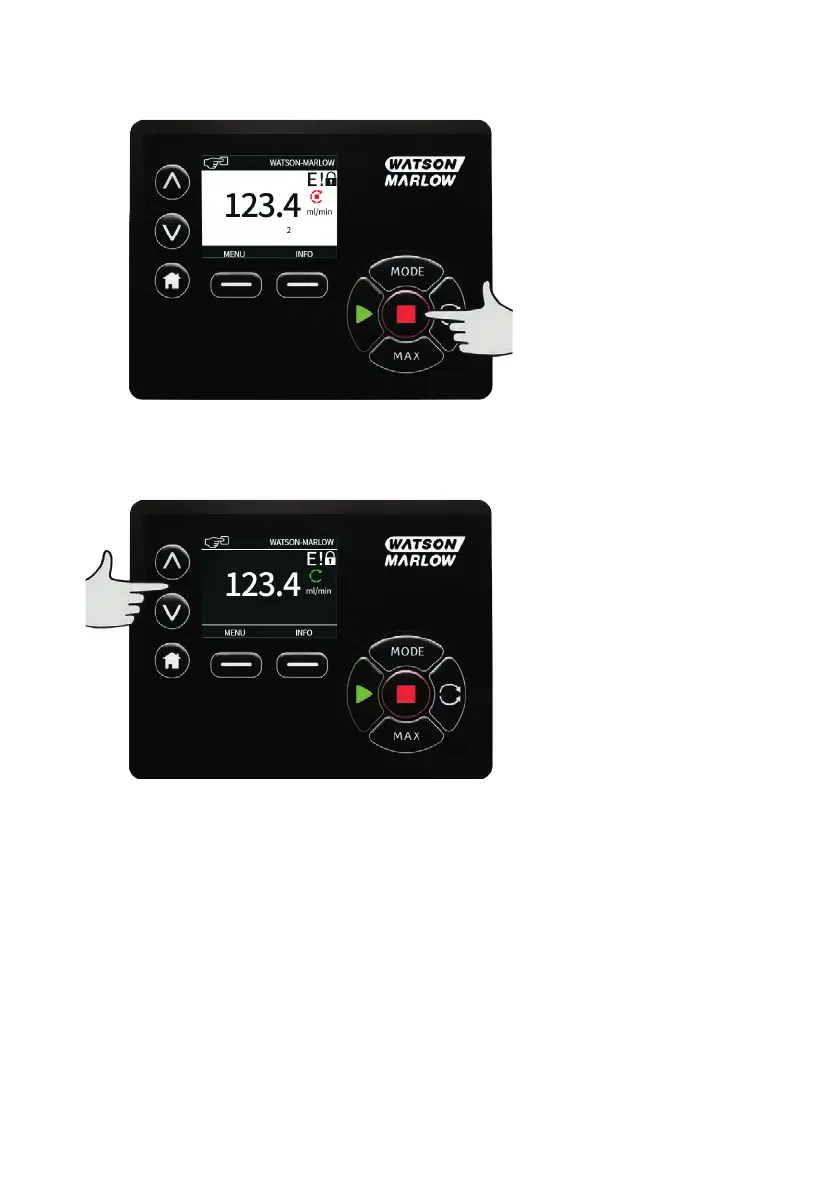
17.2 STOP
Stops the pump. The display background changes to white. If the pump is not running pressing this has
no effect.
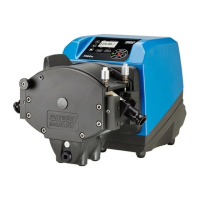
17.3 INCREASING AND DECREASING FLOW RATE
Using the ∧ and ∨ keys will increase or decrease the flow rate.
Decreasing flow rate
o
A single key press will decrease flow rate by the least significant digit of the chosen flow rate unit.
o
Repeat key presses as required to achieve the desired flow rate.
o
Hold down the key for flow rate scrolling.
Increasing flow rate
o
A single key press will increase flow rate by the least significant digit of the chosen flow rate unit.
o
Repeat key presses as required to achieve the desired flow rate.
o
Hold down the key for flow rate scrolling.
54 m-730un-en-08.1








 To Next Page