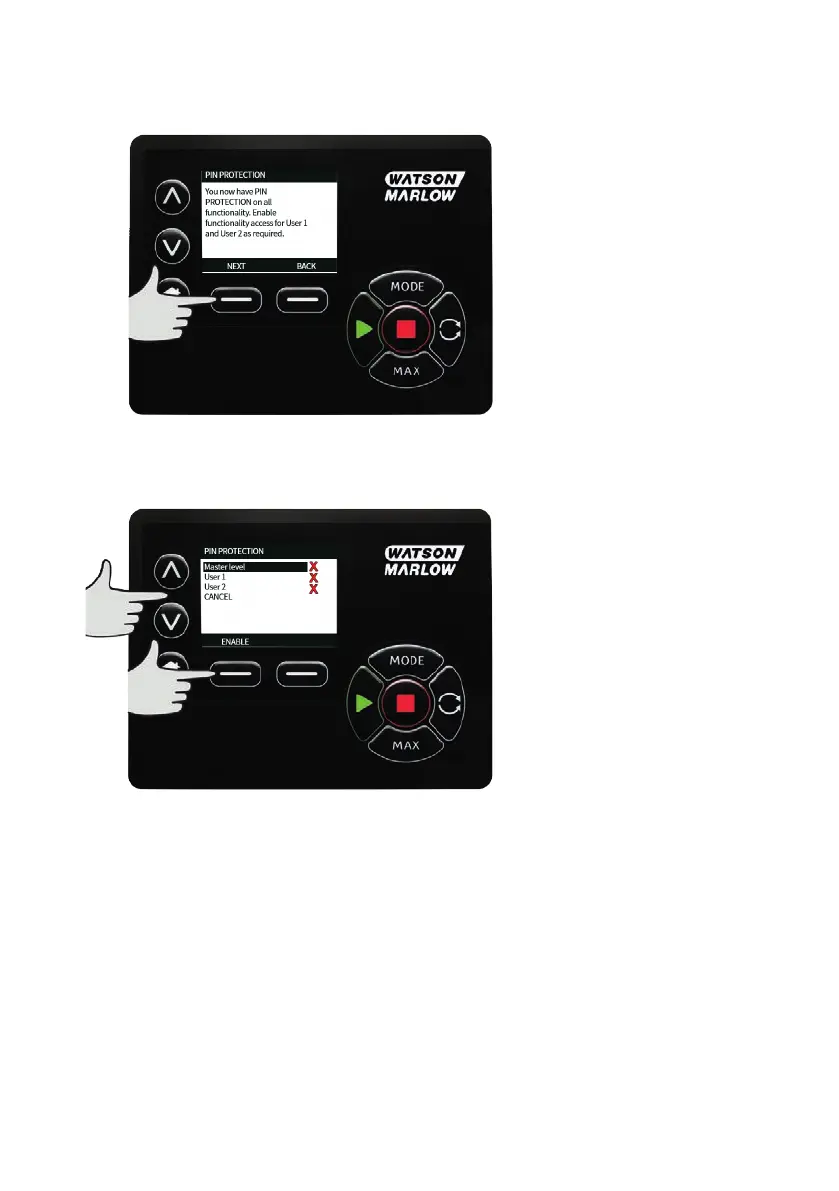
The following screen will be displayed to indicate that the Master PIN has been applied to access all
functionality. Press NEXT to selectively enable functionality access for User 1 and User 2.
Configure User 1 security settings
The PIN PROTECTION level screen will be displayed with User 1 highlighted, press ENABLE to configure
User 1 security settings or scroll to configure an alternative User.
m-730un-en-08.1 79










 To Next Page