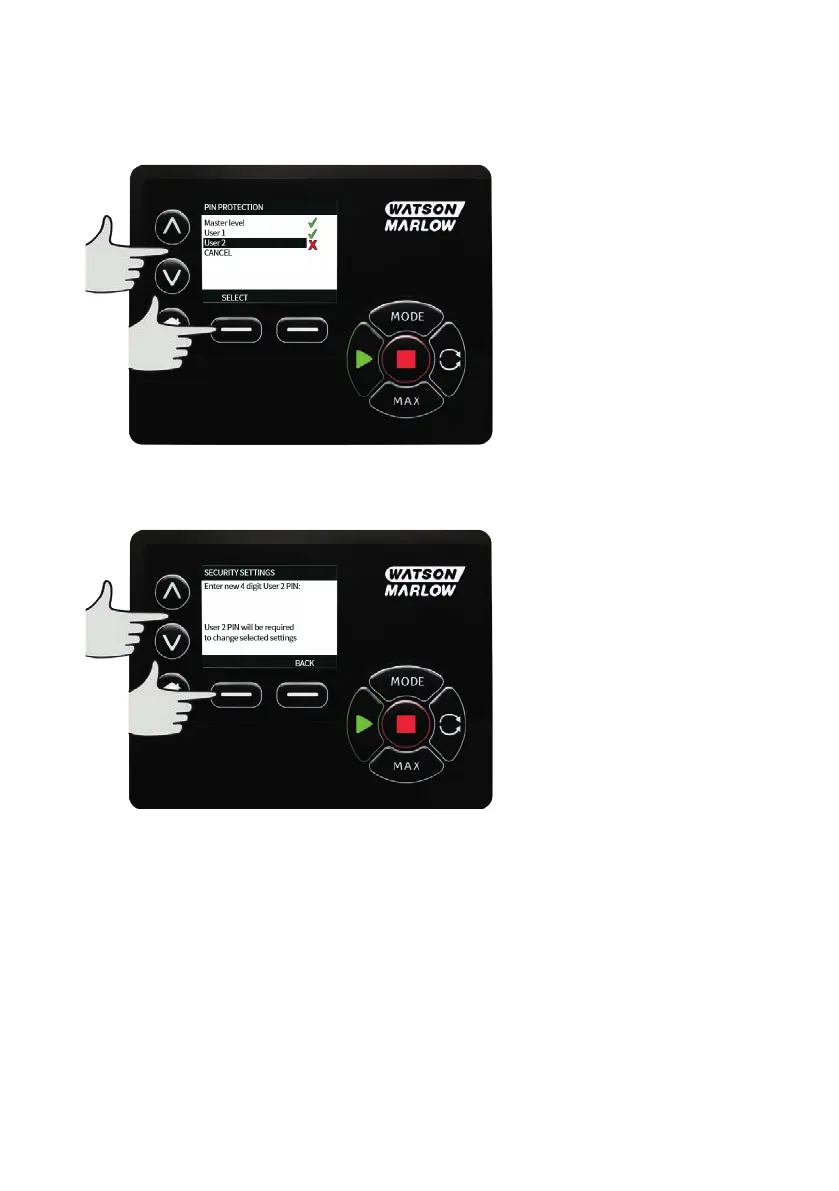
Configure User 2 security settings
The PIN PROTECTION level screen will be displayed with User 2 highlighted, press ENABLE to configure
User 2 security settings or scroll to configure an alternative User.
ENABLE user 2 security settings displays the PIN entry screen for User 2. To define a four digit User 2 PIN,
use the ∧ /∨ keys to select each digit from 0-9. Once you have the required digit press the NEXT DIGIT
key. After selecting the fourth digit press ENTER.
82 m-730un-en-08.1










 To Next Page