Wavecom Instruments Fully Integrated Test N Print Unit - User Manual
3
Dump mode ............................................................................................................................................... 41
Printer Initialization .................................................................................................................................... 41
Set Black Mark Sensor as Media Sensor and Calibrate the Black Mark Sensor...................................... 42
Set Gap Sensor as Media Sensor and Calibrate the Gap Sensor ............................................................ 42
Troubleshooting ......................................................................................................................................... 42
LED Status .......................................................................................................................................... 42
Print Problem ...................................................................................................................................... 43
Maintenance .............................................................................................................................................. 43
Important Information ..................................................................................................... 45
Restrictions to the transporting of LITHIUM ION products ........................................................................ 45
Optional Accessories ................................................................................................................................. 45
Disclaimer – E&OE .................................................................................................................................... 46
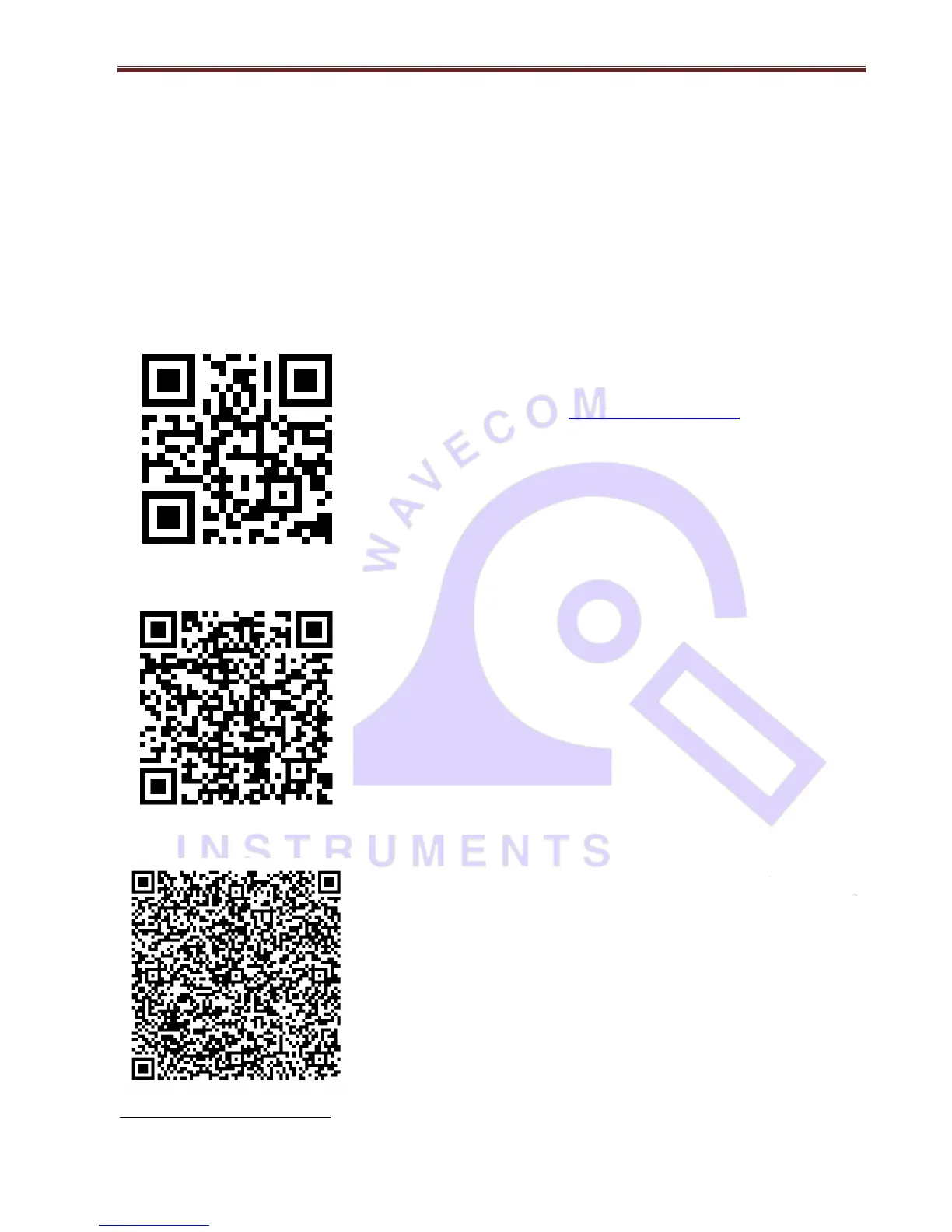
Scan this QR code to visit www.wavecom.com.au
(Use QR code reader app on iPhone / android phone)
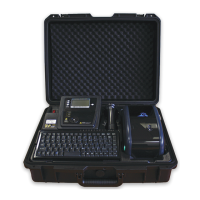
Scan this QR code to book manufacturer’s calibration / repair
service.
(Use QR code reader app on iPhone / android phone)
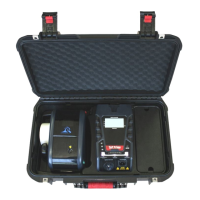
Scan this QR code to save contact card with Wavecom Instruments
contact numbers and email address for tech support – to your phone.
Simply scan the code on left, click save / done in your phone.
(Use QR code reader app on iPhone / android phone)
Brand names, logos and trademarks used herein remain the property of their respective owners. This listing of any firm or
their logos is not intended to imply any endorsement or direct affiliation with Wavecom Instruments Pty Ltd.


 To Next Page