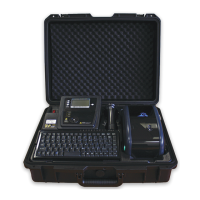
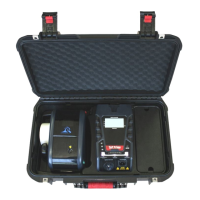
Wavecom Instruments Fully Integrated Test N Print Unit - User Manual
38
Loading the Ribbon
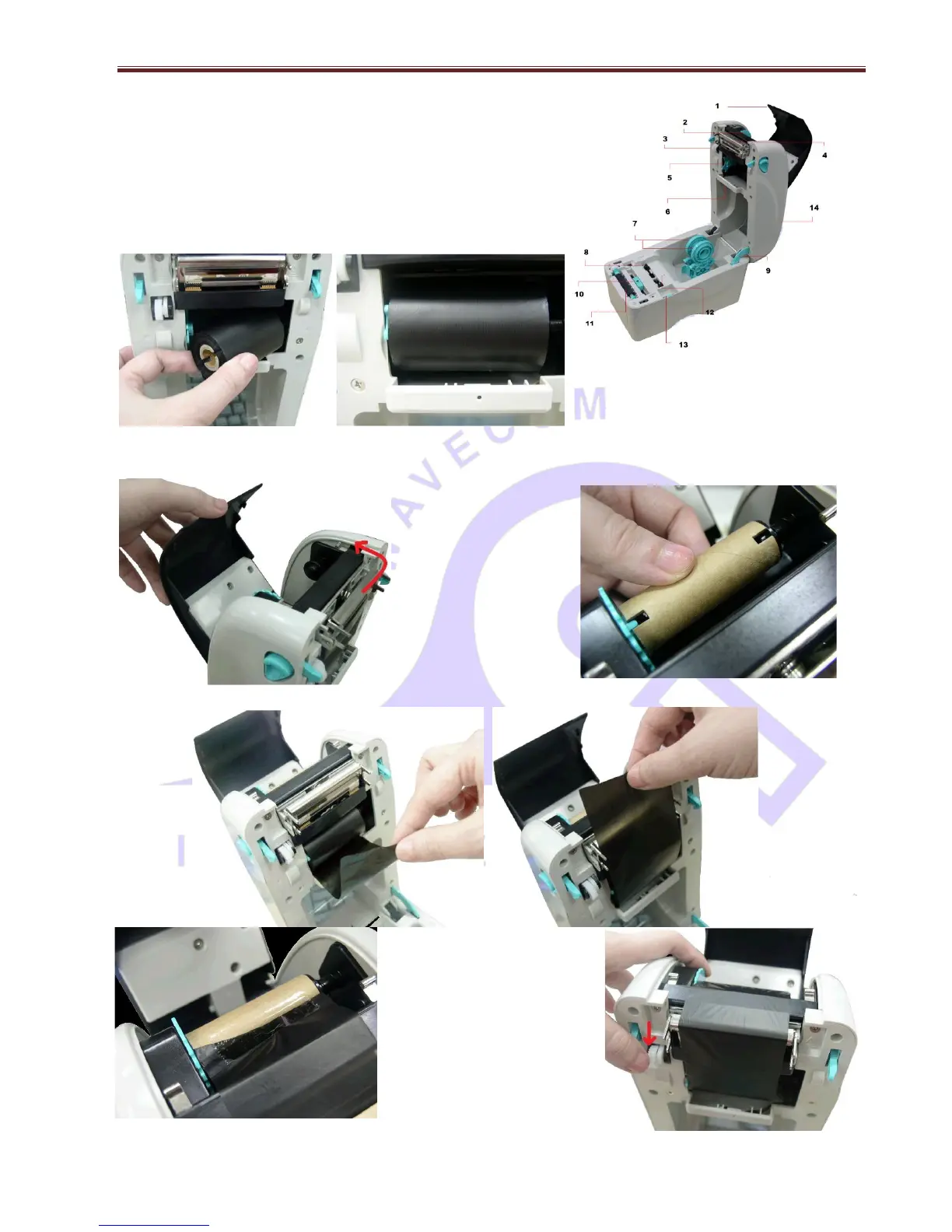
Open the printer’s top cover by pulling the top cover open leavers located
on each side of the printer and lifting the top cover to maximum open
angle. (To this position →)
Insert the ribbon right side onto supply hub (5). Align the notches on the
left side and mount onto the spokes. ↓
← Open the ribbon access
cover.
Insert the paper core right
side onto rewind hub. Align
the notches on to the left
side and mount on to
spokes. →
Pull the leading ribbon to pass the print head. ↓
← Stick the ribbon onto the ribbon
rewind reel.
Turn the ribbon rewind gear until
the ribbon plastic leader is
thoroughly wound and the black
section of the ribbon covers the
print head. Close the ribbon
access cover and the top cover. →


 To Next Page