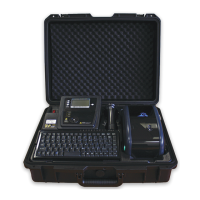
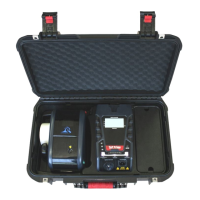
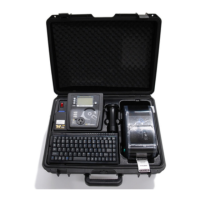
Wavecom Instruments Fully Integrated Test N Print Unit - User Manual
30
Type the text you want for your barcode. If you go past the end of the screen the text will wrap. A maximum of 32 characters
can be entered.
Press the key to print the barcode.
Press the key to return back to the new barcode screen.
Meter Mode ® [Not available in Battery Mode of TnPB Series]
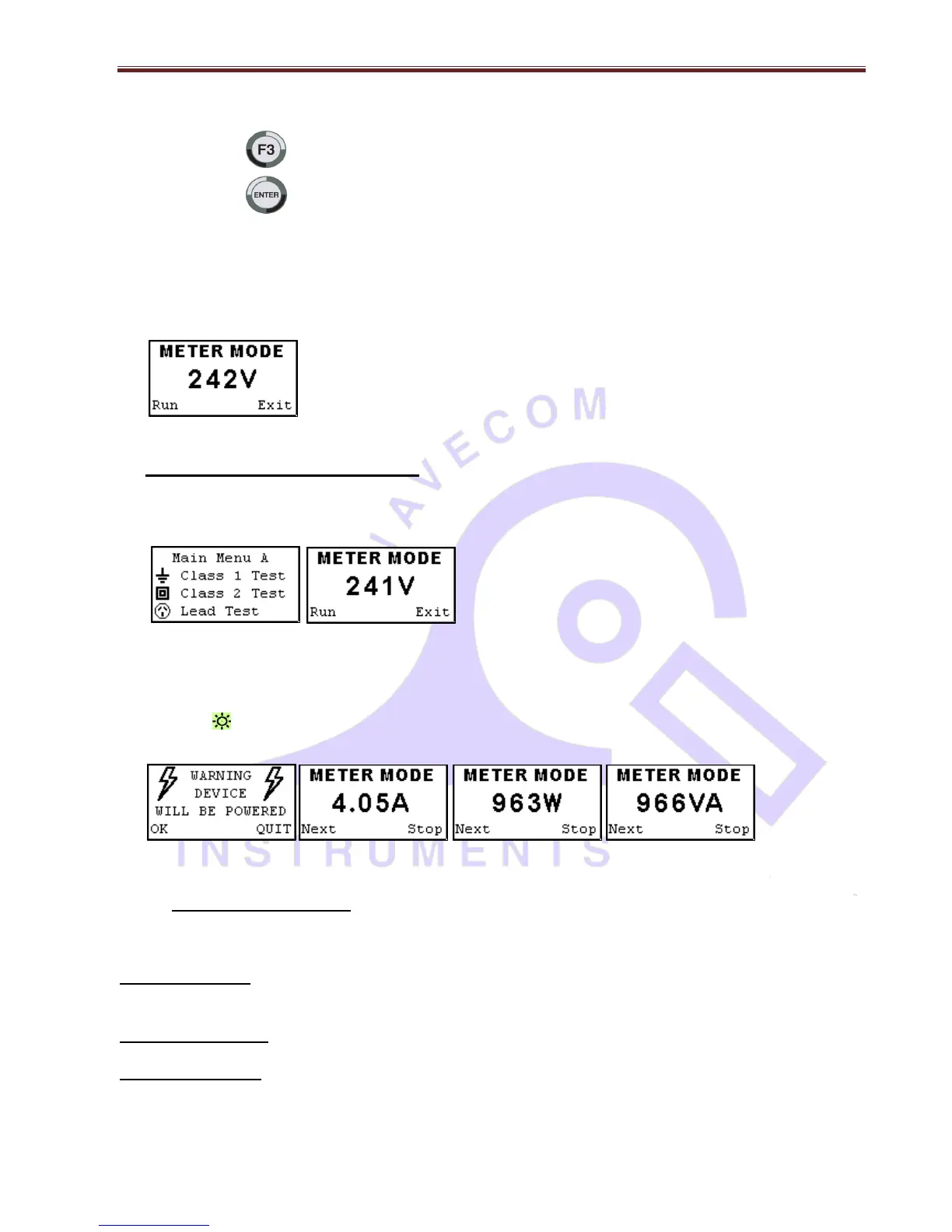
Meter Mode Screen
How to Activate Meter Mode
Hold F3 from main screen display for 2 seconds
Main Menu A Volts Screen
Screen will change to show volts by default when socket is ( not powered )
Plug appliance into testers , test socket , Press F3 to go into power mode and will show
(Warning device will be powered)
Press F3 again to continue and (power the device). If you continue the A-N LED on the tester will flash
green and device will power up. Otherwise press enter to exit.
Warning Screen Amps Screen Watts Screen Volts/Amps Screen
Press the enter key to stop the power mode and return to volts.
Pressing F3 key will start power mode again.
TnT stays in Meter Mode regardless of power on/off until you exit
Pressing Return key will exit meter mode and return the main menu.
If the TnP-500 is reset in meter mode it will return to meter mode when powered up again.
Meter Mode Uses
Meter Mode is a new and versatile function of the new Gen 4 tester that will allow you to display
Electrical Parameters from a Power outlet source or from the appliance under test.
Typical Applications
Example.: Measuring the Power of a bar heater, or electric power drill check the ratings and compare them to that
on the compliance plate etc. Quick test of Power outlet Voltages in rooms or locations split from multiple circuits.


 To Next Page