48 CHAPTER 4 COMMUNICATION
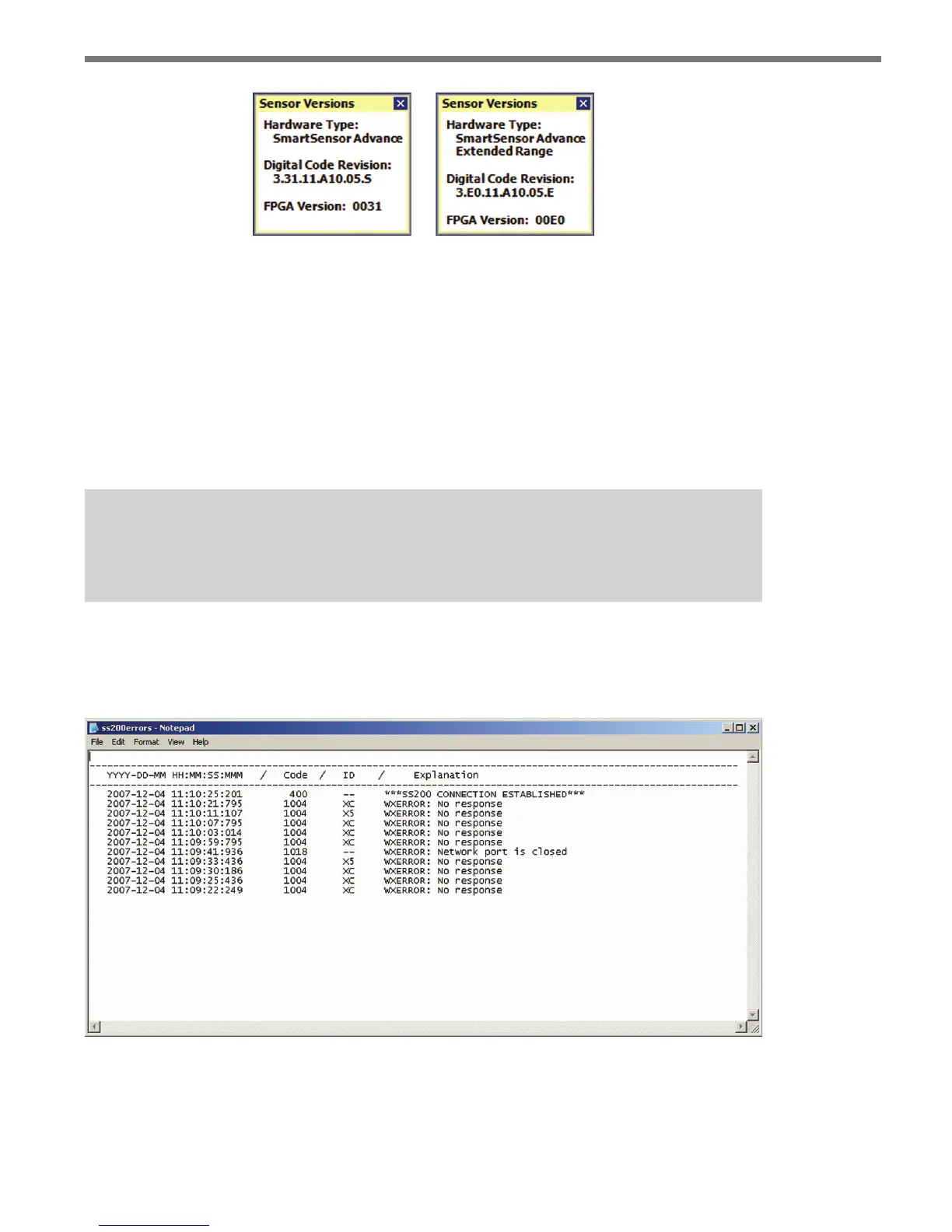
Figure 4.13 – Sensor Versions Window for Advance (left) and Advance Extended Range (right)
Once connected, the hardware type can also be determined from the title bar. If the sensor
is and Extended Range sensor, it will say "(Ext. Range)" in the title bar of SSMA.
Communication Error Log
e error log contains all errors stored in the sensor’s memory buer. If you are having
trouble connecting, using the error log may be helpful in the troubleshooting process. If you
continue having trouble, save the error log le and contact Wavetronix Technical Services.
Note
You will need to save the error log file or it will be overwritten.
Click the View Error Log link to view the communications error log (see Figure 4.14).
e error log can also be accessed by clicking on the Error Log icon at the bottom of the
Communication screen.
Figure 4.14 – Error Log



 To Next Page