78 CHAPTER 7 CHANNELS-ALERTS-ZONES
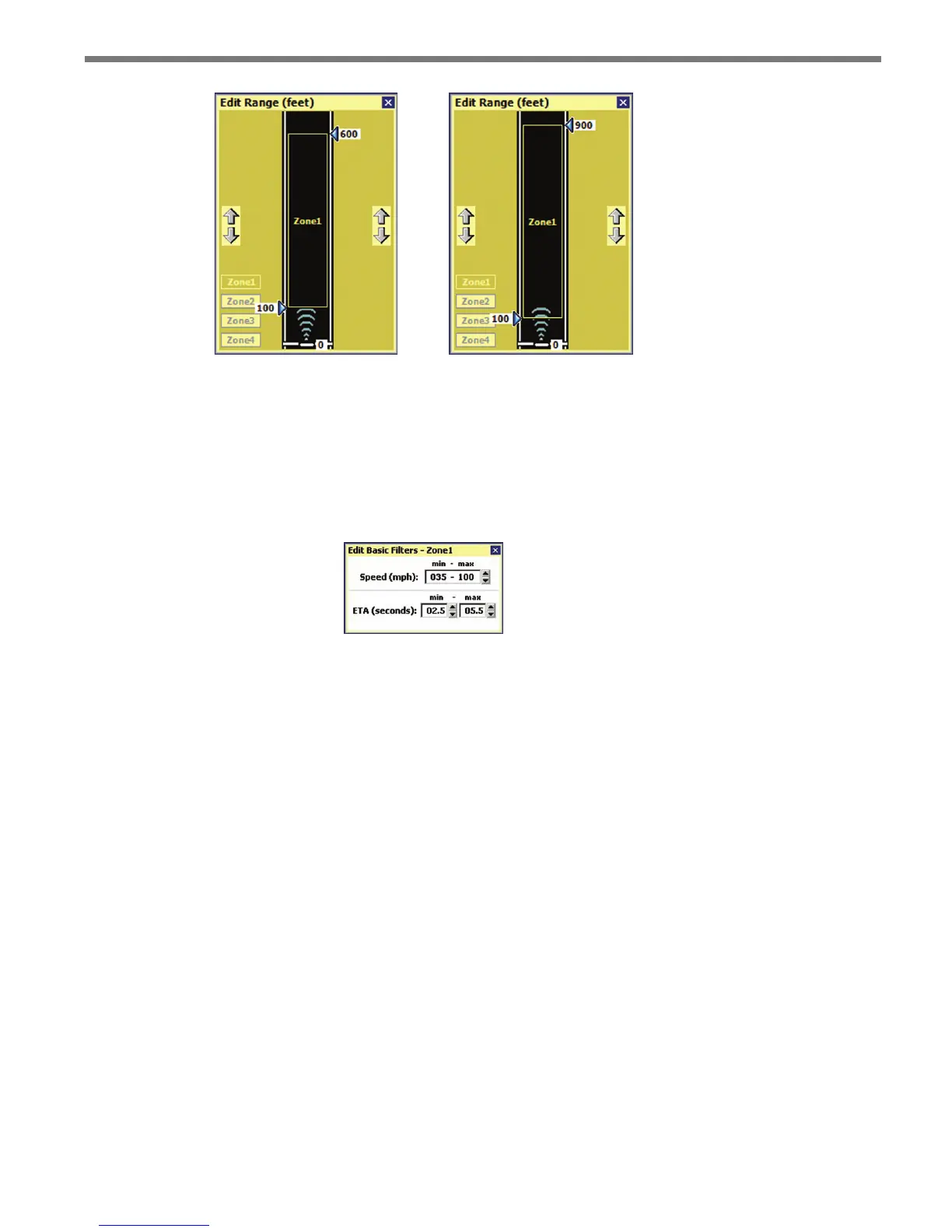
Figure 7.18 – Adjusting Zones for Advance (left) and Advance Extended Range (right)
Speed (mph) and ETA (s)
In addition to range, zone detections can also be ltered by speed and by the estimated
time of arrival to the stop bar. Click anywhere in the Speed or ETA area and the Edit Basic
Filters screen will appear (see Figure 7.19).
Figure 7.19 – Edit Basic Filters Screen
Edit the min and max values in the speed lter to set the range of qualied speeds. e
minimum speed value is 1 mph (2 kph) and the maximum speed value is 100 mph (161
kph).
On the previous window, check the box to the left of the Speed label to enable the speed
lter (only speeds within the range will activate zone outputs); uncheck the box to disable
the speed lter (all speeds will activate zone outputs).
Edit the min and max values in the ETA lter to set the range of qualied ETAs. e
minimum ETA value is 0.1 seconds and the maximum ETA value is 25.4 seconds. If you
try to raise the max ETA value above 25.4, the lter will be set to INF, which will accept
any vehicle with an estimated time of arrival greater than the minimum.
On the previous window, check the box to the left of the ETA label to enable the ETA
lter (only ETAs within the range will activate zone outputs); uncheck the box to disable
the ETA lter (all ETAs will activate zone outputs).
Qualified Count
A qualied detection is a detection in a zone that meets the specied range, speed and ETA



 To Next Page