5Startup
WU017834 Rev. 05 July 2023 Wayne Fueling Systems | Dover Fueling Solutions 41
5.3.4 Setting Blend Ratios
The procedure below is used to set the dispenser Blend Ratios.
NOTE!
When enabled, the POS system verifies and confirms that its blend ratio data corresponds to the manually
set Blend Ratios.The POS system will not allow fuel to be dispensed if these Blend Ratios do not match.
In order to set Blend Ratios, you will need to know the Logical Nozzles for the dispenser. The Dispenser
Configuration Template defines the dispenser model and assigns Logical Nozzle numbers to the hose posi-
tions, as discussed in Logical Nozzle / Hose Positions
on page 37.
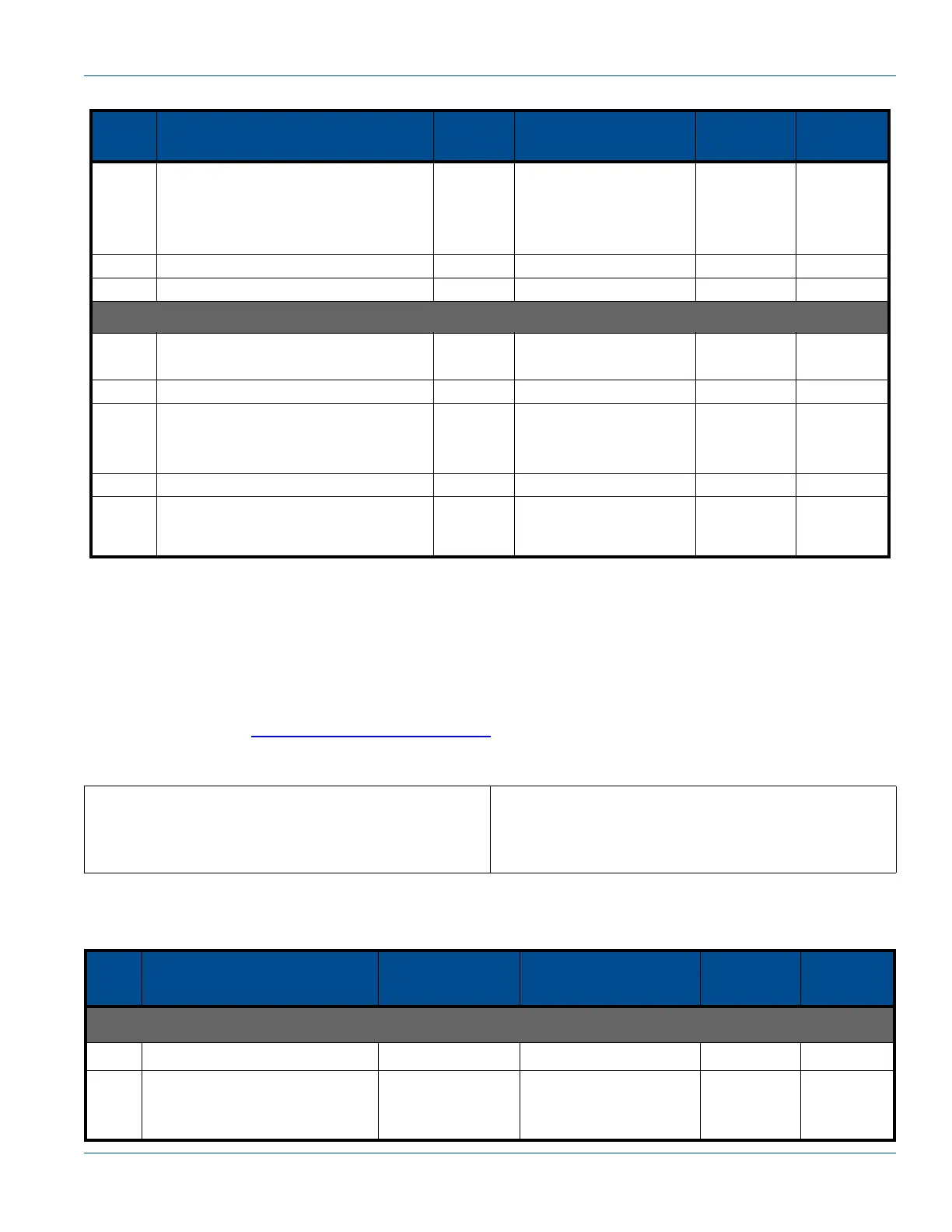
Set Blend Ratios for a dispenser by modifying the following Functions with the Remote Control (IRC):
To change and save the Blend Ratios, perform the following steps:
7
Press #
Type numbers
ENTER
NEXT
- - - - - -
Existing Cash Price
----------------------------
New Cash Price
3.17 Noz 7
8 ENTER - - - - - - F03
9 Press UP - - - - - - F04
Proceed with Loading Credit and Cash Prices for Side B (Function F04), then save changes as follows:
1
Type 0
ENTER
- - - - - - F 00
ENTER - - - - - - 1 0.00
2
Press #
Type 3
ENTER
- - - - - - 3 0.00
3 ENTER CHanGE StorED
4ENTER
Last
Sale
Amount
Last Volume
Amount
New Price
SIDE A Blend Ratios
Function F18
Sub-Function .1N (F18.1N)
S
IDE B Blend Ratios
Function F18
Sub-Function .2N (F18.2N)
Table 5-4 Setting Blend Ratios
Step
IRC
Command
Sales
Display
Volume
Display
Unit Price
Display
Logical
Nozzle #
Set Blending Ratios for Side A:
1 Press ENTER PASS 1
2
Type the corresponding PASS-
WORD
Press ENTER
PASS 2
Table 5-3 Loading Cash and Credit Prices (Continued)
Step
IRC
Command
Sales
Display
Volume
Display
Unit Price
Display
Logical
Nozzle #


 To Next Page