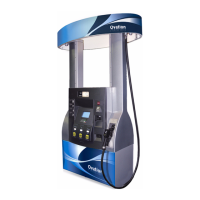
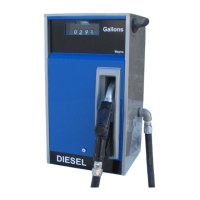
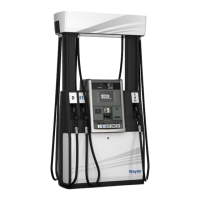
6 Operation
64 WU017834 Rev. 05 July 2023 Wayne Fueling Systems | Dover Fueling Solutions
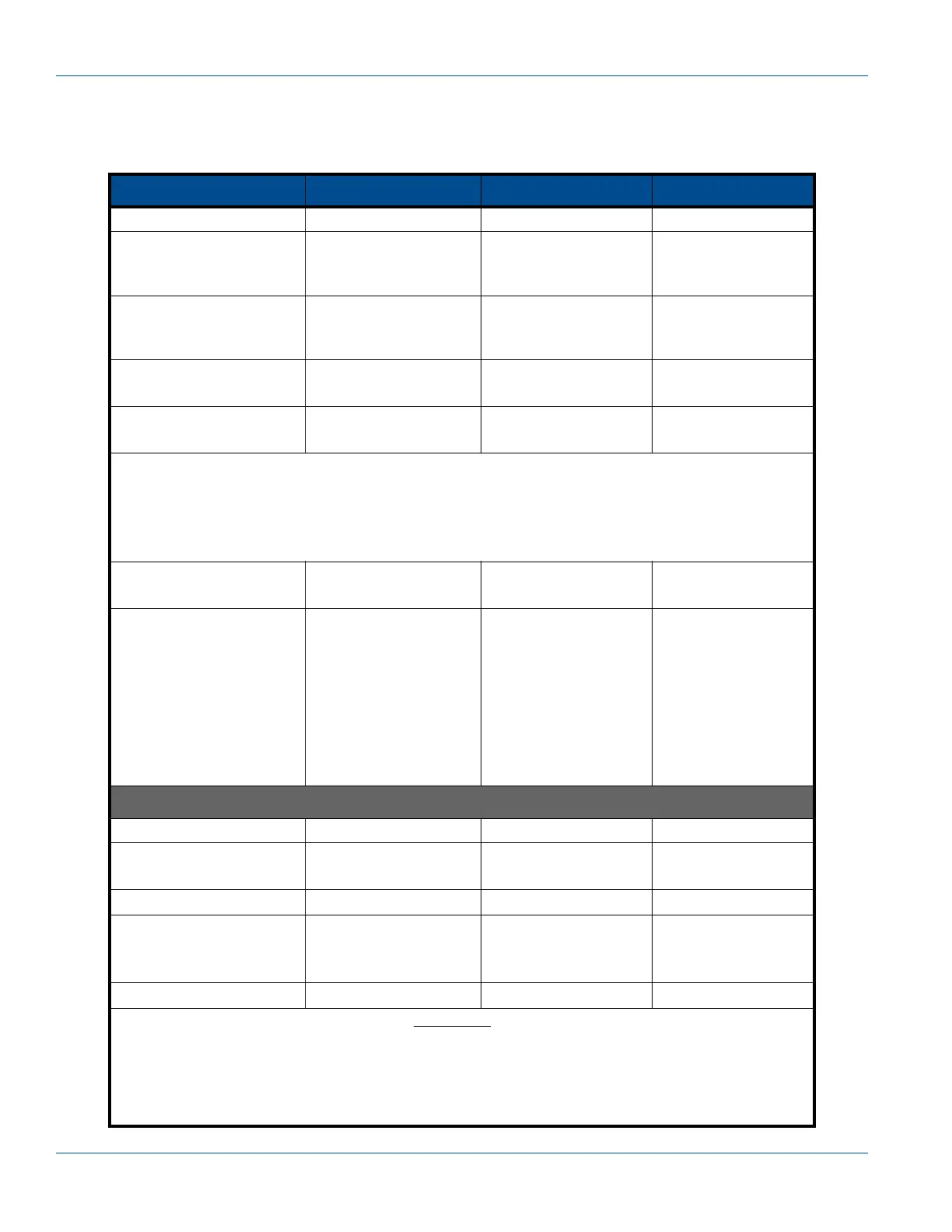
6.10.1 Arming or Disarming Smart Secure Access (SSA) Using a OneShot Password
IMPORTANT! When Smart Secure Access (SSA) is enabled using Function 56.00, the system MUST be dis-
armed using the following procedure before opening the bezel doors to prevent a breach.
IRC Button Sales Display Volume Display Price Display
Press ENTER PASS 1
Type the corresponding
PASSWORD
Press ENTER
PASS 2
Type the PASSWORD
again
Press ENTER
iGEM software version Date F - -
Press 56
Press ENTER
- - - - - - - F 56
Press 0
Press ENTER
5600xx xxxxxx 56.00
The contents of the Sales and Volume fields show the 12-digit Challenge Code; the first four digits
are the function and sub-function. Sign on to DFS Unlock then use the Challenge Code to get the
Response Code to enter in the following step; see manual P/N W2940306 for more information
about using DFS Unlock.
NOTE! The prompt times out after two minutes. If the display has returned to the idle state, repeat the above
steps to get back to the Challenge Code to enter the Response Code that you have already retrieved.
Enter Response Code
Press ENTER
- - - - - - - 0 56.00
To Arm:
Press #
Press 1
Press ENTER
To Disarm:
Press #
Press 0
Press ENTER
- - - - - - -
- - - - - - -
1
0
56.00
56.00
Saving the new setting
Press ENTER - - - - - - - F 56
Press 0
Press ENTER
- - - - - - - F 00
Press ENTER - - - - - - - 1 0.00
Press #
Press 3
Press ENTER
- - - - - - - 3 0.00
Press ENTER CHAnGE StorEd
This has enabled the security switch. After one minute
the switch will be armed. Pressing Enter dur-
ing the one minute period will display “Secure OFF”. After one minute, press ENTER and the display
will show “Secure ON”. The procedure is now complete. The bezel should not be opened.
NOTE! Opening the door anytime after this point will constitute a security breach. At the time a breach occurs,
the annunciator will sound a constant alarm tone and the display will show “Closed”. To clear the
breach, close and secure the doors then access function 56. A new response code will be required.


 To Next Page