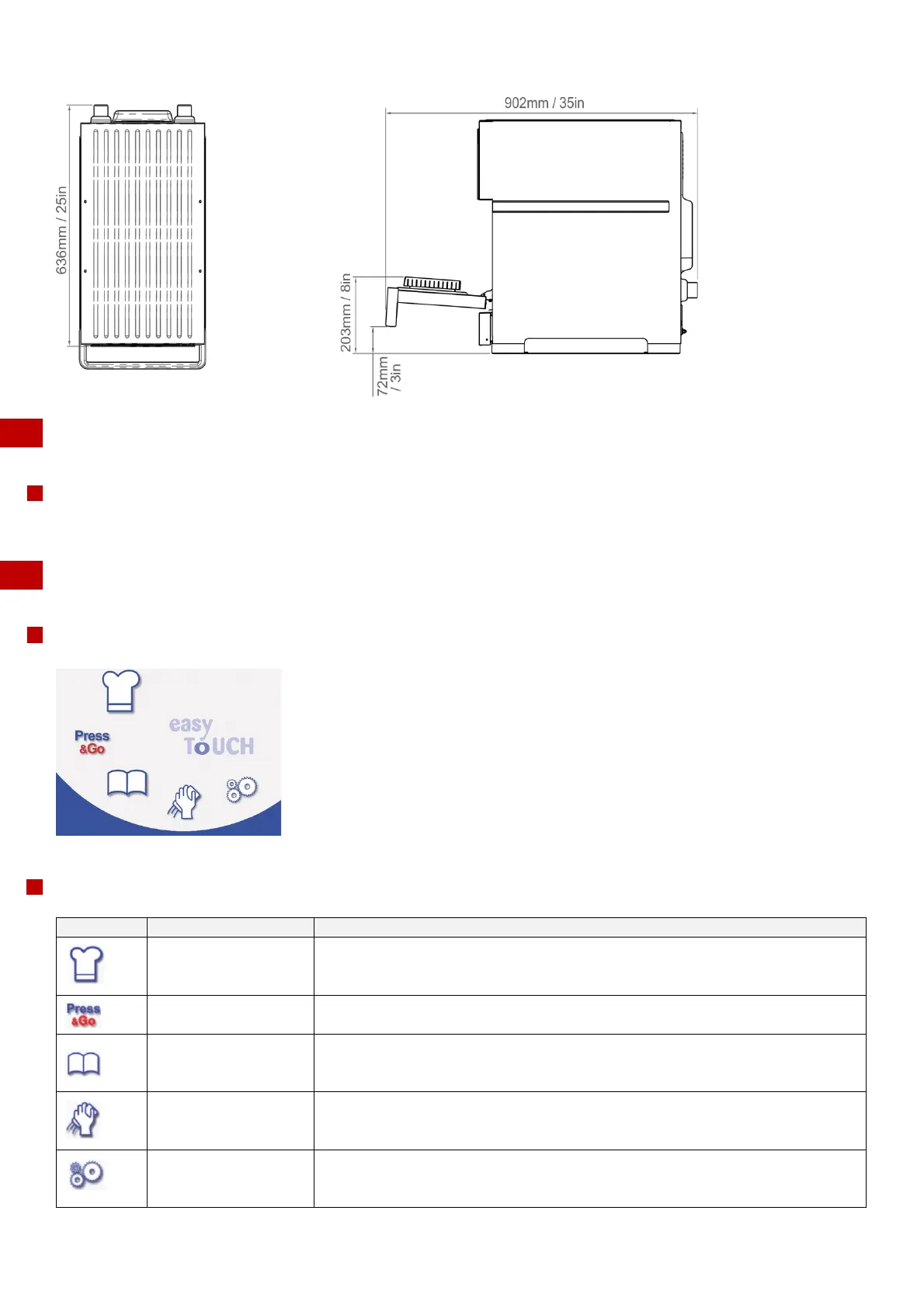
Merrychef eikon
®
e2s service and repair manual
_______________________________________________________________________________________________________________________________
_______________________________________________________________________________________________________________________________
4 Accessing the easyTouch
®
screen
4 Accessing the easyTouch
®
screen
Purpose
Instruct the user regarding all safety-related functions and devices.
Instruct the user in how to operate the appliance.
4.1 Main menu screen
Appearance
The buttons and what they do
Development Mode or
Manual Cooking Mode
'Development Mode' enables multistage cooking profiles to be developed, then
stored under a name and symbol for reuse. ‘Manual Mode’ enables multistage
cooking without the need for a pre-programmed cooking profile.
'Press&Go' allows quick access to use the cooking profiles that are already stored.
'Cookbook' contains the cooking profiles stored in the memory of the appliance. It
displays favourites, cooking profile groups and a complete listing of all cooking
profiles available.
'Cleaning / Temp change' allows the cavity temperature to be changed and the
appliance to be prepared for cleaning with reminders displayed to assist during
the cleaning process.
'Settings' are used to control the appliance settings and functions including time
and language, loading cooking profiles and for service and maintenance
purposes.



 To Next Page