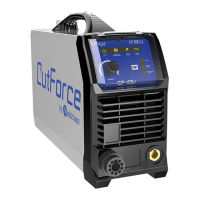
Weldforce 202T AC/DC
© Weldclass 2020 | E.&O.E. 9
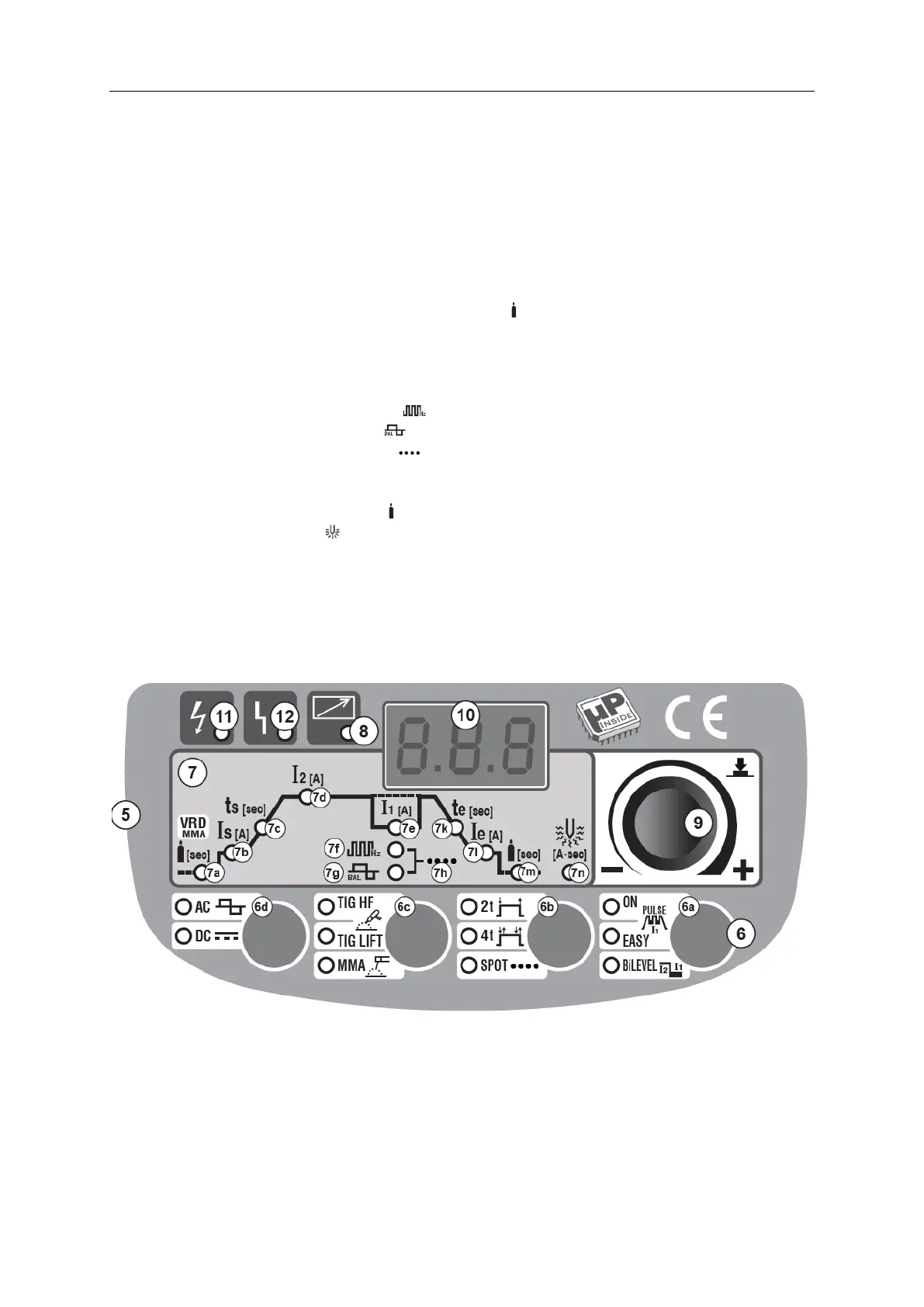
3.3 Control Panel
5. Control Panel
6. Welding Mode Selection Buttons
a. Pulse Selection Button (Pulse/Easy Pulse/Bi-Level)
b. Trigger Mode Selection Button (2T/4T/Spot)
c. Process Selection Button (HF TIG/Lift-Arc TIG/MMA)
d. Current Selection Button (AC/DC)
7. Welding Parameter Indicator Lights
a. Pre-Gas (TIG) / VRD (MMA) Indicator Light (
[sec]
)
b. Start Amps (TIG) / Hot Start (MMA) Indicator Light (I
START
)
c. Slope-Up Setting Indicator Light (t
START
)
d. Main Amps Indicator Light (I
2
)
e. Base Amps (TIG) / Arc Force (MMA) Indicator Light (I
1[A]
)
f. Frequency Indicator Light ( )
g. Balance Indicator Light ( )
h. Spot Time Indicator Light ( )
k. Slope-Down Indicator Light (t
END
)
l. Finish Amps Indicator Light (I
e[A]
)
m. Post-Gas Indicator Light (
[sec]
)
n. SmartStart AC (
[A-sec]
)
8. Remote Control Indicator Light
9. Selection Knob
10. LCD Readout
11. Input Power Indicator Light
12. Error/Over Temperature Indicator Light
Figure 3


 To Next Page