REPORTS FOR CLERK Option
• From Menu, select “REPORTS FOR CLERK ” option in Bill Settings.
(Refer Menu structure for more details).
• Press ENTER
"ENABLE” or "DISABLE" can be selected by pressing up arrow or down
arrow (á or â ) keys,
• Press ENTER to confirm.
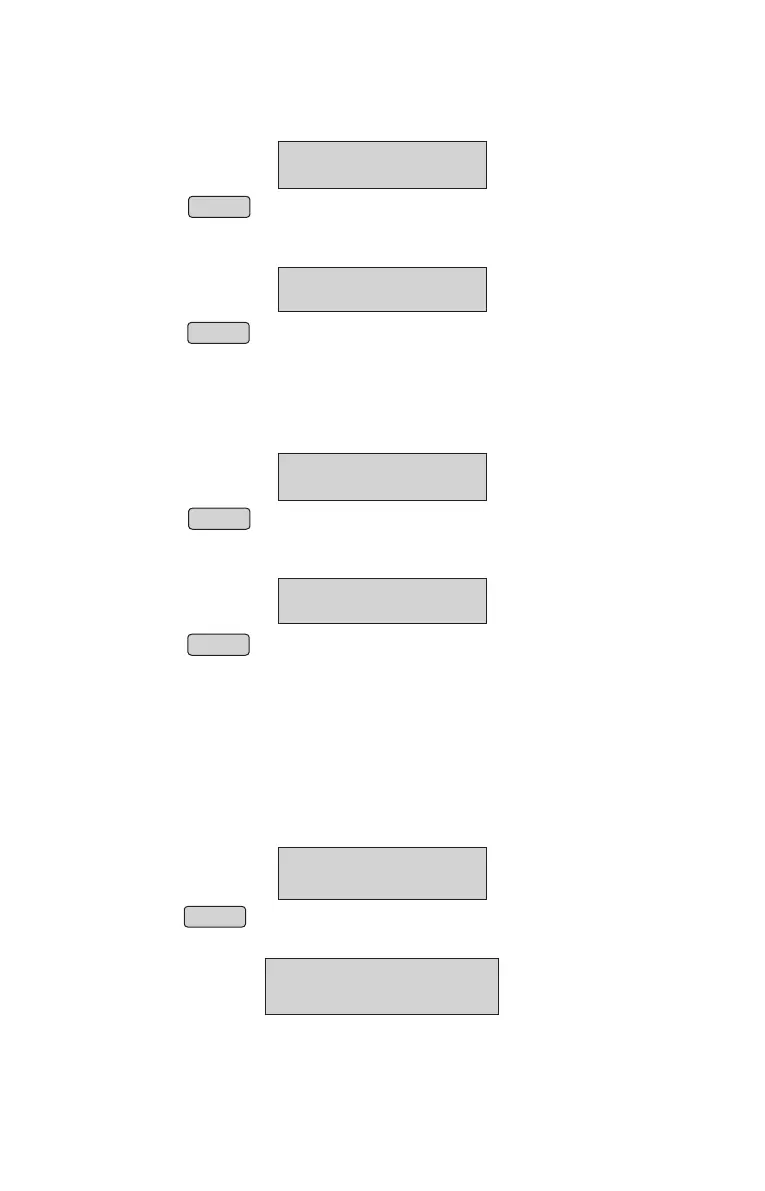
BILL SETTINGS
↑
RPT FOR CLERKS
↑
ENABLE
RPT FOR CLERKS
PRINT CUST NAME Option
• From Menu, select “PRINT CUST NAME ” option in Bill Settings.
(Refer Menu structure for more details).
• Press ENTER
"ENABLE” or "DISABLE" can be selected by pressing up arrow or down
arrow (á or â ) keys,
• Press ENTER to confirm.
BILL SETTINGS
↑
PRINT CUST NAME
↑
ENABLE
PRINT CUST NAME
Note : By Enabling Reports for Clerk option, Clerk will have privilege to view & print reports.
Bill Number Type
• From Menu, select “BILL No. TYPE ” option in BILL SETTINGS.
(Refer Menu structure for more details).
• Panel will display
• Press ENTER
• Panel will display
BILL SETTINGS
↑
BILL NO TYPE
BILL NO OPTION
BILL NO: CONT
NOTE: Customer name option through panel. We can enter both character and integer.
For toggling from Character to
Integer, press MENU button.
Customer name support up to 16 characters.
Special characters are not allowed.
19



 To Next Page