13
• Enter the bill number you want to start.
• Press ENTER to continue.
• If your choice is "Select daily reset".
• Panel will display
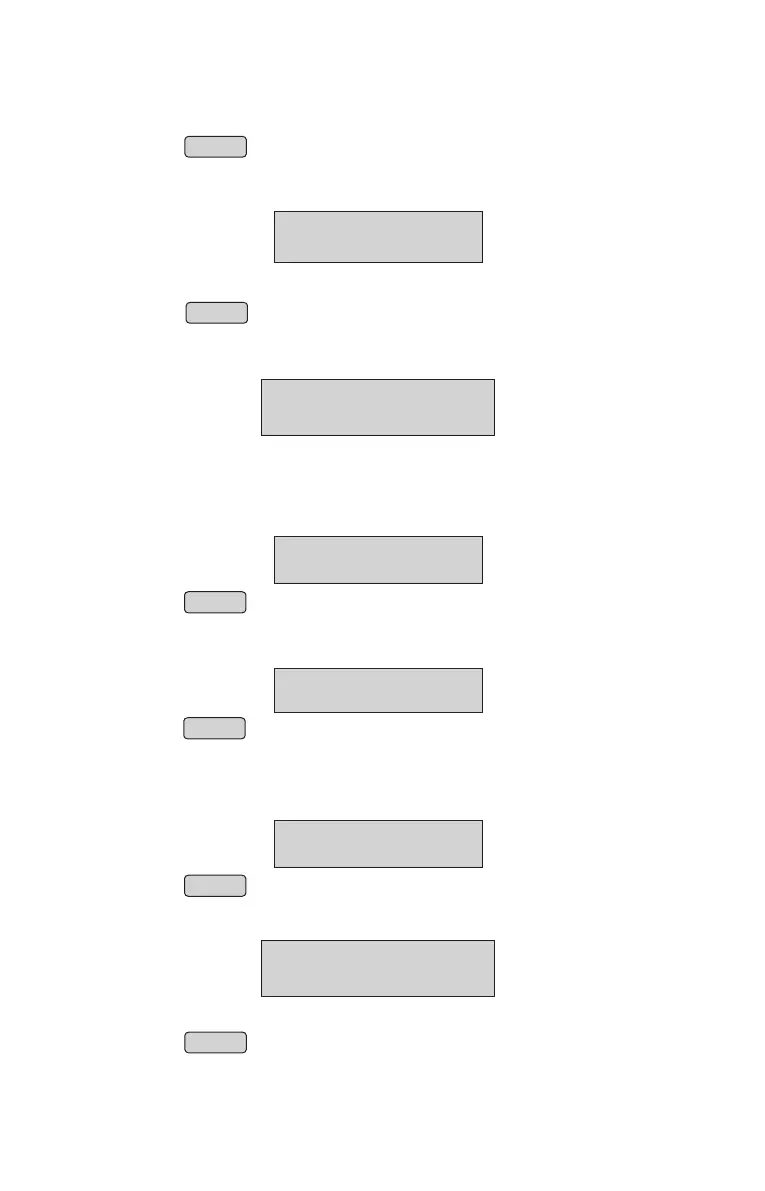
BILL NO OPTION
BILL NO: DAILY RS
NOTE: We can’t change this Setting if it is already billed for the day.
UTGST Option
• From Menu, select “UTGST ” option in Bill Settings.
(Refer Menu structure for more details).
• Press ENTER
“UTGST' or " SGST" can be selected by pressing up arrow or down
arrow (á or â ) keys,
• Press ENTER to confirm.
BILL SETTINGS
↑
UTGST
↑
UTGST
UTGST OPTION
TAX Type Option
• From Menu, select “TAX TYPE” option in Bill Settings.
(Refer Menu structure for more details).
• Press ENTER
BILL SETTINGS
↑
TAX TYPE OPTION
• Panel will display
• Use up or down to select bill type "Forward TAX" or "Reverse TAX"
• Press ENTER to continue.
↑ ↓
TAX TYPE OPTION
OPTN: FWD TAX
NOTE: We can’t change this Setting if it is already billed for the day.
• Use up or down to select bill type "Select continuous" or "Select daily reset"
• Press ENTER to continue.
• If your choice is "Select continuous"
• Panel will display
↑ ↓
BILL NO OPTION
BILL NO: _
20



 To Next Page