14
TIME PRINT Option
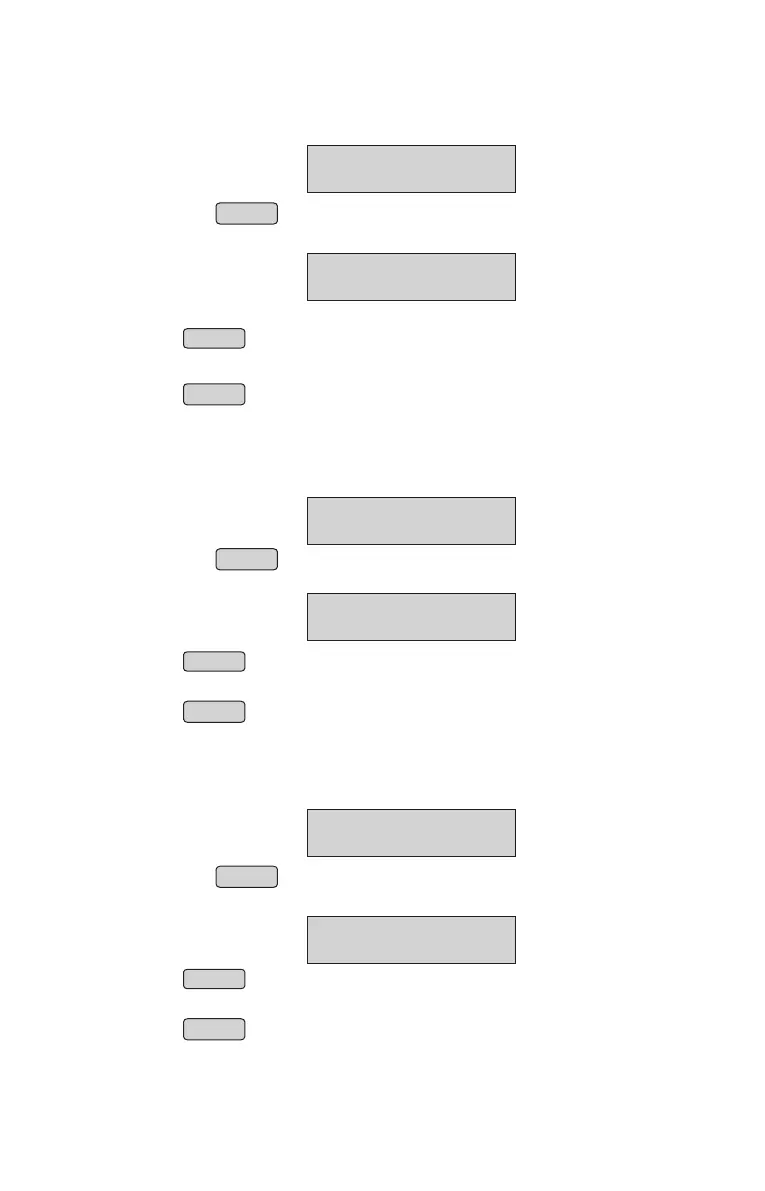
From menu select “TIME PRINT” option (Refer Menu structure)
• Press ENTER
• Panel will display
Press ENTER key
Enable or “Disable” can be selected by pressing UP or DOWN arrowkeys
Press ENTER to confirm
NOTE: Its applicable only for Bills and not for Reports
BILL SETTINGS
↑
TIME PRINT OPT
TIME ON BILL OPT
ENABLE
↑
BASE PRICE Option
From menu select “BASE PRICE” option (Refer Menu structure)
• Press ENTER
• Panel will display
Press ENTER key
Enable or “Disable” can be selected by pressing UP or DOWN arrowkeys
Press ENTER to confirm
NOTE: Its applicable only for Reverse Tax & not for Forward Tax.
BILL SETTINGS
↑
BASE PRICE OPT
BASE PRICE OPT
ENABLE
↑
PRINT COUPON Option
From menu select “PRINT COUPON” option (Refer Menu structure)
• Press ENTER
• Panel will display
Press ENTER key
Enable or “Disable” can be selected by pressing UP or DOWN arrowkeys
Press ENTER to confirm
BILL SETTINGS
↑
PRINT COUPON
COUPON PRINTING
ENABLE
↑
21



 To Next Page