GETTING STARTED
9
WD CLOUD USER MANUAL
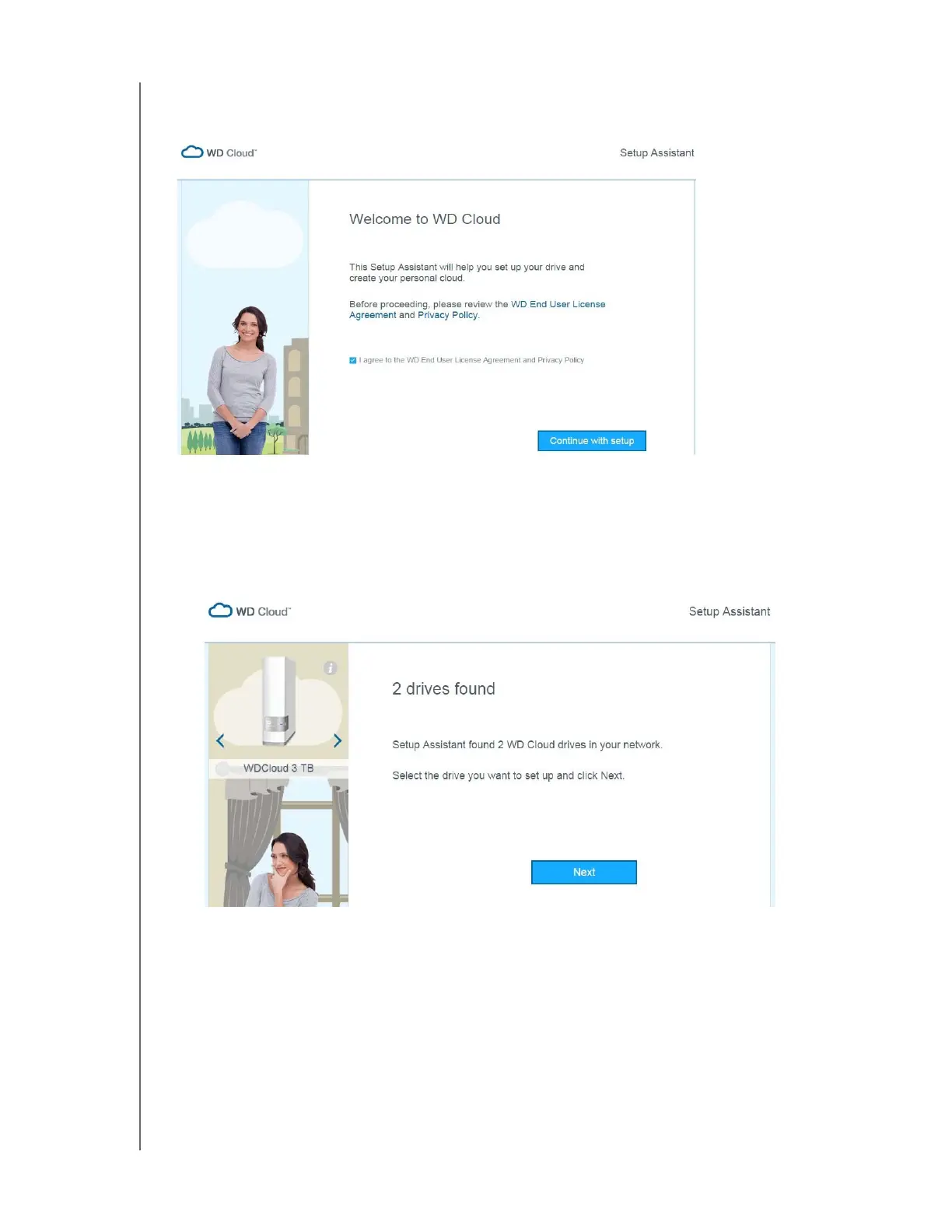
2. In the address field, type http://www.wdcloud.jp/setup. to display the Setup Assistant
welcome page:
3. Read the agreement, select I agree to the WD End User License Agreement and
Privacy Policy and click Continue with setup.
Setup Assistant begins searching for your device. When your device is found, the
below screen appears.
4. Select your WD Cloud device and click Next.













 To Next Page