THE DASHBOARD AT A GLANCE
22
WD CLOUD USER MANUAL
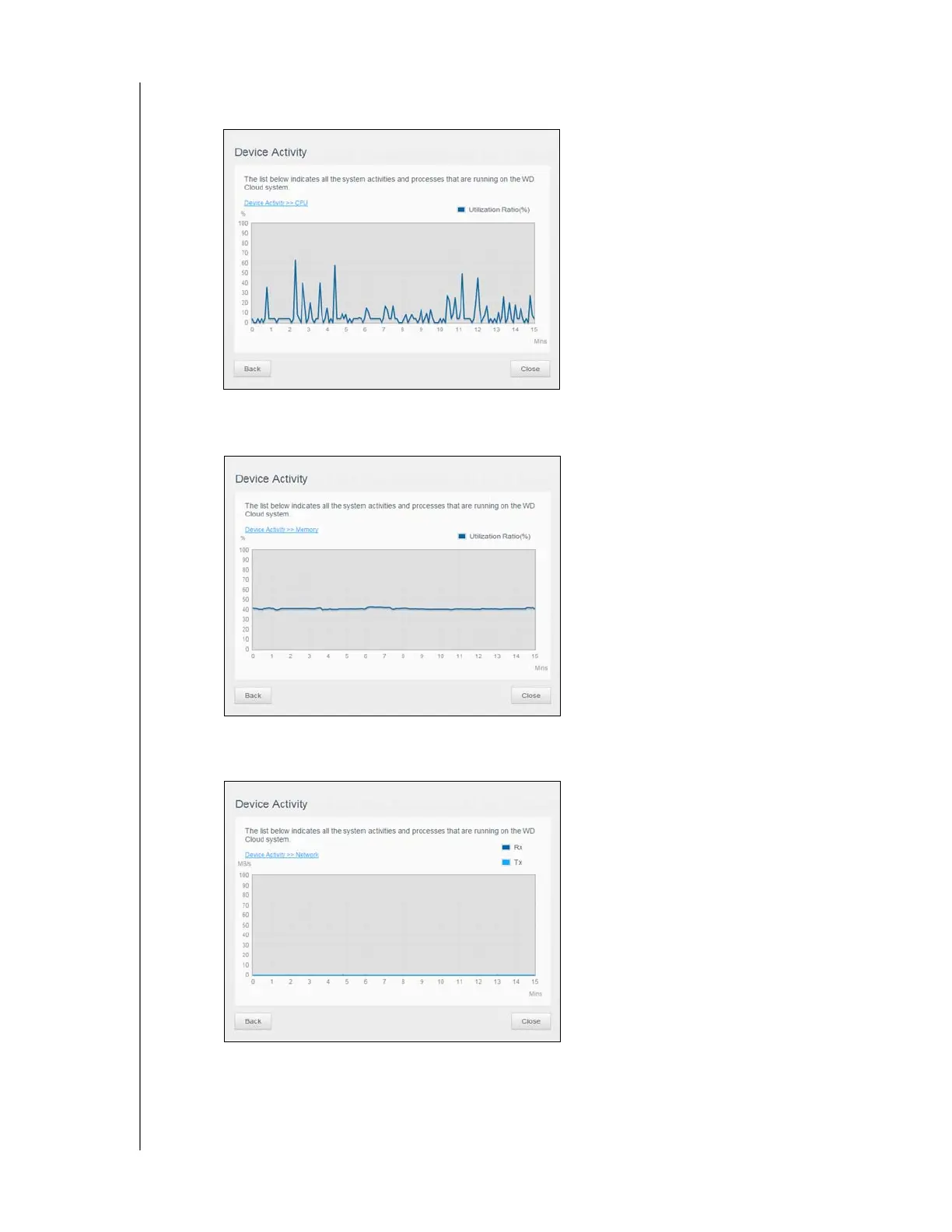
CPU: Click the right arrow to view the CPU activity. Click Back to return to the
Device Activity pane. Click Close to return to the Home page.
Memory: Click the right arrow to view Memory activity. Click Back to return to the
Device Activity pane. Click Close to return to the Home page.
Network: Click the right arrow to view the network activity. Click Back to return to
the Device Activity pane. Click Close to return to the Home page.













 To Next Page