ACCESSING YOUR CLOUD REMOTELY
44
WD CLOUD USER MANUAL
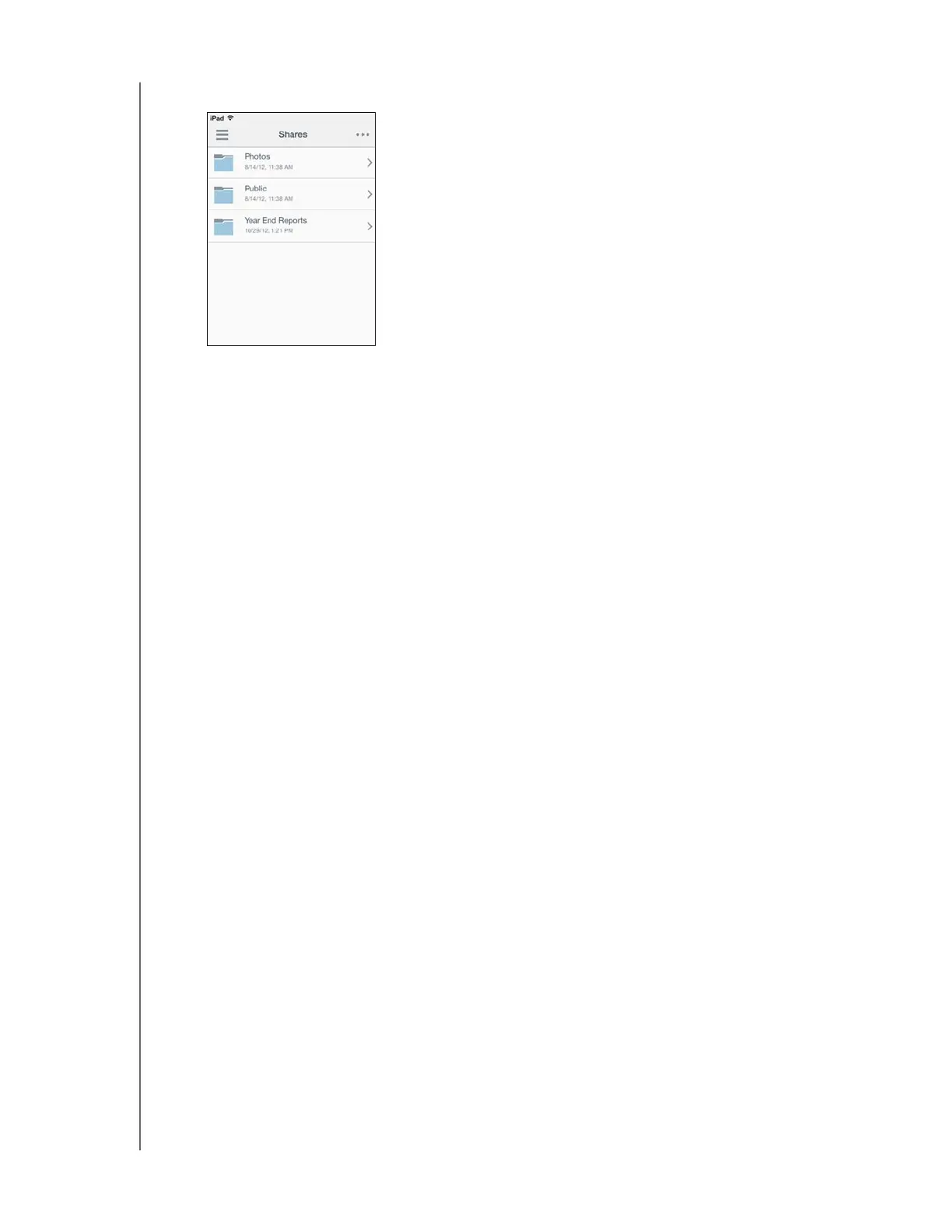
6. Tap your device to display its share(s):
7. Tap a share to display its subfolders.
8. Tap a subfolder to display a list of files.
9. Tap a file to access it.
Note: For more features and instructions, see the app’s online Guide Me page,
Help, FAQs, and tips, or go to http://www.wdcloud.jp/apps.
If you have problems installing the app, go to
http://www.wdcloud.jp/
support
.













 To Next Page