EasyManua.ls Logo

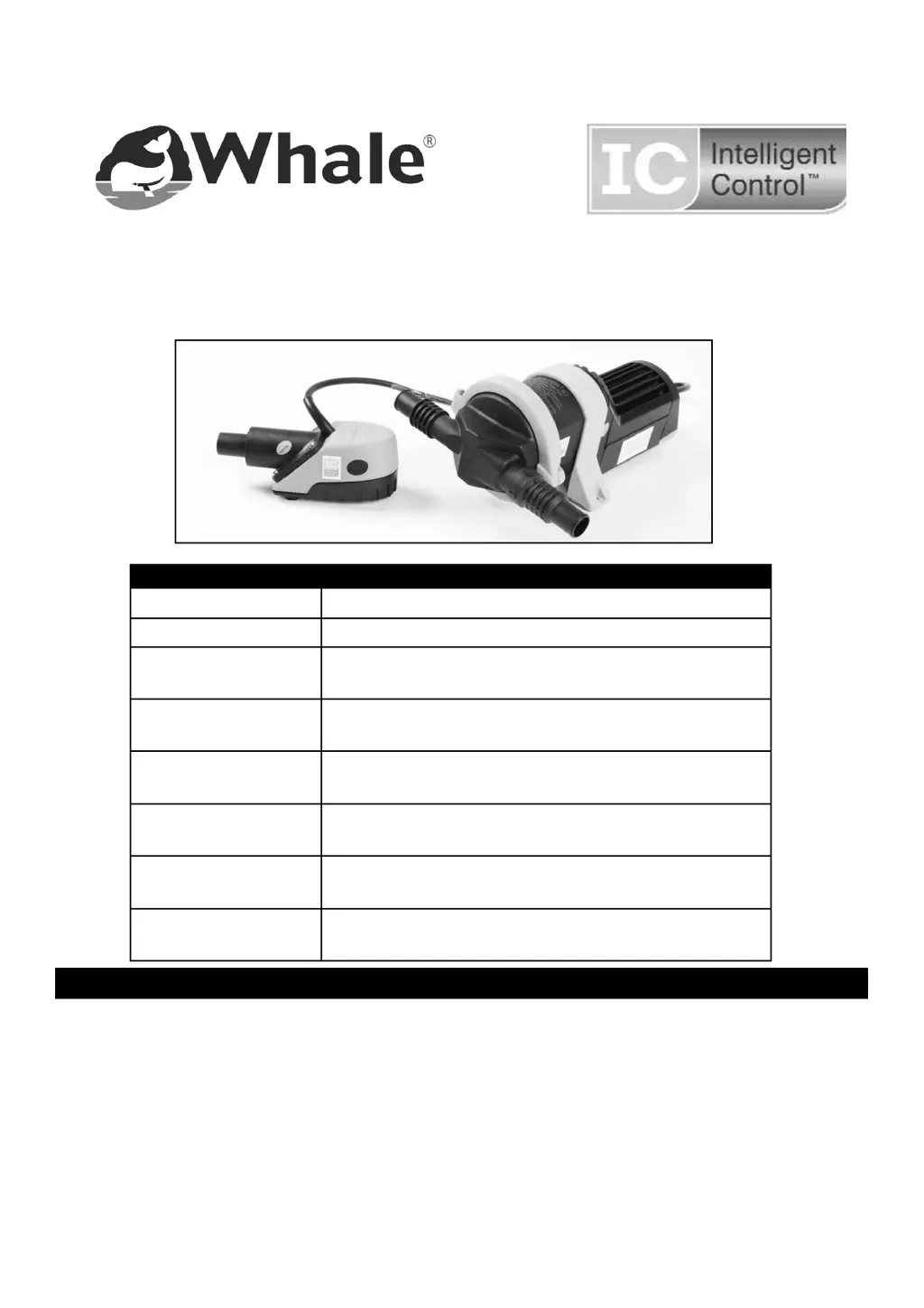
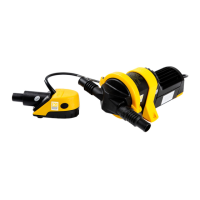
Whale Gulper IC Series - User Manual

Whale Gulper IC Series
13 pages
Print Icon
To Next Page IconTo Next Page
Loading...
INSTALLATION AND OPERATION MANUAL
Whale® Bilge IC Waste Pump Range
Page 2 English
Page 14 French
Page 26 German
Page 38 Italian
Page 50 Spanish
Page 62 Swedish
Page 74 Finnish
Model Number Description
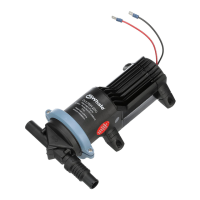
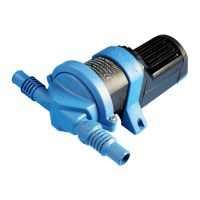
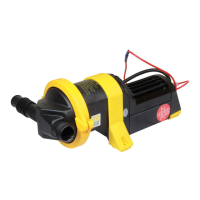
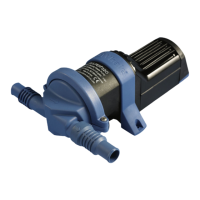
BP2083B Gulper IC - 12 V d.c.
BP2085B Gulper IC - 24 V d.c.
SI8284
Retail Bilge IC - Remote Mounted Bilge Kit
12 V d.c.
SI8484
Retail Bilge IC - Remote Mounted Bilge Kit
24 V d.c.
SI8222B
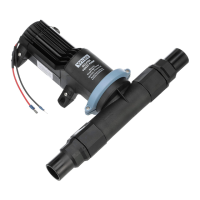
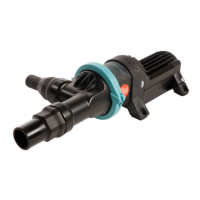
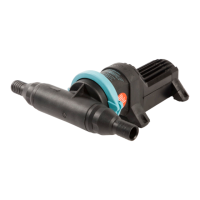
Bulk Strainer IC and Gulper IC-
12 V d.c with 2m (6ft) cable
SI8224B
Bulk Strainer IC and Gulper IC-
12 V d.c with 4m (12ft) cable
SI8422B
Bulk Strainer IC and Gulper IC-
24 V d.c with 2m (6ft) cable
SI8424B
Bulk Strainer IC and Gulper IC-
24 V d.c with 4m (12ft) cable
CONTENTS

Questions and Answers

  • B
    Bonnie BrownAug 9, 2025
    Why my Whale Gulper IC Water Pump fails to turn off when required?
    • H
      harveyelizabethAug 9, 2025
      If your Whale Water Pump isn't turning off when it should, first check the Strainer IC to ensure it's functioning correctly. Then, inspect the grey waste float switch for any debris or defects, and replace the float switch if necessary. Also, make sure the pump is receiving sufficient voltage. Finally, verify that the override switch is turned off.
  • L
    lwashingtonAug 19, 2025
    How to fix low flow in my Whale Gulper IC?
    • A
      Adam PinedaAug 19, 2025
      If you're experiencing low flow with your Whale Water Pump, start by checking the hose connections for any air leaks. Next, turn off the electrics, disconnect the plumbing, and inspect the pump and plumbing for any blockages, removing any debris found. If the pump diaphragm is punctured, replace it using service kit- Part number AK2050. If the electronic control is defective, replace the pump. If it's within the warranty period, contact Whale.
  • Z
    zhangsaraAug 28, 2025
    What to do if my Whale Gulper IC fails to operate?
    • S
      Scott BarberAug 28, 2025
      If the Whale Gulper IC fails to operate, begin by inspecting and cleaning the Strainer IC. Unclip the top cover, clean it, and check for any debris. If needed, carefully remove the lid and clean the inside walls. For more thorough cleaning, you can unscrew the valve housing assembly. Also, make sure the isolator switch is on and working, and verify that the pump is receiving power normally, checking for any corrosion in the electrical connections. Ensure there is 12/24 volts from the battery. Check the in-line fuse and tighten any loose electrical connections, removing any corrosion. If the fuse is blown, check for reverse polarity, closed valves or seacocks, and debris in the pump head. Clean the pump head if necessary, replace the fuse, and then run the pump.

Summary

Typical Installation

Specification

Principles of Operation

Warnings

Installation

Mounting Instructions - Gulper IC

Details on mounting the Gulper IC pump on horizontal or vertical surfaces.

Mounting Instructions - Strainer IC

Guidance for mounting the Strainer IC component with short pipe run lengths.

Electrical Wiring

Instructions for connecting the pump's electrical system, including polarity and wire size.

Plumbing

Instructions for Use

Maintenance

Troubleshooting

Whale Gulper IC Series Specifications

General IconGeneral
BrandWhale
ModelGulper IC Series
CategoryWater Pump
LanguageEnglish

Related product manuals