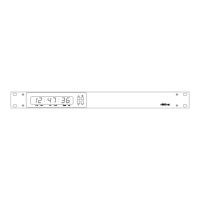
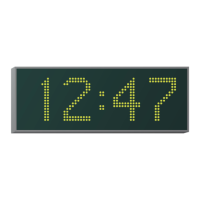
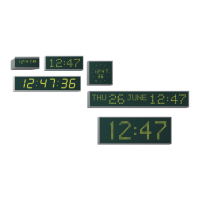
4850 / 4860 Master Clock
Operating and Installation Instructions
Issue 2.0
elbaTsutatSnoitasinorhcnySPTN
yalpsiD
edoC
00gnisilaitinIgnisilaitinI
gnisilaitinI
gnisilaitinIgnisilaitinI
.gnisilaitinisitroptenrehtEehT
10rorrErorrE
rorrE
rorrErorrE
.rorrecificeps-nonasierehT
20eruliafnoissimsnarTeruliafnoissimsnarT
eruliafnoissimsnarT
eruliafnoissimsnarTeruliafnoissimsnarT
ehtotatadtimsnartotelbanusitneilcten0684ehT
.revreSemiTPTN
30eruliafevieceReruliafevieceR
eruliafevieceR
eruliafevieceReruliafevieceR
ehtmorfatadgniviecertonsitneilcten0684ehT
.revreSemiTPTN
40rorreevieceRrorreevieceR
rorreevieceR
rorreevieceRrorreevieceR
morfatadelbailernugniviecersitneilcten0684ehT
.revreSemiTPTNeht
50desinorhcnySdesinorhcnyS
desinorhcnyS
desinorhcnySdesinorhcnyS
emiTPTNehtotdesinorhcnyssitneilcten0684ehT
.revreS
60rorreecnereffidemiTrorreecnereffidemiT
rorreecnereffidemiT
rorreecnereffidemiTrorreecnereffidemiT
noitamrofniPTNdeviecersahtneilcten0684ehT
ehtneewtebecnereffidemitehtsetacidnitaht
03-/+>sirevresehtdna0684ehtnoemit
.noitamrofnisihttcejerlliw0684ehT.setunim
D-2
Synchronisation Status Display
When in normal time display mode the plus and minus buttons
can be used to cycle through the date, synchronisation and
temperature status displays, as detailed on page 2-5.
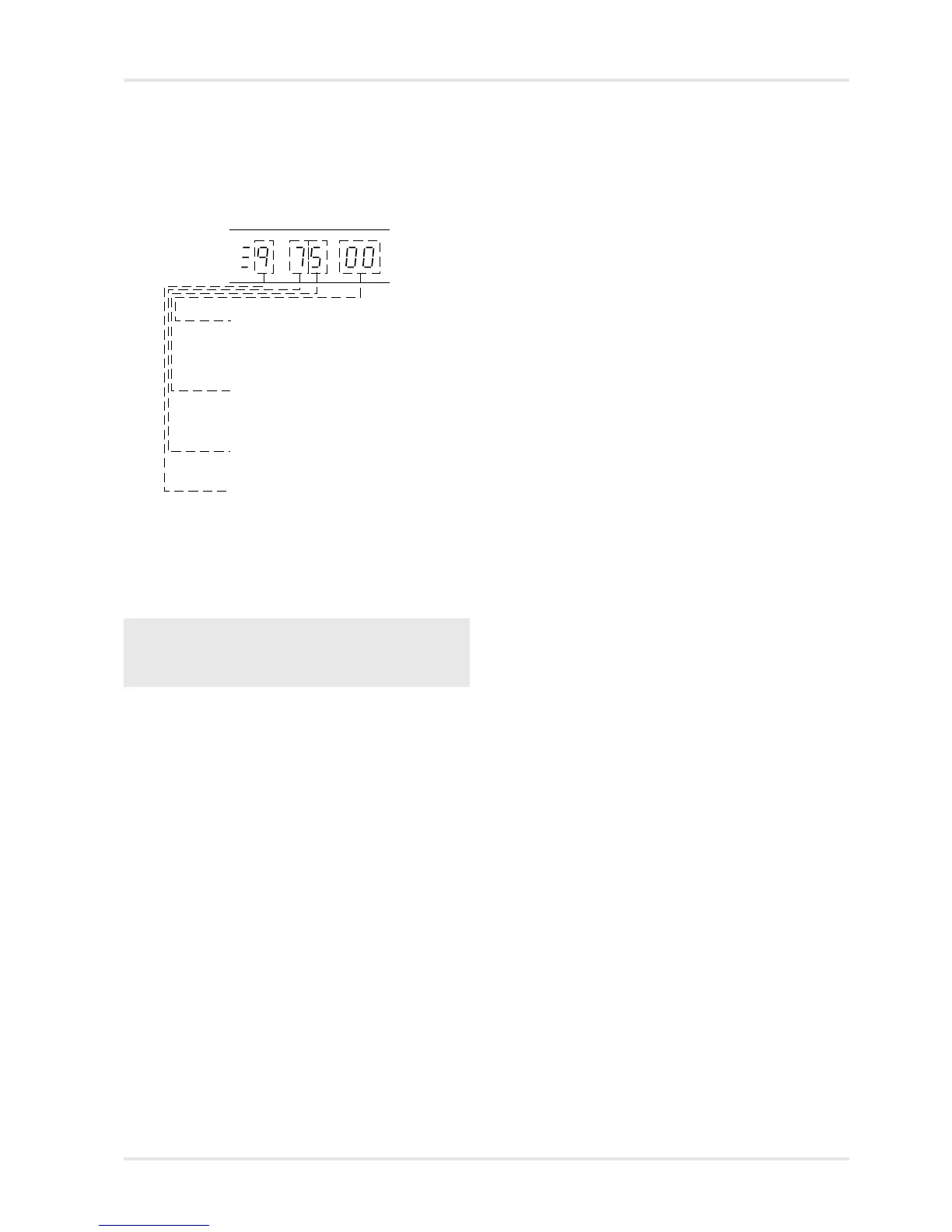
However, when NTP is selected as the synchronisation source,
the synchronisation status display operates as detailed below
NTP Synchronisation status - please
refer to the table below for further
information.
Indicates the number of valid time
messages received. Incremented for
every good message decremented for
every corrupt message. (Range 0-F)
The number of minutes before the 4860
declares that it has lost lock to the input
signal. (Range 0-F)
The synchronisation lockout counter, the
number of minutes of valid, but
different time messages required
before the 4860 will synchronise to the
new time. (Range 0 - 9)



 To Next Page