www.whiskersuppo.com
13
If you are using a lier alternative not listed here, please contact Customer Experience to
make sure you are using a compatible lier.
Tip: When lling the Lier-Robot for the rst time, it is best to continue using the brand of
lier you were using previously—as long as it is a clumping type of lier. Your cat will need
to adjust to the new lier box, and introducing a new lier at the same time may increase
their anxiety. However, if you are currently using a non-clumping lier, you will need to
switch to a clumping type.
Power and Initial Clean Cycle
Plug the small end of the Power Supply into the power input at the back of the Base.Then
plug the AC/DC adapter into a wall outlet.
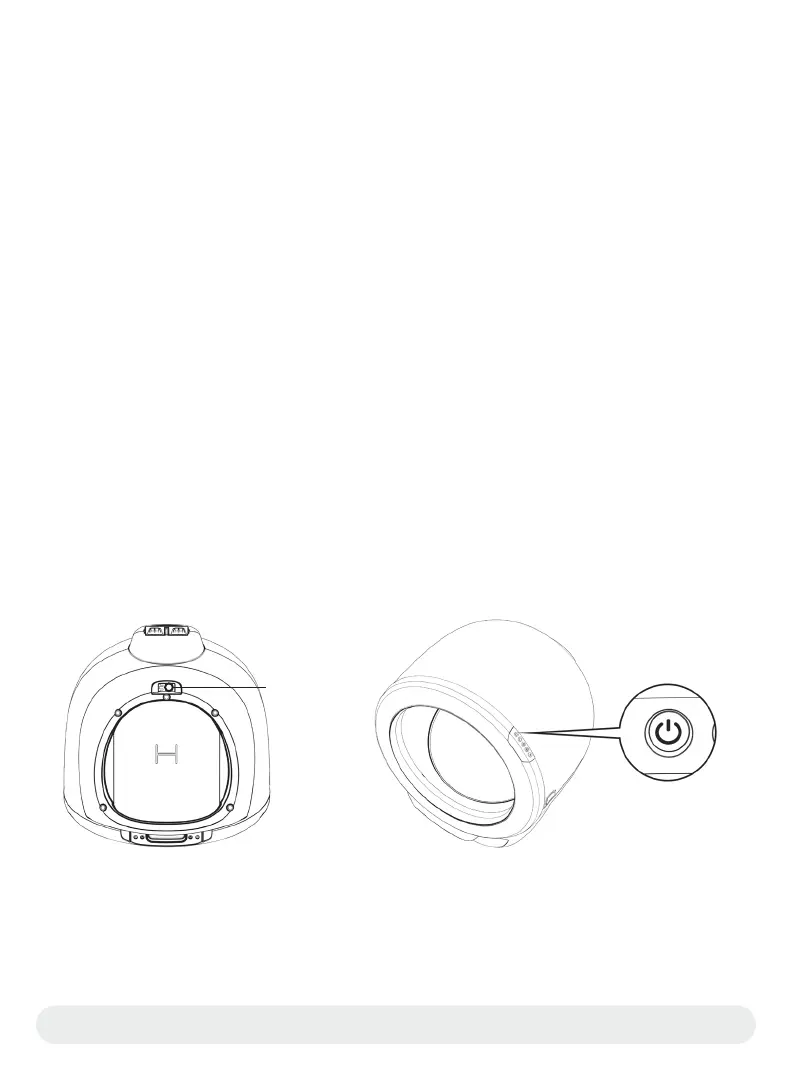
Locate and press the Power buon. The Lier-Robot will peorm an initial Clean cycle that
will last 2 minutes. Learn more about the Clean cycle on page 16.
Note: The Cat Sensor Weight Scale is disabled on the initial Clean cycle during power up
to ensure that the Weight Sensors are properly zeroed once the Globe reaches the
Home position.
Litter
Fill line
Power Inlet
Congratulations!
Your Lier-Robot is now ready to use; however, we recommend powering the unit o until
your cat(s) become familiar with and begin using the Lier-Robot.
Power Buon


 To Next Page
 Loading...


