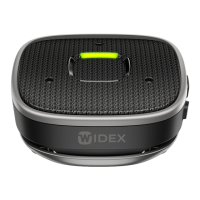
in-use light indicator is solid green. The direction will be locked regardless
of device orientation. Press and hold the push-button again to unlock the
listening direction.
Muting the microphones
In all remote microphone scenarios, the microphones can be muted and
unmuted by briefly pressing the push-button (1.4).
Bluetooth streaming features
In Bluetooth mode, the Sound Assist can be used for handsfree phone
calls and audio streaming from a connected Bluetooth device to your
hearing aid (illustration 3).
Handsfree phone calls
The Sound Assist will allow you to accept, decline and end phone calls and
the built-in microphones (1.3) will pick up your voice during a call.
Incoming calls
Answer Press push-button (1.4) briefly and speak into Sound As-
sist's microphone (1.3).
End Press push-button (1.4) briefly.
Reject Press and hold push-button (1.4) for 2 seconds.
14


 To Next Page
 Loading...