Kunststoffschweißtechnik
Operating and indicating elements Chapter 4
30.06.11 Working Instructions WIDOS 5100 Page 18 of 45
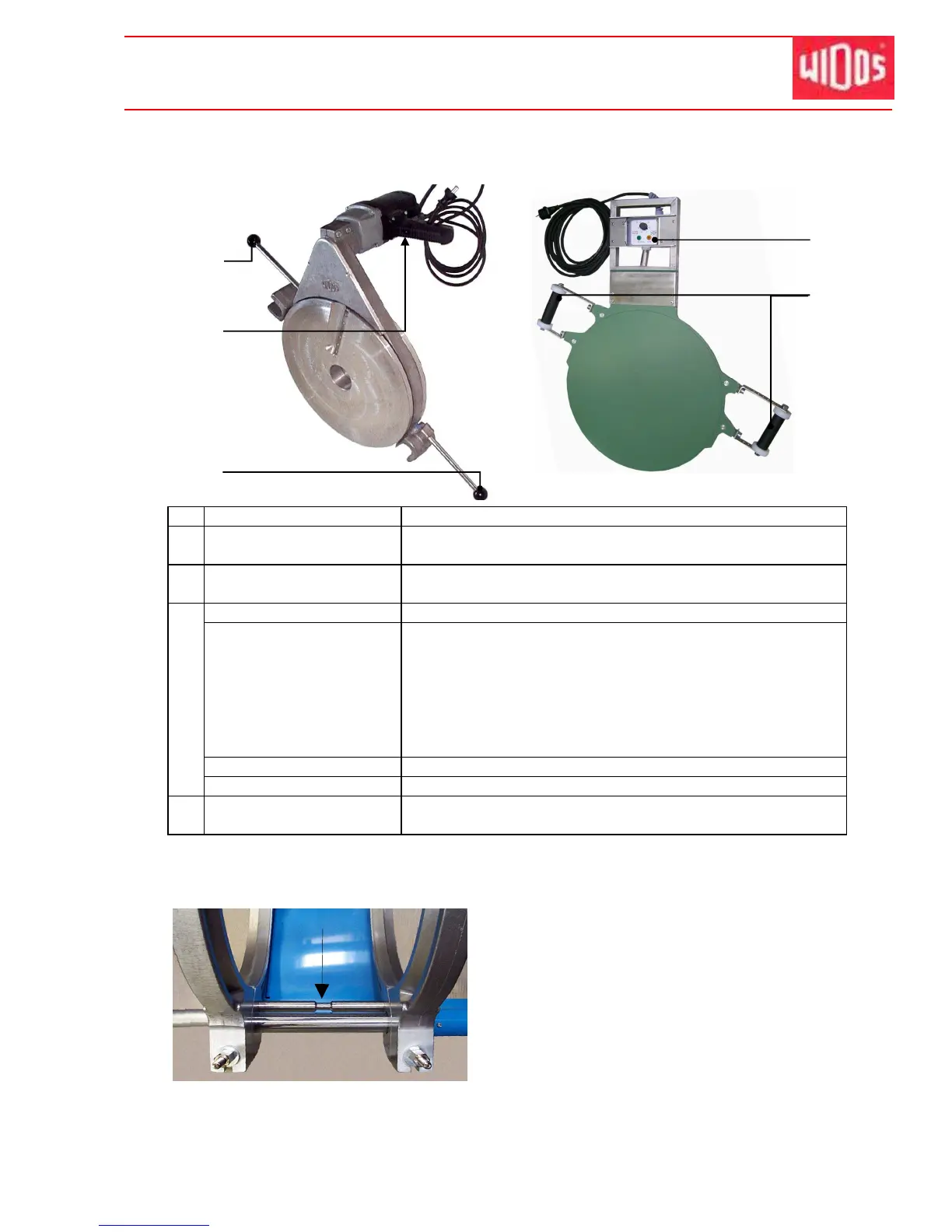
4.2. Elements at heating element and planer
No.
Denomination Function
14 Switch on / off for planer - Switching on the planer at the switch and the fixing knob
- The planer has to be switched off before and after use
15 Handle - For lifting the planer in the machine or in the protective
box
Control
Control lamp red - There are 3 statuses:
• off: heating element is not heating up or is
cooling at the moment
• blinking: temperature of heating element is
kept. (reached by a pulse-position ratio)
• on: heating element is heating up at the
moment. Desired temperature is not yet reached
Control lamp green - Indication for mains connection
16
Control knob - Temperature control of heating element
17 Handle - For lifting the heating element in the machine or in the
protective box
4.3. Separating device for heating element
There is a tear-off bar mounted between the
movable and the fixed clamping shells on the
basic machine. It prevents the heating
element from sticking to the heated-up pipe
ends.
When inserting the heating element take care
that it lies in the zone of the throat of the tear-
off bar (see arrow).



 To Next Page